
Google is officially sunsetting Jamboard in late 2024, prompting many teams to search for a new digital whiteboard. For years, Jamboard served as a simple, accessible entry point for virtual collaboration. Its integration with Google Workspace made it a default choice for quick brainstorming sessions and basic visual planning. However, for teams running complex workshops or managing detailed projects, its limitations often became a bottleneck. The limited canvas size, basic feature set, and lack of advanced facilitation tools meant many were already outgrowing it.
This transition isn't just about replacing a tool; it's an opportunity to upgrade your team's entire collaborative workflow. The decision to move beyond Jamboard echoes a broader trend where platforms are frequently retired, making it essential for teams to plan for such transitions, as explored in articles about discontinued software. The modern digital whiteboard market is filled with powerful alternatives to Jamboard that offer specialized features for nearly any use case.
This guide provides a comprehensive breakdown of the best Jamboard alternatives available today. We'll move beyond marketing copy to give you a clear, practical look at each platform's real-world strengths and weaknesses. You will find detailed comparisons, screenshots, and direct links to help you evaluate which tool is the right fit for your specific needs, whether you're facilitating a large-scale innovation workshop, conducting asynchronous brainstorming, or mapping out a new product. Our goal is to help you find a new digital home for your team's ideas, one that not only replaces Jamboard but enhances how you collaborate.
1. Bulby
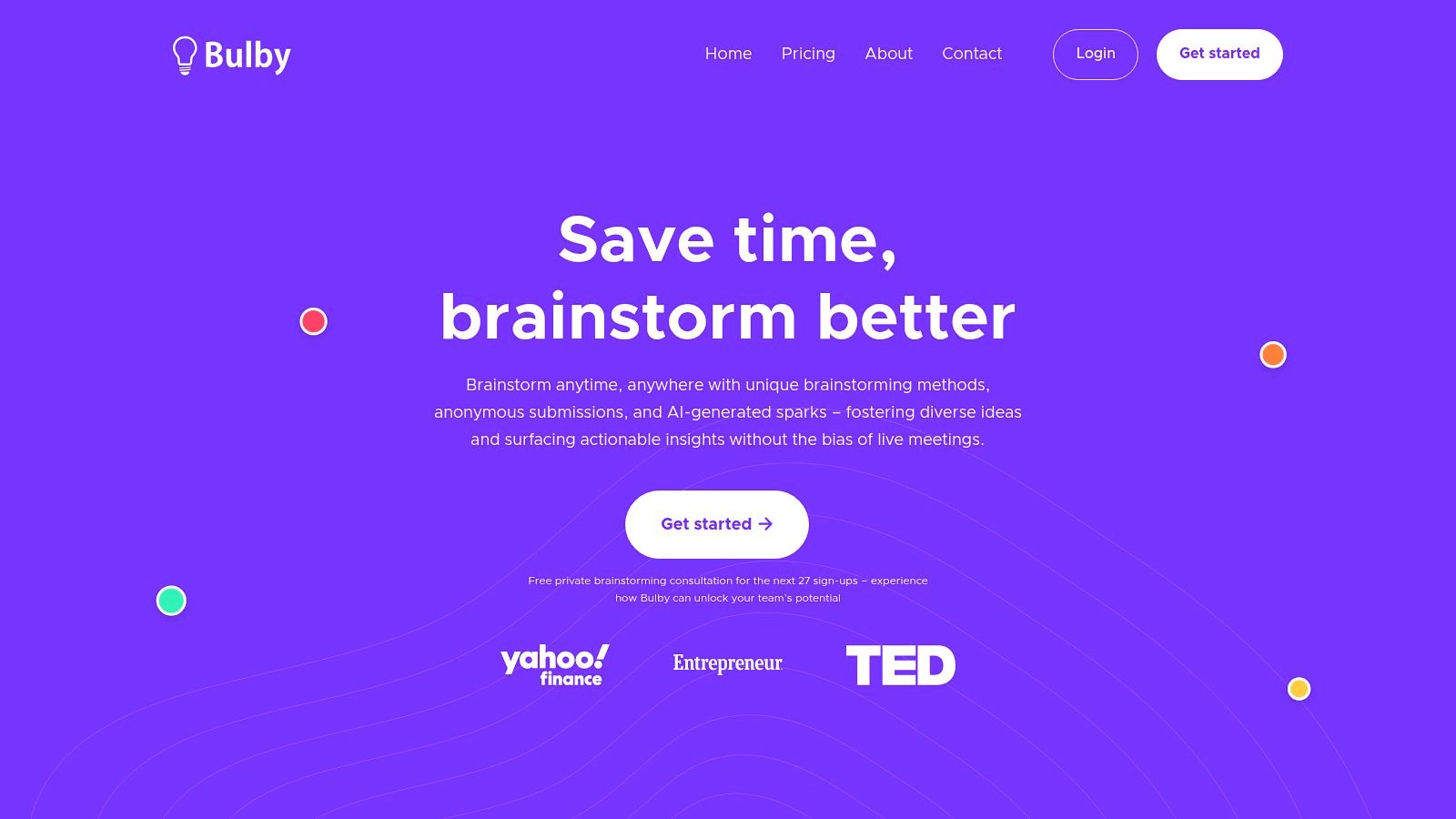
Bulby distinguishes itself as a premier Jamboard alternative by focusing on a structured, AI-driven process designed to overcome common brainstorming pitfalls like groupthink and unequal participation. Instead of a freeform digital canvas, it guides teams through a research-backed, 6-step brainwriting flow. This methodical approach ensures that even the quietest team members' ideas are surfaced and fairly considered.
Its core strength lies in its purpose-built design for remote and distributed teams. Features like anonymous idea submission and randomized creative prompts foster psychological safety, encouraging participants to share novel or unconventional thoughts without fear of immediate judgment. Bulby's methodology is particularly effective for teams seeking to move beyond chaotic, unstructured brainstorming sessions toward a repeatable, outcome-focused system.
Key Features and Use Cases
Bulby’s feature set is built to guide users from initial ideation to a concrete action plan, making it an excellent tool for product teams, innovation leaders, and creative agencies.
- AI-Generated Sparks & Summaries: The platform uses AI not just to prompt new ideas but also to automatically collect, synthesize, and surface the strongest concepts. The final output is an AI-generated report with clear, actionable next steps, significantly reducing the manual work required to process session outcomes.
- Structured Brainwriting Flow: Unlike the open-ended nature of Jamboard, Bulby’s guided process is rooted in creative cognition research. It helps teams build on each other's ideas constructively. To understand the principles behind this approach, you can explore various virtual brainstorming techniques.
- Designed for Asynchronous & Hybrid Work: Its simple, link-based invitation system and guided workflow make it equally effective for live, facilitated sessions and solo, asynchronous contributions. This flexibility is a major advantage for teams spread across different time zones.
Pricing and Onboarding
Bulby offers a 14-day free trial, allowing teams to fully evaluate its structured process. However, specific pricing for team and enterprise plans is not listed publicly; you must contact their sales team for a quote. As a special promotion, Bulby is currently offering a limited number of free private brainstorming consultations for new sign-ups, providing a valuable, hands-on onboarding experience.
- Website: https://www.bulby.com
- Best for: Remote product teams, innovation leaders, and facilitators who need a structured, bias-reducing process for converting ideas into actionable outcomes.
2. Miro
Miro is a powerhouse in the visual collaboration space and a top-tier alternative to Jamboard, especially for teams needing more depth and structure. Where Jamboard keeps things simple, Miro offers an infinite canvas packed with advanced features for complex projects like agile ceremonies, system diagramming, and multi-day workshops. It’s designed to be the central hub for team brainstorming and strategic planning, not just a quick annotation tool.
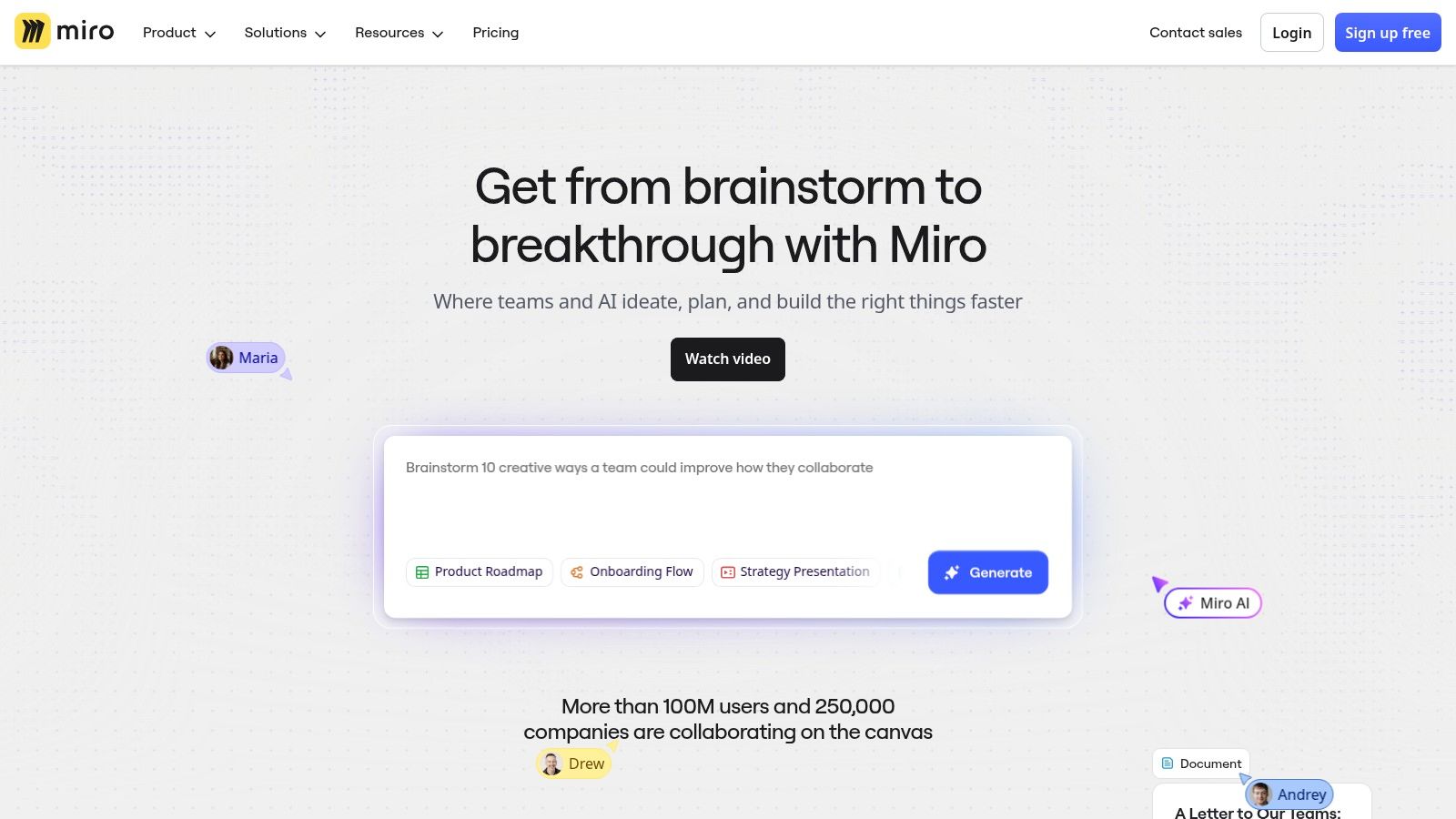
The platform truly shines in its facilitation capabilities and extensive template library. With tools like a timer, voting, and private mode, facilitators can run engaging and organized sessions with large groups. For product and engineering teams, its deep integrations with tools like Jira, Azure DevOps, and Slack make it an indispensable part of their workflow. Miro is one of the essential remote product development tools for visualizing roadmaps and user flows.
Key Details & Pricing
- Best For: Structured workshops, agile rituals, product discovery, and enterprise-level collaboration.
- Unique Feature: An ecosystem of over 3,600 templates and diagramming shape packs (BPMN, UML, ERD).
- Pros: Scales exceptionally well, robust facilitation tools, extensive integration support.
- Cons: The sheer number of features can overwhelm new users looking for simple whiteboarding.
- Pricing: Offers a free plan with 3 editable boards. Paid plans start at $8 per member/month (billed annually) for more features and unlimited boards.
Website: https://miro.com
3. Microsoft Whiteboard
For organizations deeply embedded in the Microsoft 365 ecosystem, Microsoft Whiteboard is a seamless and powerful alternative to Jamboard. Its core strength lies in its native integration with Microsoft Teams, OneDrive, and Office apps, making it an incredibly convenient choice for teams that already live in that environment. Unlike standalone tools, it leverages existing user accounts and permissions, which simplifies security and user management for IT departments.
The platform is more than just a digital canvas; it’s an extension of the Microsoft suite. Boards are automatically saved to OneDrive for Business, ensuring they are secure and easy to find later. Features like Copilot assistance for brainstorming and summarizing, plus over 60 pre-built templates, help teams get started quickly. The ability to embed Loop components means that content created on a whiteboard can sync and stay live across Outlook, Teams, and Word, making it one of the most integrated collaboration tools for remote teams.
Key Details & Pricing
- Best For: Companies standardized on Microsoft 365, internal team meetings, and educational institutions.
- Unique Feature: Native integration with Microsoft Teams for in-meeting collaboration and Copilot AI for generating and organizing ideas.
- Pros: No additional cost for most Microsoft 365 subscribers, seamless user experience within the ecosystem, strong security and compliance features.
- Cons: Collaboration with users outside the organization can be clunky, and the experience is less robust without a Microsoft 365 subscription.
- Pricing: Included with most Microsoft 365 Business and Education plans. A free version with basic features is available with a Microsoft account.
Website: https://www.microsoft.com/microsoft-365/microsoft-whiteboard/digital-whiteboard-app
4. Mural
Mural is a direct and powerful competitor to Jamboard, specifically designed for enterprise-level visual collaboration and facilitated workshops. While Jamboard excels at simplicity, Mural provides a structured and secure environment for guiding large teams through complex creative processes. It focuses heavily on the facilitator's experience, offering a suite of tools to manage participation, keep sessions on track, and ensure outcomes are captured effectively.
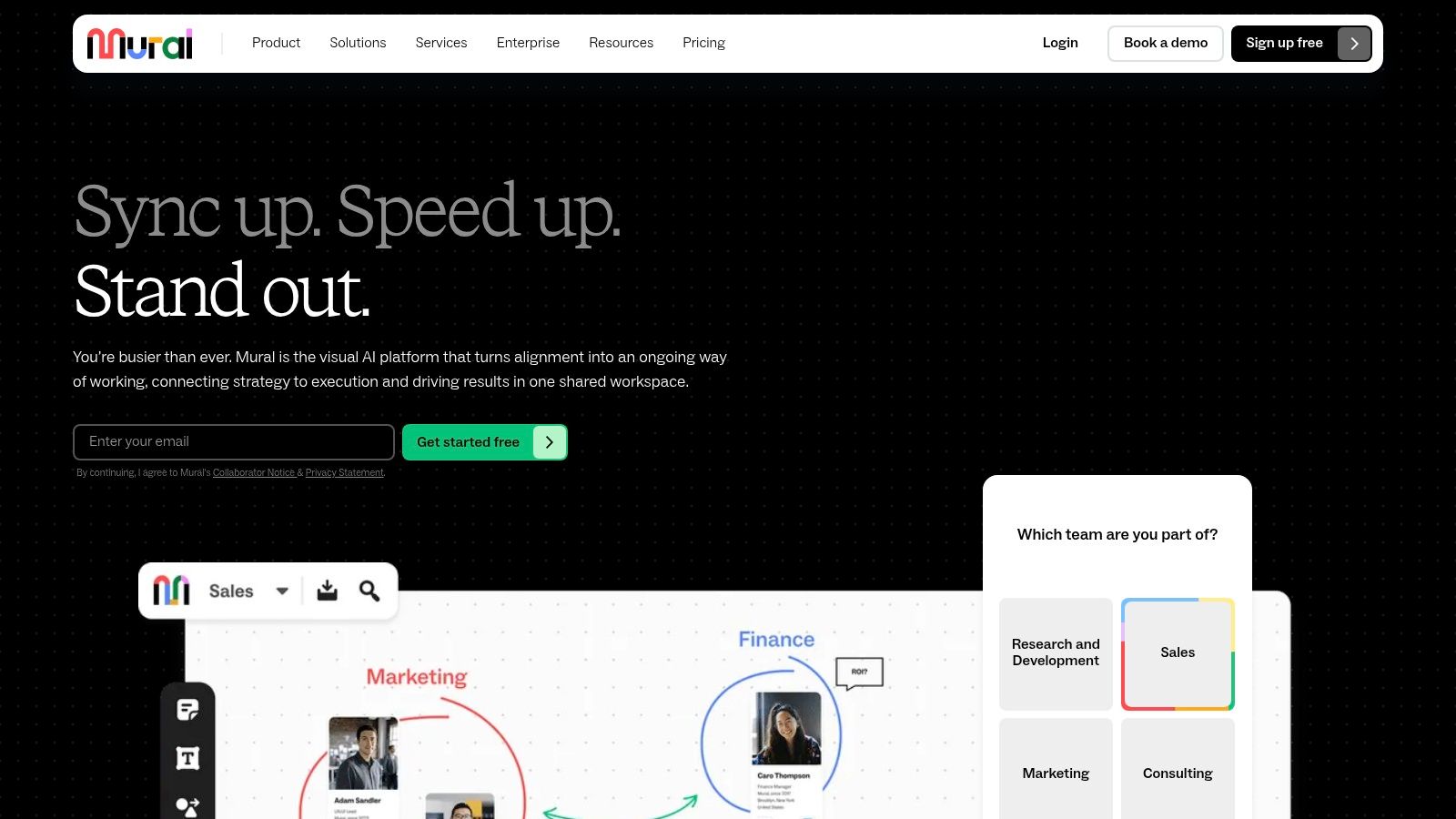
The platform’s strength lies in its thoughtful facilitation features and clear member-versus-guest model. Facilitators can summon participants, lock content, and use private mode to enable individual brainstorming before a group share-out. With its strong administrative controls and security features like SSO, Mural is built for organizations that need to scale collaborative practices securely. These capabilities make it a top choice for anyone serious about online workshop facilitation.
Key Details & Pricing
- Best For: Large-scale facilitated workshops, enterprise design thinking sessions, and corporate training programs.
- Unique Feature: Facilitator Superpowers® toolkit which includes a timer, voting, laser pointer, and summoning participants.
- Pros: Excellent facilitation UX for large groups, clear guest model for external collaborators, strong security and admin controls.
- Cons: Advanced features are locked behind higher-tier Business plans, fewer technical diagramming shapes compared to competitors like Miro.
- Pricing: Offers a free plan with 3 murals. Paid plans start at $9.99 per member/month (billed annually), which includes unlimited murals.
Website: https://www.mural.co
5. Lucidspark
Lucidspark is the virtual whiteboard component of the Lucid Visual Collaboration Suite, making it a powerful alternative to Jamboard for teams that need to turn brainstorming sessions into actionable plans. Its core strength lies in its ability to bridge the gap between freeform ideation and structured documentation. Where a simple tool might stop at sticky notes, Lucidspark provides a clear pathway to formal diagrams, flowcharts, and project plans, especially when paired with its sibling product, Lucidchart.
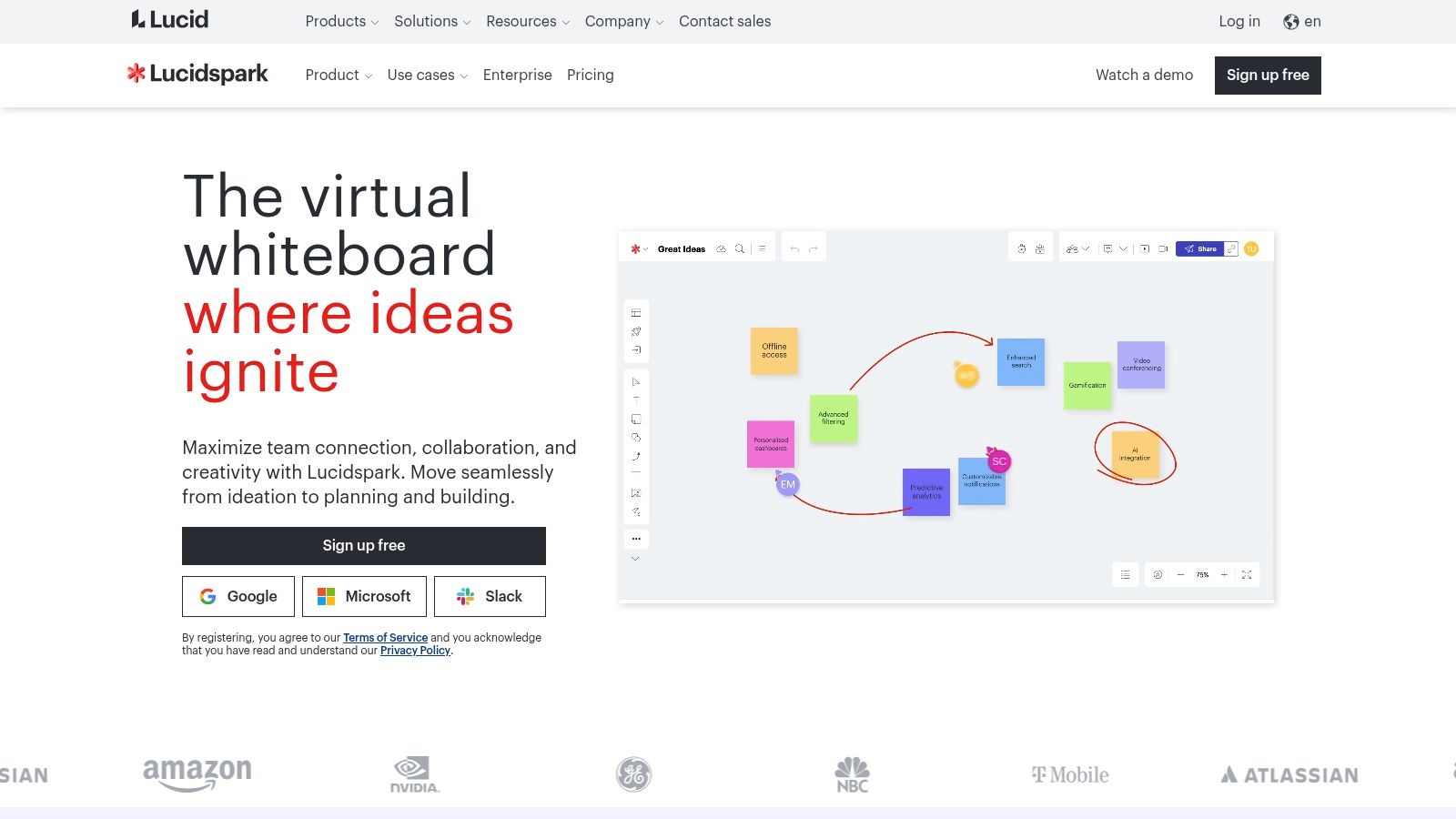
The platform is built for structured ideation with features like breakout boards and "Visual Activities" that guide teams through specific exercises. This makes it one of the better online brainstorming tools for facilitators who want to run organized, outcome-driven workshops. The deep integration with Lucidchart is its defining feature, allowing users to seamlessly convert messy mind maps into polished process diagrams without leaving the ecosystem. Integrations with Google Workspace, Asana, and Jira further help connect initial ideas to project execution.
Key Details & Pricing
- Best For: Teams using the Lucid Suite, structured brainstorming, and turning ideation into formal diagrams.
- Unique Feature: The "Sort" and "Gather" tools automatically organize sticky notes by color, tag, or reaction, turning chaos into categories in one click.
- Pros: Excellent for moving from brainstorming to diagramming, competitive entry-level pricing, and strong facilitation tools.
- Cons: Its full potential is best realized when used with Lucidchart, which may require a larger subscription.
- Pricing: Offers a free plan with 3 editable boards. Paid plans start at $7.95 per user/month for individuals, with team plans offering more features.
Website: https://lucid.co/lucidspark
6. FigJam (by Figma)
FigJam is Figma's answer to the online whiteboard, offering a playful and intuitive experience that feels like a natural extension of its core design platform. As one of the best alternatives to Jamboard for design-adjacent teams, it excels at bridging the gap between freeform brainstorming and structured design work. It swaps Jamboard’s utilitarian feel for a fun, engaging interface with stamps, emotes, and widgets that encourage participation.
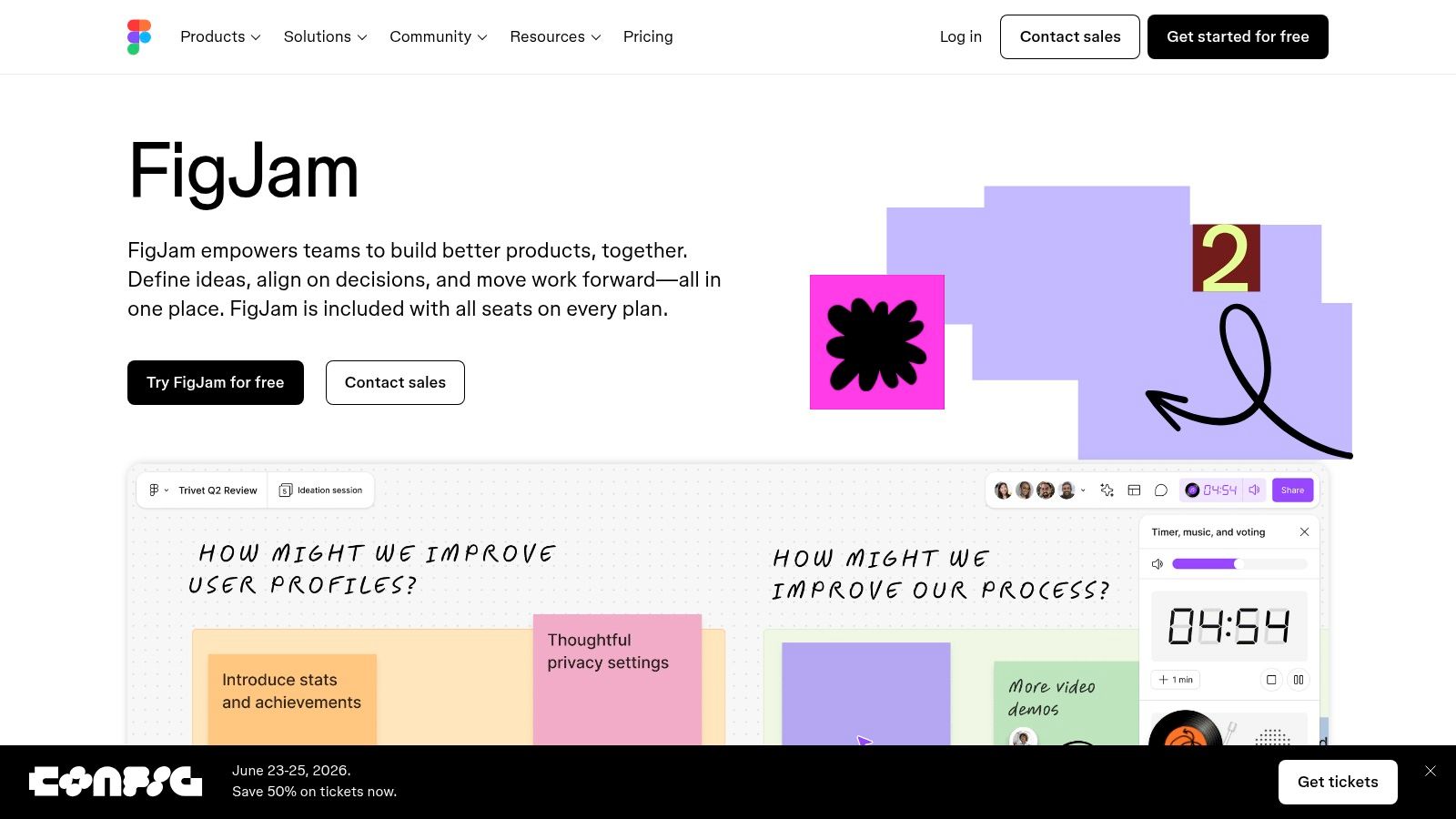
The platform’s greatest strength is its seamless integration with Figma Design. Teams can easily move ideas, diagrams, and low-fidelity wireframes from a FigJam board directly into a Figma design file, creating a unified and efficient workflow. This removes the friction typically found when transitioning from ideation to production. Its component-like system for creating reusable templates and assets makes it highly efficient for recurring sessions like retrospectives and design sprints.
Key Details & Pricing
- Best For: Product and design teams, user flow mapping, design critiques, and workshops within the Figma ecosystem.
- Unique Feature: Tight, bi-directional integration with Figma Design files, allowing for a seamless ideation-to-design workflow.
- Pros: Low-friction collaboration with a delightful UX, excellent for teams already invested in Figma, strong diagramming and voting tools.
- Cons: The experience is best when tied to the broader Figma platform; upcoming admin and billing changes may affect pricing for some teams.
- Pricing: Offers a generous free plan with 3 FigJam files. Paid Figma plans, which include more FigJam features, start at $12 per editor/month (billed annually).
Website: https://www.figma.com/figjam
7. Canva Whiteboards
Canva Whiteboards brings the simplicity and vast asset library of Canva’s design platform into the brainstorming space, making it a strong contender among alternatives to Jamboard. It’s ideal for teams already using Canva for presentations, social media graphics, or marketing materials. Instead of starting from scratch, users can seamlessly integrate existing designs, tap into millions of stock photos, icons, and illustrations, or use AI-powered "Magic" features to generate ideas and content directly on the infinite canvas.
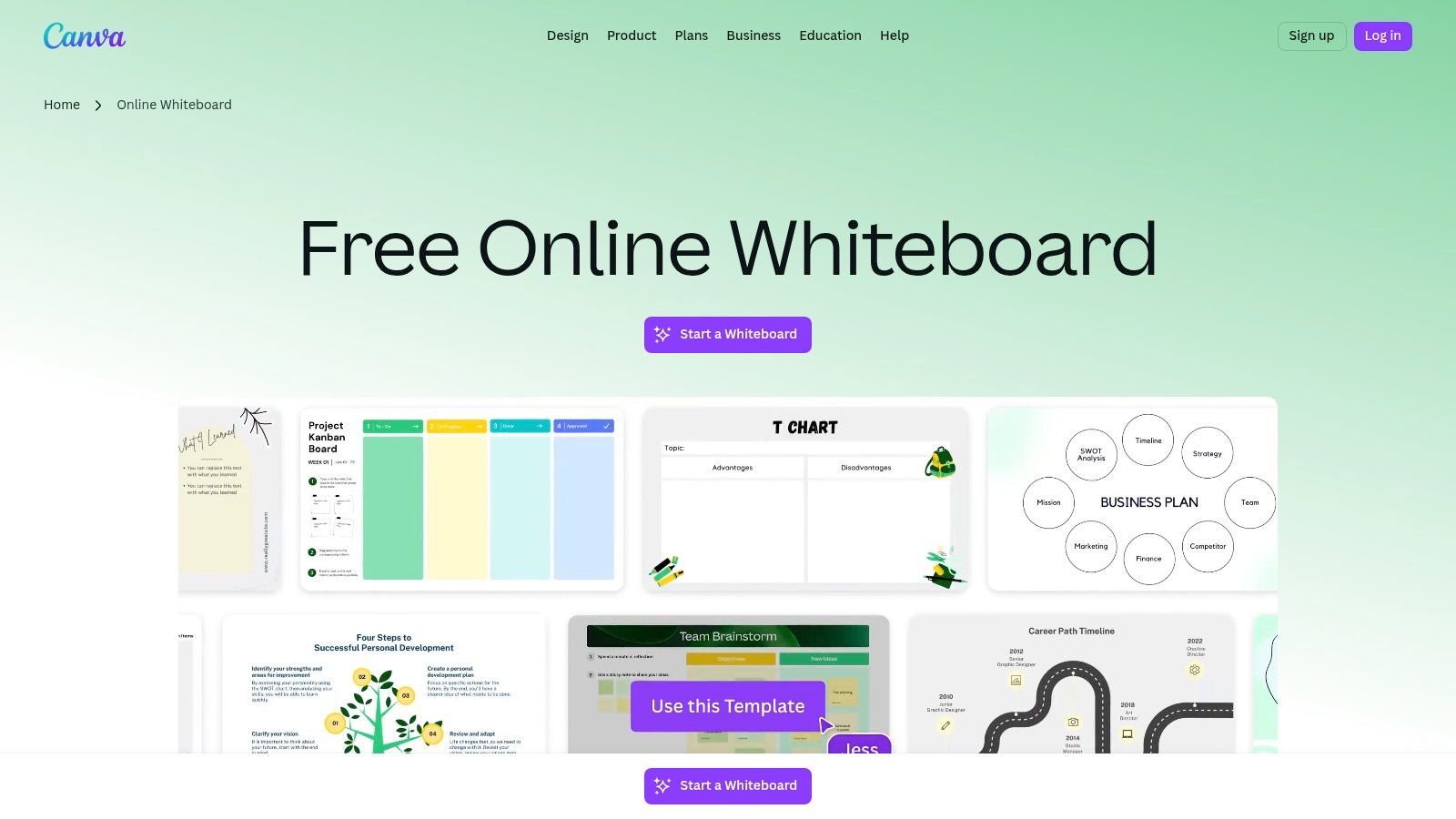
The platform excels at creating visually rich mind maps, mood boards, and flowcharts without the steep learning curve of more complex tools. A standout feature is the ability to expand any Canva presentation into a collaborative whiteboard, allowing for dynamic, interactive breakout sessions during a meeting. This unique workflow makes it perfect for marketing teams, educators, and anyone who needs to blend structured presentation with freeform brainstorming in a single, unified environment.
Key Details & Pricing
- Best For: Marketing teams, educators, and individuals needing to create visually polished brainstorms and mood boards.
- Unique Feature: Integration with Canva’s massive media library and AI "Magic" tools, plus the ability to convert presentations into whiteboards.
- Pros: Very low learning curve for existing Canva users, huge library of free creative assets, excellent for visually-driven projects.
- Cons: Performance can lag on very large or complex boards with heavy use of inking; not as feature-rich for technical diagramming.
- Pricing: A generous free plan is available. Canva Pro starts at $14.99 per person/month ($119.99/year) and Canva for Teams is $29.99/month for the first 5 people.
Website: https://www.canva.com/whiteboards
8. Conceptboard
Conceptboard is an excellent alternative to Jamboard for organizations where data security, compliance, and privacy are paramount. Hosted in Germany, it's designed from the ground up to meet stringent regulations like GDPR. This focus makes it a go-to choice for companies in regulated sectors such as finance, healthcare, and government that require more than just standard cloud security, offering options for on-premise or dedicated single-tenant hosting.
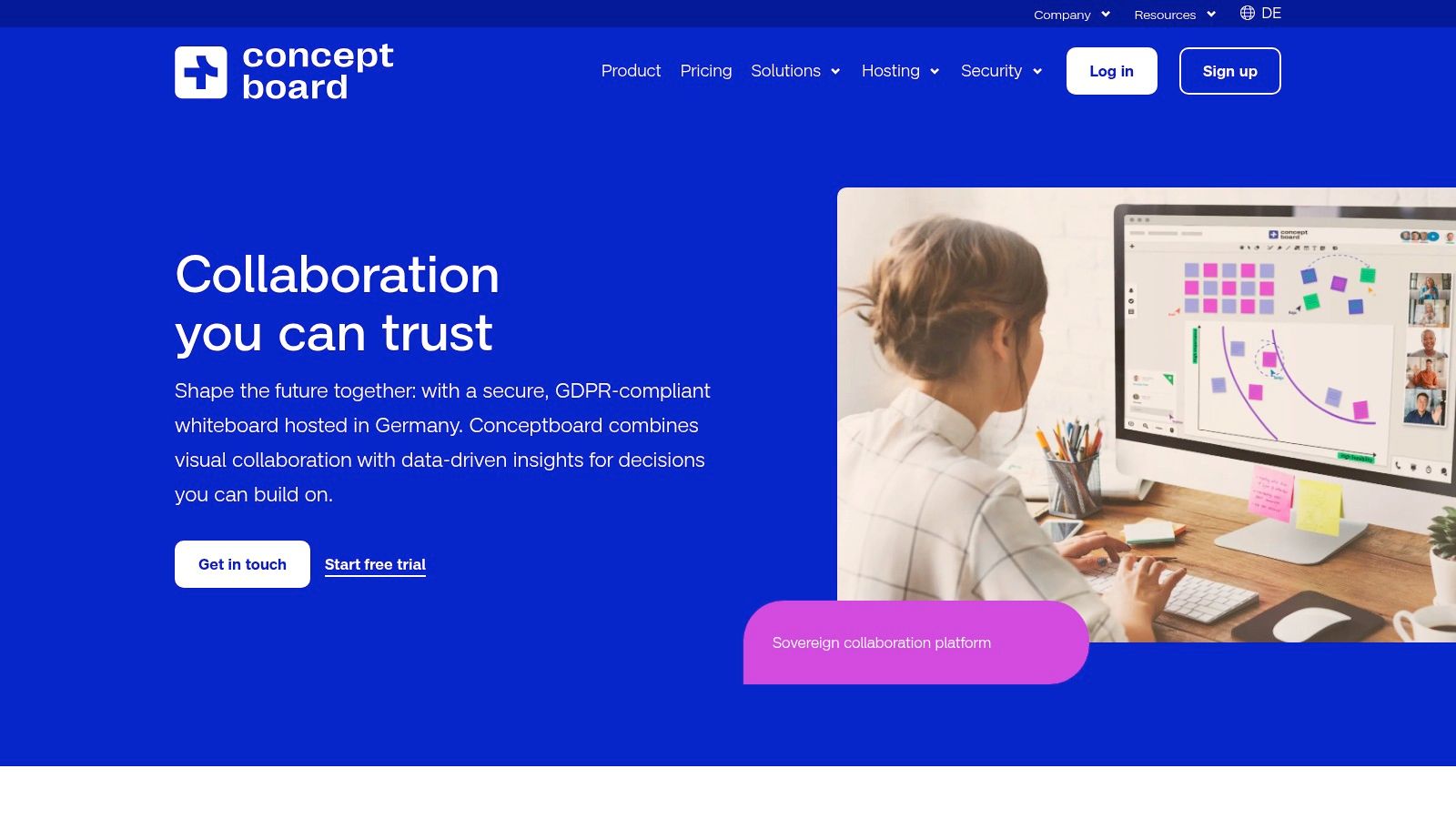
Where it truly distinguishes itself is through its enterprise-grade administrative and workflow controls. Features like board approvals, a comprehensive version history, and detailed audit logs provide the oversight needed for high-stakes projects. While it provides a familiar infinite canvas for brainstorming and visual collaboration, its strength lies in creating a secure, auditable environment for teamwork, which simpler tools often lack. It balances creative freedom with the structure and control required for corporate governance.
Key Details & Pricing
- Best For: Regulated industries, enterprise teams, and organizations needing strong GDPR compliance or on-premise hosting.
- Unique Feature: Offers on-premise and dedicated single-tenant hosting options, plus robust security certifications (GDPR, ISO 27001).
- Pros: Strong security and data residency choices, clear admin controls, and workflow features suitable for formal processes.
- Cons: The integration ecosystem is smaller compared to larger competitors, and pricing is displayed in EUR, requiring confirmation for USD billing.
- Pricing: Offers a free plan with unlimited boards for a single user. Paid team plans start at €6.00 per member/month (billed annually) for more advanced features.
Website: https://conceptboard.com
9. Zoom Whiteboard
For teams deeply embedded in the Zoom ecosystem, Zoom Whiteboard is one of the most convenient alternatives to Jamboard. Its core advantage is seamless integration directly within Zoom Meetings, allowing for real-time collaboration without needing to switch apps or share screens from another tool. It provides a persistent, infinite canvas that lives on beyond the call, accessible anytime through the Zoom app.
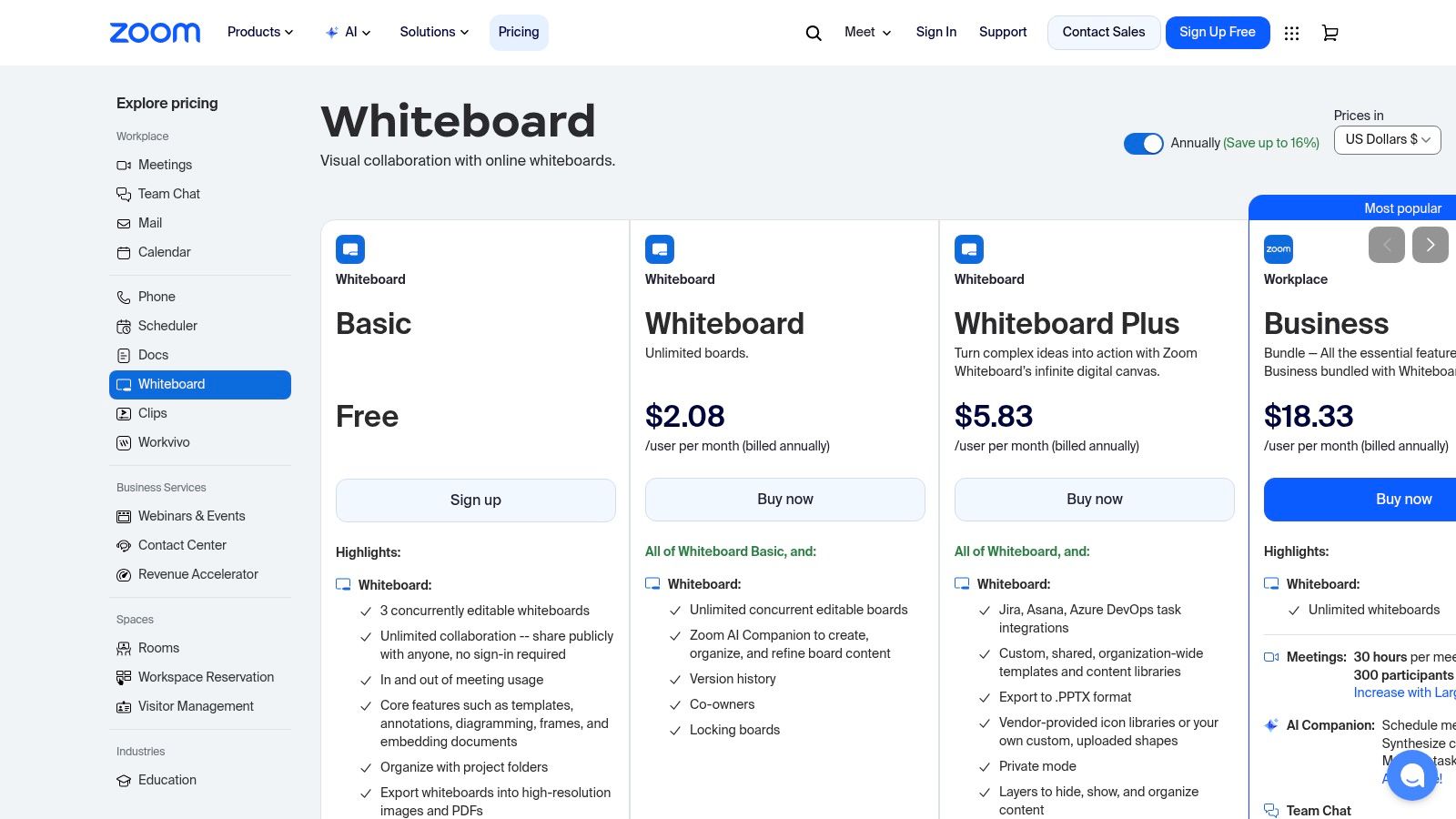
While not as feature-rich as dedicated platforms like Miro, it covers the essentials well with sticky notes, shapes, connectors, and a library of templates for common use cases like flowcharts and brainstorming sessions. The ability to launch a collaborative board with a single click during a meeting removes significant friction, making it ideal for spontaneous ideation or quick visual explanations. It works across the Zoom desktop app, web client, and supported hardware in Zoom Rooms.
Key Details & Pricing
- Best For: Teams already using Zoom daily for meetings who need a quick, integrated whiteboarding solution.
- Unique Feature: Its native, persistent integration within the Zoom platform, allowing whiteboards to be created and accessed in and out of meetings.
- Pros: Frictionless experience for existing Zoom users, no need for a separate account or app.
- Cons: Feature set is more basic than standalone competitors; add-on pricing and entitlements can be confusing to navigate.
- Pricing: A basic version is included with all Zoom accounts (3 editable boards). The Whiteboard add-on for unlimited boards starts at $2.49 per user/month.
Website: https://zoom.us/pricing/whiteboard
10. Webex Whiteboard (and Webex Boards)
For organizations already embedded in the Cisco ecosystem, Webex Whiteboard is a highly practical alternative to Jamboard. Instead of introducing a new tool, it leverages the collaboration suite your team already uses. It's built directly into Webex Meetings and messaging, allowing for seamless transitions from a chat or call into a real-time brainstorming session. This integration makes it a go-to choice for enterprises prioritizing security, streamlined workflows, and a single vendor solution.
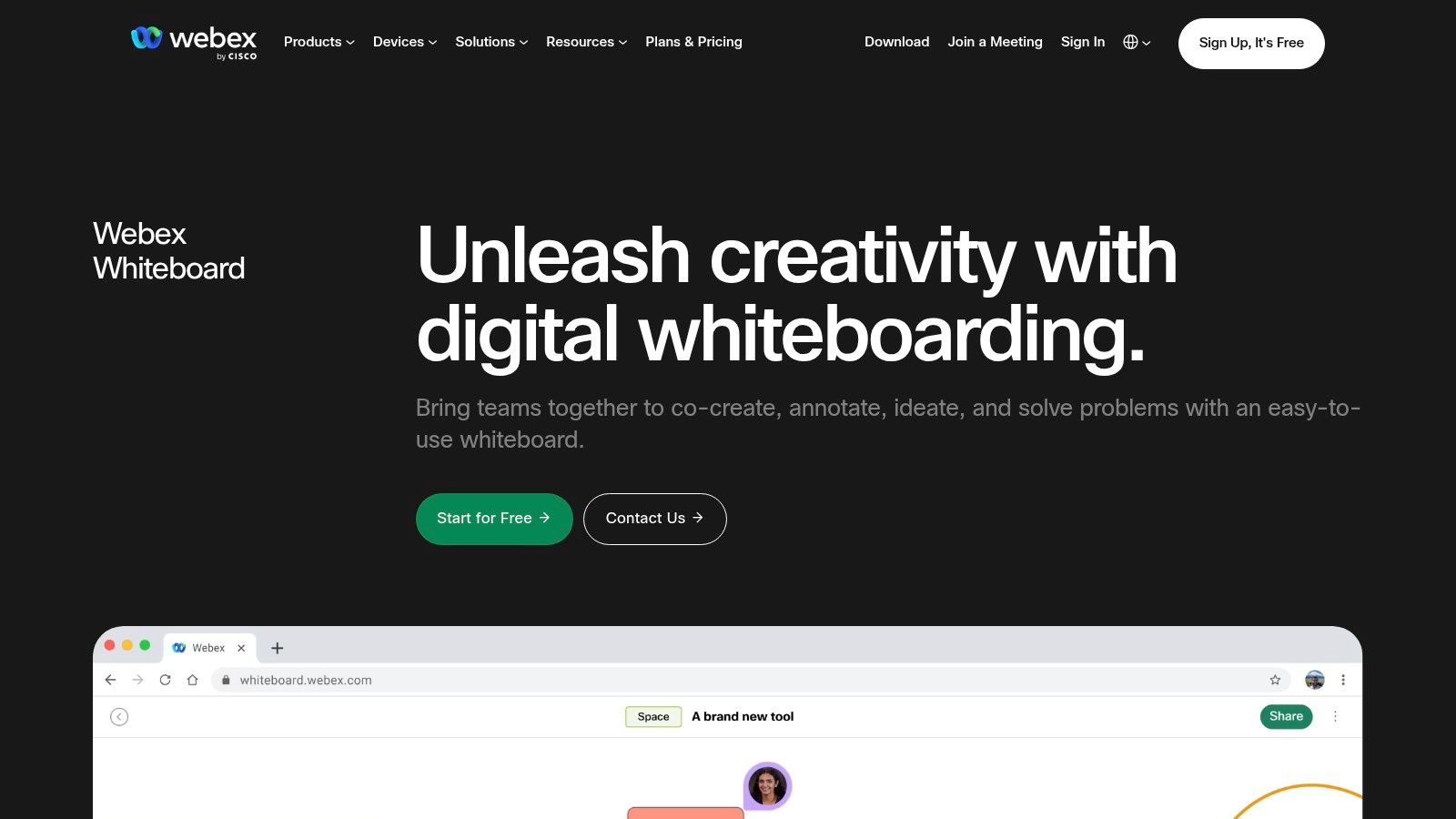
The platform functions as both a software-based tool at whiteboard.webex.com and as the engine behind Cisco's physical interactive displays, the Webex Boards. This hardware-software synergy provides a turnkey solution for hybrid meetings, connecting remote participants with those in a physical conference room. While the software itself covers the basics well, the true unique selling point is this cohesive experience that bridges the virtual and physical divide for large organizations that standardize on Cisco hardware and software.
Key Details & Pricing
- Best For: Enterprises standardized on the Cisco Webex suite and companies needing integrated hardware for hybrid meeting rooms.
- Unique Feature: Tight integration with Webex messaging and meetings, plus an optional, premium hardware component (Webex Board) for a unified experience.
- Pros: Deeply integrated into an existing enterprise ecosystem, strong security and support, excellent for hybrid hardware-software setups.
- Cons: Less appealing if your organization doesn't use Webex; the hardware is a significant, premium-priced investment.
- Pricing: The whiteboarding feature is included in many paid Webex Suite plans. A free version is also available at whiteboard.webex.com. Hardware is sold separately.
Website: https://www.webex.com/suite/whiteboard.html
11. Limnu
Limnu is an online whiteboard that excels at one thing: providing a fast, natural, and realistic drawing experience. Unlike many feature-heavy alternatives to Jamboard, Limnu focuses on ultra-low-latency inking that feels as close as you can get to drawing with a pen on a physical whiteboard. It's built for speed and simplicity, making it a great choice for tutoring, quick visual explanations, and small team brainstorming sessions where spontaneous sketching is key.
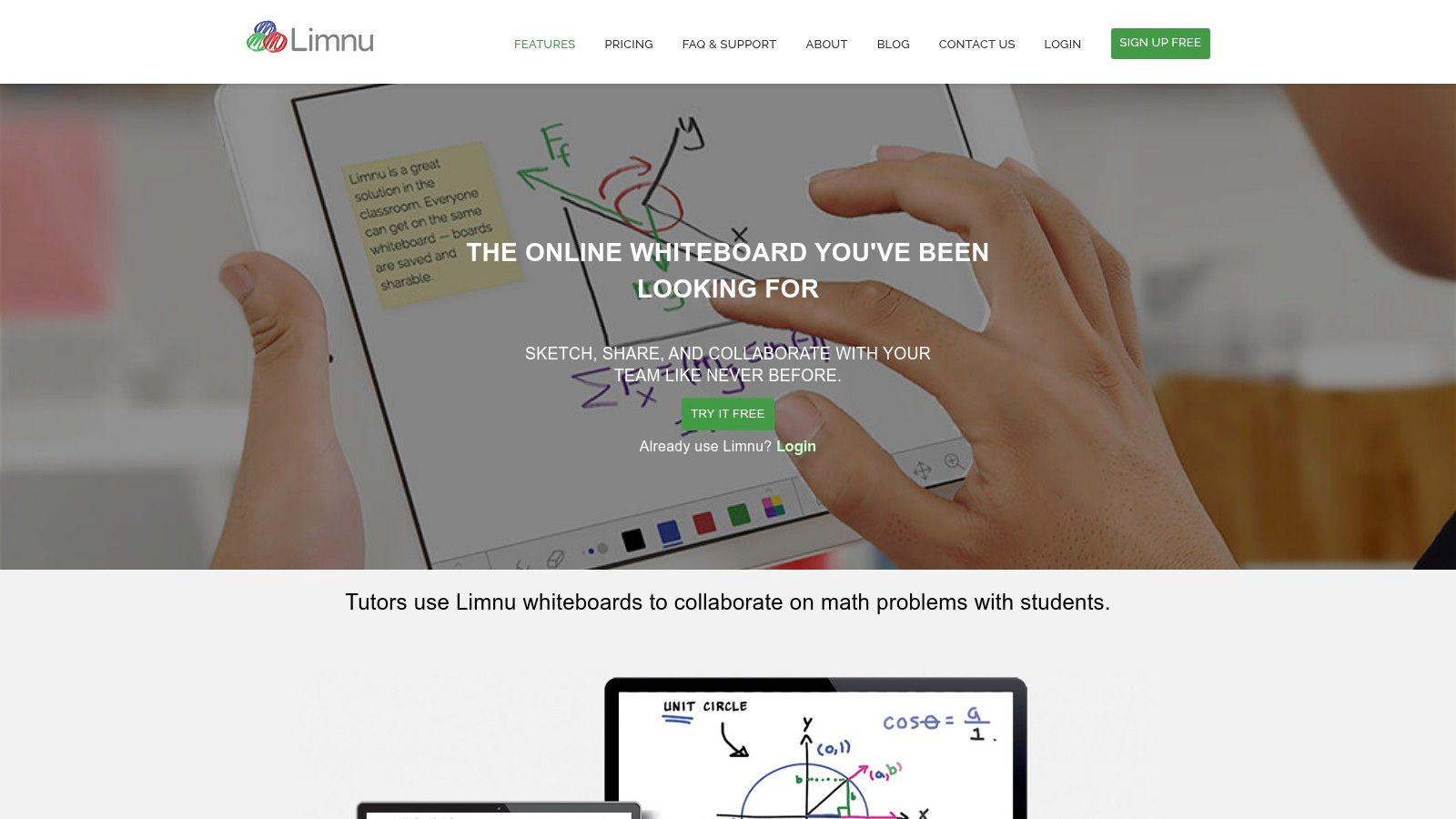
The platform is intentionally minimalist, stripping away the complex enterprise workflows found in larger suites. This simplicity is its strength. There’s virtually no learning curve, allowing users to jump in and start collaborating immediately. Its generous collaborator model, which allows external users to join boards without extra cost, makes it a frictionless tool for ad-hoc meetings with clients or consultants. If your primary need is a digital space to write and draw freely, Limnu delivers a superior inking experience.
Key Details & Pricing
- Best For: Tutoring, technical interviews, small-group ideation, and anyone who prioritizes a pen-on-paper feel.
- Unique Feature: Exceptionally smooth, low-latency drawing engine that mimics the feel of a real whiteboard marker.
- Pros: One of the best drawing and handwriting experiences available, simple and affordable pricing, easy for external guests to join.
- Cons: Lacks advanced templates and integrations needed for complex enterprise workflows.
- Pricing: Free plan for limited access. Paid plans start at $5 per month for unlimited boards. A team plan is available at $8 per user/month.
Website: https://limnu.com
12. Samsung Interactive Displays (Flip series) – US Business
For organizations looking to replace the physical Jamboard hardware, Samsung's Interactive Displays offer a direct, high-end alternative. Rather than just a software solution, this is a hardware-first approach that provides a 4K interactive panel for meeting rooms and classrooms. It delivers the familiar, tactile experience of a physical whiteboard but with the flexibility to run the browser-based collaboration tools your team already uses, like Miro or Mural.
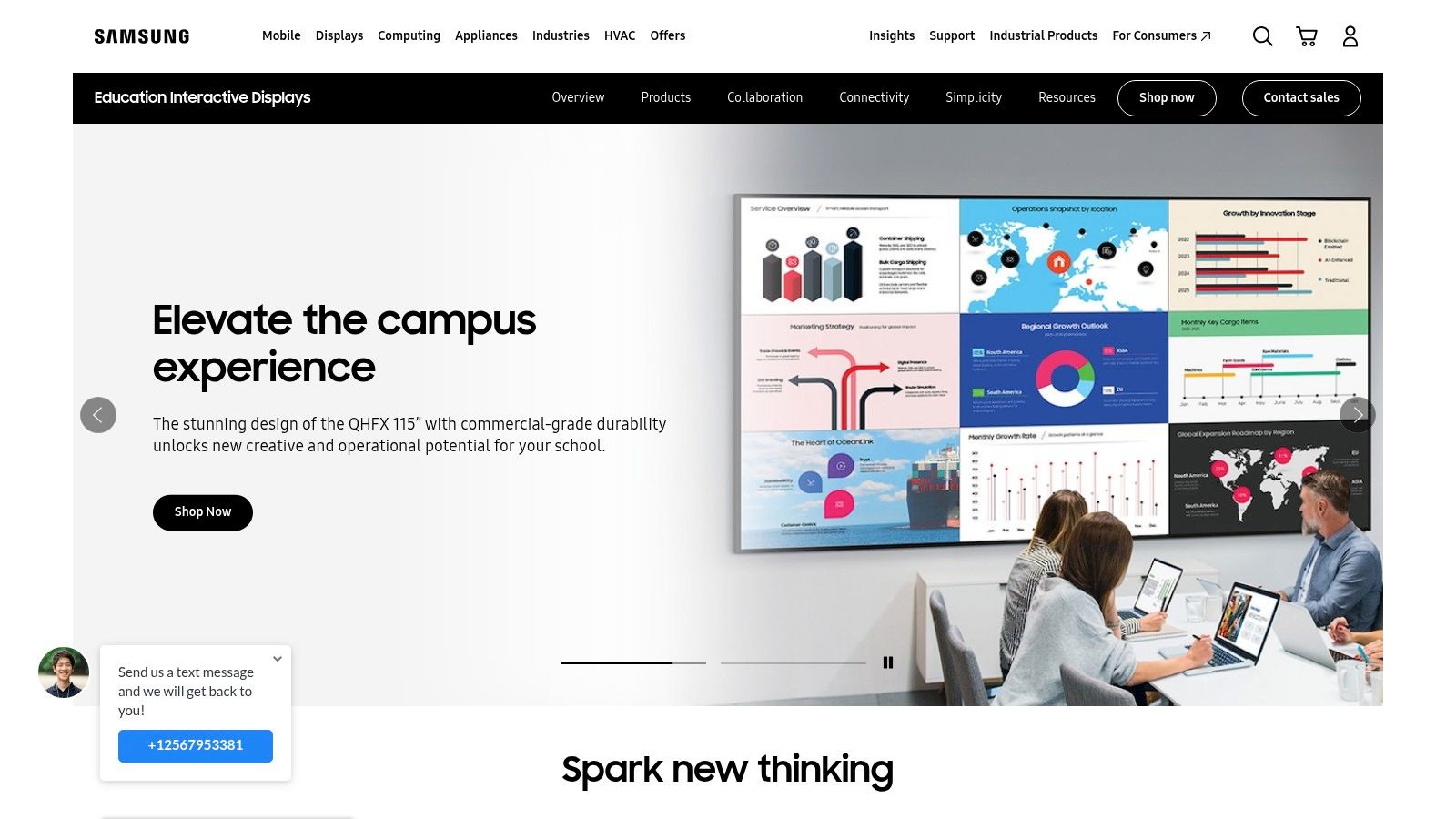
These displays excel in hybrid environments, bridging the gap between in-person and remote participants. With features like multi-touch support for up to 20 touch points and seamless wireless casting, teams in the room can collaborate naturally while remote attendees view the same canvas. This makes them one of the most powerful hardware alternatives to Jamboard for businesses invested in upgrading their physical meeting spaces.
Key Details & Pricing
- Best For: Hybrid teams, classrooms, and boardrooms needing a physical, high-quality interactive panel.
- Unique Feature: The flexibility to operate as a standalone digital whiteboard or run powerful, browser-based collaboration apps on a large 4K touch screen.
- Pros: Excellent 4K display quality, supports familiar web-based tools, creates a focal point for hybrid meetings.
- Cons: Significant hardware investment is required, professional installation is often needed, and OS capabilities can vary by model.
- Pricing: This is a hardware purchase, so pricing varies by size (55" to 85") and model. Expect costs to be in the thousands, available through business and education resellers.
Website: https://www.samsung.com/us/business/solutions/industries/education/interactive-display
Jamboard Alternatives — 12-Tool Feature Comparison
| Tool | Core features ✨ | UX / Quality ★ | Price / Value 💰 | Target audience 👥 | Standout / USP 🏆 |
|---|---|---|---|---|---|
| Bulby 🏆 | ✨ AI-guided 6-step brainwriting, anonymous submissions, randomized prompts, AI summaries | ★★★★★ bias-reducing, remote-first flow | 💰 14‑day free trial; limited free consult; enterprise pricing on request | 👥 Remote product teams, facilitators, startups, agencies | 🏆 Research-backed AI prompts + automatic AI reports → ideation to execution |
| Miro | ✨ Infinite canvases, 3,600+ shapes, 100+ integrations, templates | ★★★★☆ strong facilitation & scale for large groups | 💰 Free tier; Business/Enterprise paid plans | 👥 Workshops, product teams, enterprises | Robust template ecosystem + deep integrations |
| Microsoft Whiteboard | ✨ Native Teams/365 integration, Copilot assists, Loop templates | ★★★☆☆ Best within Microsoft 365 ecosystem | 💰 Included with Microsoft 365 (subscription) | 👥 M365 orgs, education tenants | Seamless Teams + OneDrive + Copilot sync |
| Mural | ✨ Facilitation tools (timers, voting, private mode), 250+ templates | ★★★★☆ Facilitation-first UX for workshops | 💰 Paid tiers; guests and SSO on Business plans | 👥 Large workshops, transformation programs, facilitators | Strong facilitation features and enterprise security |
| Lucidspark | ✨ Infinite canvas, Visual Activities, Lucidchart integration | ★★★☆☆ Smooth ideation → structured diagrams | 💰 Competitive entry pricing; part of Lucid Suite | 👥 Teams needing diagram handoff and structured outputs | Easy path from sticky notes to formal diagrams |
| FigJam (Figma) | ✨ Real-time cursors, stamps, widgets, Figma integration | ★★★★☆ Playful, low-friction for designers | 💰 Included with certain Figma seat types | 👥 Product & design teams using Figma | Seamless handoff between whiteboard and design files |
| Canva Whiteboards | ✨ Infinite canvas + large media library + Magic AI tools | ★★★☆☆ Visual-first, easy to use | 💰 Free tier; Pro for advanced features | 👥 Marketing, education, small creative teams | Strong media assets + AI-assisted visuals |
| Conceptboard | ✨ GDPR/ISO, SSO, audit logs, on‑prem/dedicated hosting | ★★★☆☆ Compliance and privacy–focused UX | 💰 EUR pricing; on‑prem options for enterprises | 👥 Regulated industries, data-residency needs | Data residency, strong audit & compliance controls |
| Zoom Whiteboard | ✨ Persistent boards, templates, in/out-of-meeting use | ★★★☆☆ Frictionless for Zoom users | 💰 Included/add-on tiers; check entitlements | 👥 Zoom-centric teams and meeting-heavy orgs | Whiteboarding inside Zoom meetings with persistent boards |
| Webex Whiteboard | ✨ Unlimited boards on paid plans, meeting share, Cisco Board Pro option | ★★★☆☆ Enterprise-grade with hardware option | 💰 Included in many Webex plans; hardware extra | 👥 Organizations standardized on Webex + rooms | Integrated with Webex + optional enterprise hardware |
| Limnu | ✨ Very low-latency inking, natural pen feel, simple model | ★★★★☆ Best for handwriting and sketching | 💰 Affordable plans; unlimited boards on paid plans | 👥 Tutors, sketch-heavy teams, small groups | Natural pen-on-paper drawing experience |
| Samsung Interactive Displays | ✨ 4K multi-touch panels, multi-user support, runs web whiteboards | ★★★★☆ Robust hardware for rooms | 💰 High upfront hardware & installation cost | 👥 Classrooms, meeting rooms, orgs needing panels | Physical interactive display that runs web whiteboards |
Making Your Move: A Smooth Transition from Jamboard
The end of Google Jamboard isn't just a sunsetting event; it's a significant opportunity. It's a chance to critically evaluate your team's collaborative needs and upgrade from a basic digital sticky note board to a powerful, purpose-built platform that actively drives better outcomes. Throughout this guide, we've explored a wide spectrum of powerful alternatives to Jamboard, from the infinite canvases of Miro and Mural to the seamlessly integrated options like Microsoft Whiteboard and FigJam.
We've seen how tools like Lucidspark and Conceptboard excel in specific niches, while newcomers like Bulby are redefining what a guided collaboration session can be. The key takeaway is that the "best" tool is not a one-size-fits-all answer. The ideal choice depends entirely on your team's unique workflow, budget, and collaborative culture. For a small team focused on quick, async brainstorming, a tool like Whimsical might be perfect. For a large enterprise conducting complex, multi-day workshops, an advanced facilitation platform like Mural could be the right fit.
Your decision should be a strategic one. This is your chance to move beyond the limitations you may have felt with Jamboard and adopt a tool that genuinely enhances creativity, productivity, and clarity for your remote or hybrid team.
Your Migration Playbook
Transitioning doesn't have to be a headache. With a clear plan, you can migrate your essential work and get your team up to speed quickly.
1. Preserve Your Jamboard Legacy
Before your Jamboard access disappears, archive your important work. Google makes this straightforward:
- Export as PDF: For multi-frame Jams with text and structured layouts, exporting as a PDF preserves the order and content perfectly. This is the best option for documentation.
- Save Frame as Image: For individual frames that are more visual (like mind maps or sketches), saving them as a PNG image file is a great choice.
2. Importing into Your New Tool
Many of the top alternatives to Jamboard support importing these files. Once you’ve exported your Jams, you can typically drag and drop the PDF or PNG files directly onto the canvas of your new tool. While they will be static images, you can use them as a reference to rebuild ideas or simply as an archive within your new workspace.
3. Launching Your First Session (Example with Bulby)
Getting started with a more structured tool is easier than you think. A guided platform can eliminate the "blank canvas" problem and ensure your first session is a success.
Here's how simple it is to launch a guided brainstorming session with a tool like Bulby:
- Sign Up for Free: Start by creating an account, which usually takes less than a minute.
- Choose a Guided Exercise: Instead of starting from scratch, browse the library of pre-built exercises. Select one that matches your goal, like "Crazy 8's" for rapid ideation or "Rose, Bud, Thorn" for a project retrospective.
- Invite Your Team Instantly: Once the session is created, you get a single shareable link. Send it to your team via Slack, email, or your calendar invite. They can join instantly without needing to sign up, removing all friction.
This three-step process is a game-changer. It shifts the focus from setting up a board to running a productive, engaging, and effective collaborative session from the very first minute. By embracing this transition, you're not just finding a replacement for Jamboard; you are fundamentally upgrading how your team collaborates, innovates, and achieves its goals.
Ready to move beyond the blank canvas and run truly productive workshops? Bulby provides a library of guided exercises and AI-powered tools that structure your collaboration for better, faster results. Try Bulby for free and see how a guided approach can transform your team's ideation sessions.