

The role of a product manager is a balancing act of strategy, execution, and communication. The right software isn't just helpful, it's the central nervous system of your product team, especially in a remote or hybrid environment. It bridges the gap between customer feedback and engineering, aligns stakeholders on a shared vision, and turns abstract ideas into tangible value.
But with hundreds of options flooding the market, how do you build a product stack that truly empowers your team instead of adding complexity? This guide cuts through the noise. We've compiled a definitive list of the best tools for product managers, categorized by their core function, to help you make informed decisions without endless trial and error.
This isn't just a list of features. We dive deep into:
- Practical use cases for each tool.
- Honest limitations and potential drawbacks.
- Specific advice for remote and distributed teams.
- Pricing tiers to match your budget.
Our goal is to help you find the perfect fit for every stage of the product lifecycle, from brainstorming with tools like Bulby to detailed analysis. For instance, to effectively understand user behavior and product performance, exploring the best analytics tools for mobile apps is a critical component of any modern PM's toolkit. We will cover that and much more. Each tool in this roundup includes screenshots and direct links, giving you everything needed to build a powerful, efficient, and collaborative product management workflow.
1. Bulby
Bulby is an AI-first brainwriting platform meticulously designed to transform remote brainstorming from chaotic video calls into a structured, inclusive, and highly effective process. It stands out as one of the best tools for product managers by replacing unstructured discussions with a research-backed, six-step journey that guides teams from a defined challenge to an actionable, AI-generated summary report. This approach makes ideation repeatable, equitable, and directly tied to strategic outcomes.
The platform’s core strength lies in its ability to eliminate common brainstorming pitfalls like groupthink and social bias. Anonymous idea submissions ensure that contributions are judged on merit alone, empowering introverted team members to participate fully. Randomized creative exercises, grounded in cognitive science, push participants beyond obvious solutions, while integrated AI "sparks" provide novel inspiration to overcome creative blocks.
For product managers, Bulby is more than just an idea-generation tool; it's a complete ideation system that bridges the gap between creativity and execution. The final AI-generated report automatically organizes, themes, and summarizes all submitted ideas, providing a clear path to the next steps. This saves hours of manual synthesis and ensures that valuable insights are never lost, making it an indispensable asset for any distributed or hybrid product team focused on innovation.
Key Details & Features
- Best For: Remote product teams, innovation leaders, and facilitators who need a repeatable process for high-quality, inclusive ideation.
- Standout Features:
- Anonymous Brainwriting: Removes cognitive biases and encourages candid, diverse ideas from the entire team.
- AI-Powered Inspiration: Generates creative prompts and "sparks" to help teams explore unexpected angles.
- Structured Six-Step Process: Guides teams through a defined journey from challenge framing to an actionable report.
- Automatic Summarization: The AI report feature synthesizes raw ideas into organized themes and next steps.
- Pricing: A 14-day free trial is available. Team and enterprise pricing requires contacting the sales team for a custom quote.
- Pros:
- Research-backed exercises boost creative output.
- Designed specifically for asynchronous and remote collaboration.
- Reduces groupthink and amplifies diverse voices.
- Saves significant time by automating idea synthesis.
- Cons:
- Lack of public pricing can slow down adoption for larger teams.
- AI suggestions, while helpful, may occasionally need human curation.
Bulby’s unique methodology is a prime example of effective virtual brainstorming techniques for remote teams.
2. Atlassian Jira Software
Jira Software is an industry-standard agile planning and issue-tracking platform essential for product managers overseeing complex development cycles. It excels at translating product strategy into actionable tasks for engineering teams, making it one of the best tools for product managers who need to manage backlogs, plan sprints, and track progress against releases. Its powerful workflow engine allows PMs to create and enforce specific processes for how work moves from idea to deployment.
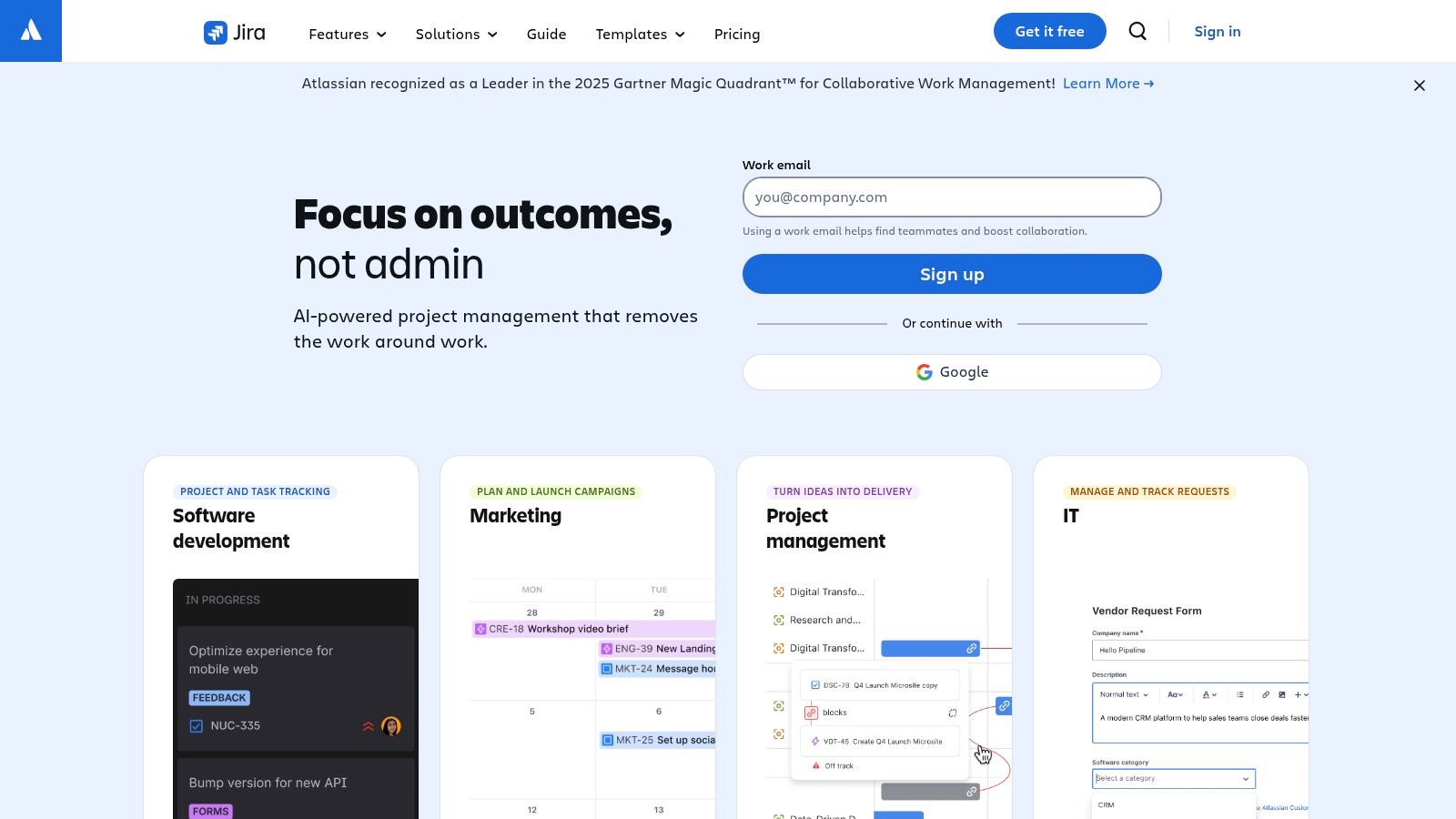
What makes Jira stand out is its scalability and deep integration within the Atlassian ecosystem, especially with Confluence for documentation and Bitbucket for code management. For distributed and remote teams, its highly configurable Scrum and Kanban boards provide a central source of truth, ensuring everyone is aligned on priorities and status regardless of their location.
Key Details & Use Cases
- Best Use Case: Managing engineering backlogs, sprint planning, and release tracking for agile software development teams.
- Pros: Highly scalable from small startups to large enterprises; extensive marketplace with thousands of add-ons; powerful customization through workflows and automation.
- Cons: Can have a steep learning curve; complex administration and configuration can become overwhelming without a dedicated admin.
- Pricing: Offers a generous Free plan for up to 10 users. Paid plans start at $8.15/user/month (Standard) and scale to Premium and Enterprise tiers with more advanced features.
- Website: https://www.atlassian.com/software/jira
3. Productboard
Productboard is a dedicated product management platform designed to help teams decide what to build next and why. It excels at centralizing customer feedback from various sources like Zendesk, Intercom, and Slack, allowing product managers to link specific user insights directly to feature ideas. This creates a clear line of sight from customer needs to strategic product decisions, making it one of the best tools for product managers focused on a customer-centric approach.
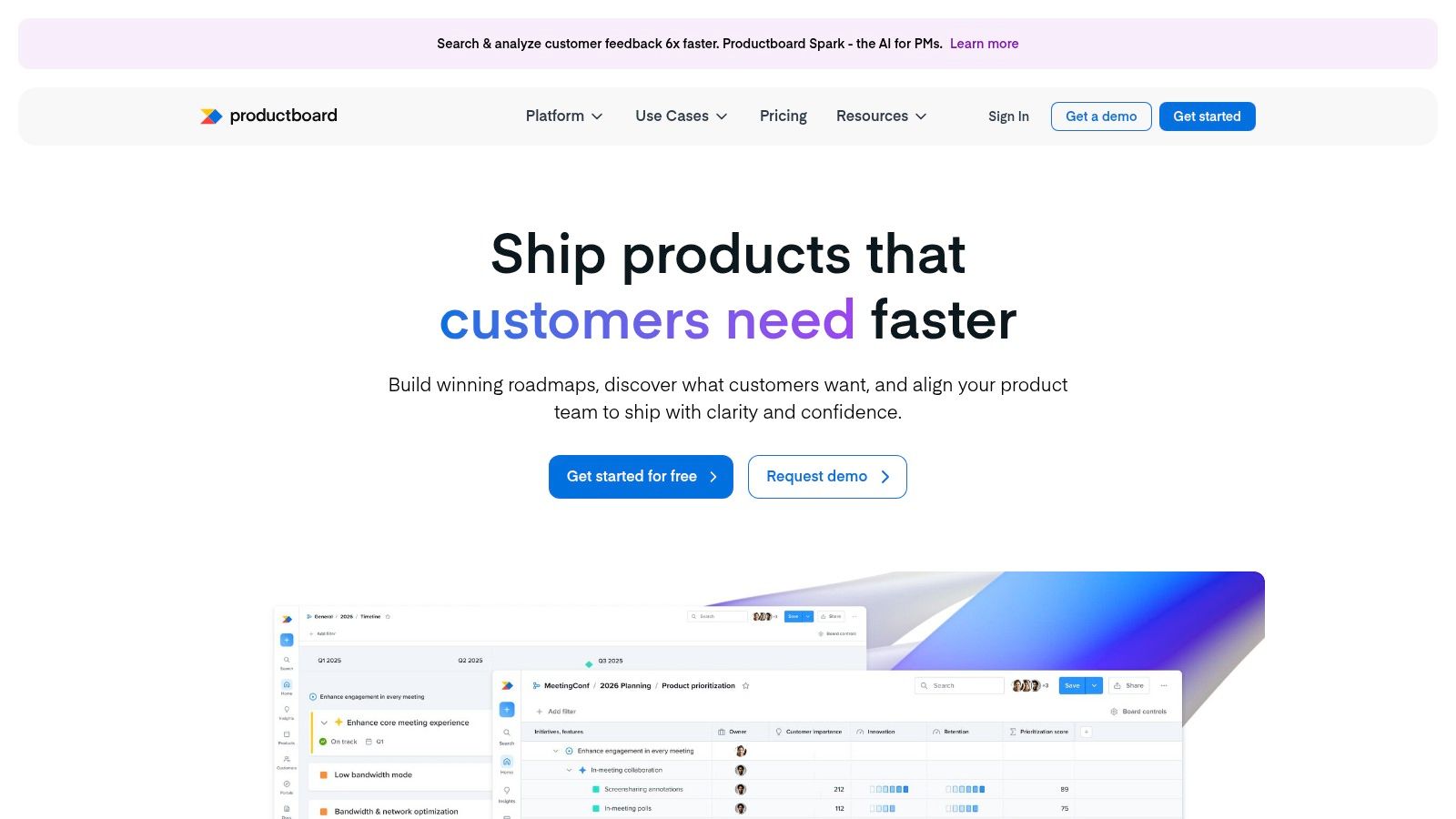
What truly sets Productboard apart is its PM-first data model that connects user feedback, prioritization scores, and roadmap initiatives in a single, unified view. Instead of managing these elements in separate spreadsheets or documents, teams get a holistic perspective to build more effective roadmaps. This system supports a more transparent and defensible prioritization process, which is critical for aligning stakeholders and engineering teams. For a deeper dive into this area, explore these product roadmap best practices.
Key Details & Use Cases
- Best Use Case: Centralizing customer feedback, prioritizing features with data-driven frameworks, and creating stakeholder-friendly product roadmaps.
- Pros: Strong focus on tying customer needs directly to roadmap items; free Starter plan offers unlimited contributors and viewers; excellent for creating a single source of truth for product discovery.
- Cons: Maker-based pricing can become expensive as the number of editors grows; advanced security features and some key integrations are locked behind higher-tier plans.
- Pricing: Offers a Free Starter plan. Paid plans begin at $25/maker/month (Pro) and scale up to Enterprise plans with advanced features and support.
- Website: https://www.productboard.com
4. Aha! Roadmaps
Aha! Roadmaps is a comprehensive roadmapping suite designed for product managers who need to connect high-level strategy directly to feature-level execution. It provides a structured environment for setting goals, capturing ideas, and building visual roadmaps that align stakeholders from the executive team to individual contributors. Its top-down approach makes it one of the best tools for product managers in enterprise settings who require portfolio-level planning and governance.
What sets Aha! Roadmaps apart is its integrated “suite” approach, bundling strategic planning, idea management, and digital whiteboards into a single platform. This eliminates the need for multiple disparate tools, creating a unified workspace for the entire product lifecycle. For distributed teams, its ability to link strategic imperatives directly to features being worked on in Jira ensures everyone understands the "why" behind their work, fostering alignment across departments.
Key Details & Use Cases
- Best Use Case: Creating strategy-driven product roadmaps, managing portfolio-level initiatives, and aligning cross-functional teams in mid-to-large-sized organizations.
- Pros: Deep, top-down strategy-to-delivery alignment; includes idea portals and whiteboards in core plans; unlimited free viewers and reviewers on Enterprise tiers.
- Cons: Higher entry price point compared to lightweight tools; extensive feature set can be overwhelming or overkill for small teams and startups.
- Pricing: Starts at $59/user/month (Premium). A more advanced Enterprise plan is available, adding features like OKRs and capacity planning.
- Website: https://www.aha.io/roadmaps
5. Miro
Miro is the quintessential online whiteboard for modern product teams, providing an infinite canvas for everything from initial brainstorming to detailed customer journey mapping. It excels at facilitating the collaborative discovery and planning phases of product management, making it one of the best tools for product managers who need to align distributed teams visually. PMs can run engaging workshops, synthesize user research, and create low-fidelity wireframes all in one shared space.
What makes Miro stand out is its vast library of pre-built templates for common product management activities like PI planning, retrospectives, and user story mapping. This reduces setup time and provides a structured framework for collaborative sessions. For remote and hybrid teams, Miro’s real-time cursors, video chat, and voting tools replicate the energy of an in-person workshop, ensuring every team member can contribute effectively, regardless of their location.
Key Details & Use Cases
- Best Use Case: Collaborative brainstorming, discovery workshops, customer journey mapping, and visual planning for remote or distributed teams.
- Pros: Highly intuitive and flexible for visual collaboration; extensive template library and integration ecosystem (including Jira and Azure DevOps); excellent for remote workshop facilitation.
- Cons: Can become slow or tax system resources on very large, complex boards; some advanced PM-specific features like two-way Jira sync are on higher-priced tiers.
- Pricing: A Free plan is available with limited boards. Paid plans start at $10/user/month (Starter) and scale to Business and Enterprise tiers with advanced security and features.
- Website: https://miro.com
6. Notion
Notion has become the go-to all-in-one workspace for modern product teams, combining documents, wikis, and lightweight project management into a single, flexible environment. It is an exceptional tool for product managers who need a central hub for creating Product Requirements Documents (PRDs), documenting research findings, and maintaining an internal knowledge base. Its block-based editor allows PMs to build and share rich, dynamic documents that can embed everything from roadmaps to user interview videos.
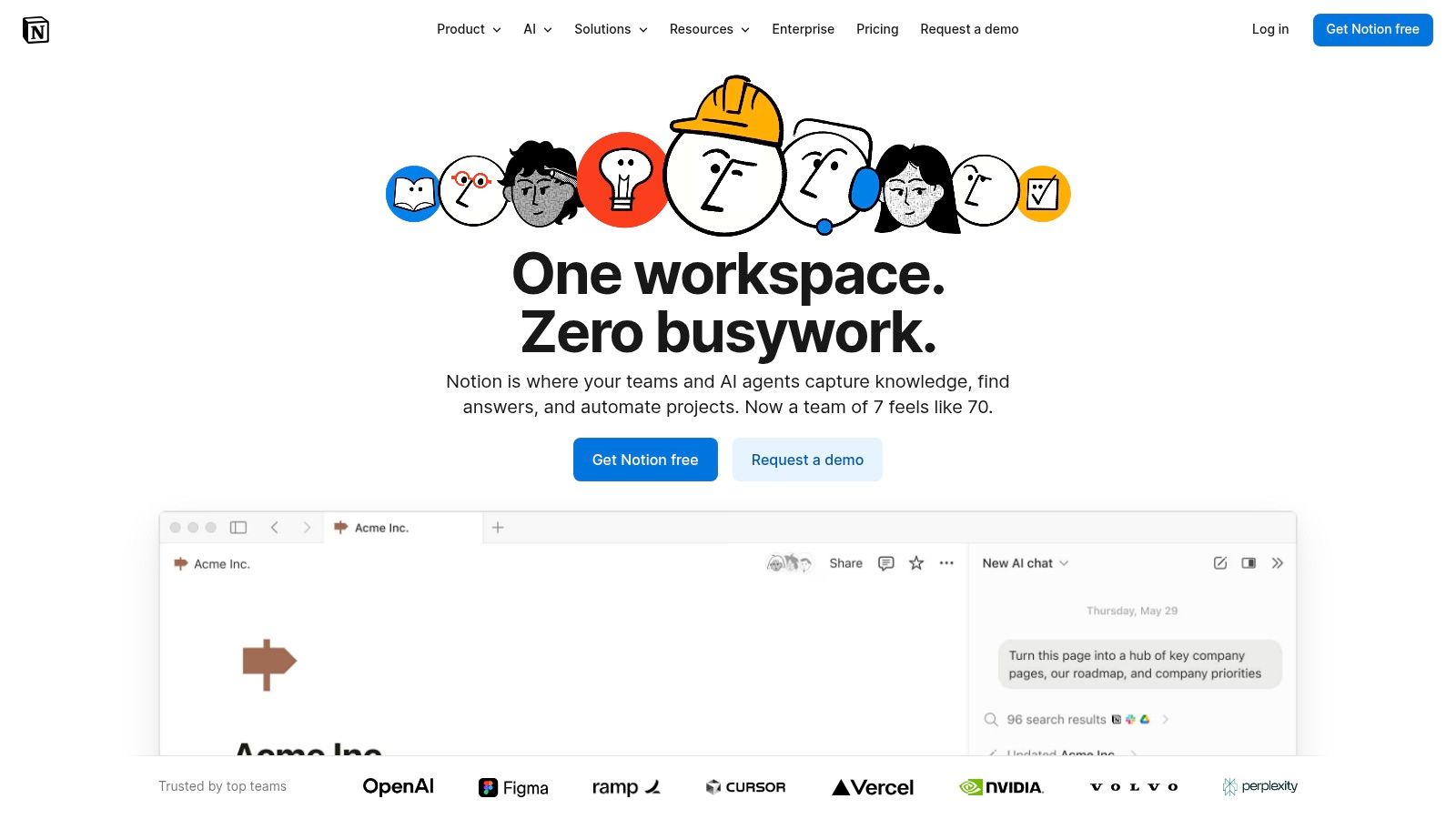
What makes Notion stand out is its unparalleled flexibility and user-friendliness, which makes it easy to onboard non-technical stakeholders like marketing and sales. For distributed teams, a well-organized Notion workspace serves as a single source of truth for product strategy, specs, and launch plans, ensuring alignment across the entire organization. The ability to create interconnected databases for initiatives, epics, and tasks makes it one of the best tools for product managers who want to visualize dependencies without the rigidity of traditional project management software.
Key Details & Use Cases
- Best Use Case: Creating a central knowledge hub, writing PRDs and product specs, and managing lightweight product roadmaps.
- Pros: Extremely flexible for documenting work across the entire product lifecycle; easy for non-technical stakeholders to use; extensive template gallery speeds up workflow creation.
- Cons: Complex database structures can require careful schema design to avoid becoming unmanageable; advanced security and admin features are limited to higher-priced tiers.
- Pricing: Offers a comprehensive Free plan for individuals. Paid plans start at $10/user/month (Plus) and go up to Business and Enterprise tiers with more collaboration and security features.
- Website: https://www.notion.so
7. Figma (Design + FigJam)
Figma is an indispensable, web-based platform where product, design, and engineering teams converge to build better products, faster. It serves as the single source of truth for UI/UX design, from early brainstorming in its FigJam whiteboarding tool to high-fidelity, interactive prototypes. For product managers, it bridges the gap between abstract ideas and tangible visuals, making it one of the best tools for product managers to communicate requirements and gather feedback.
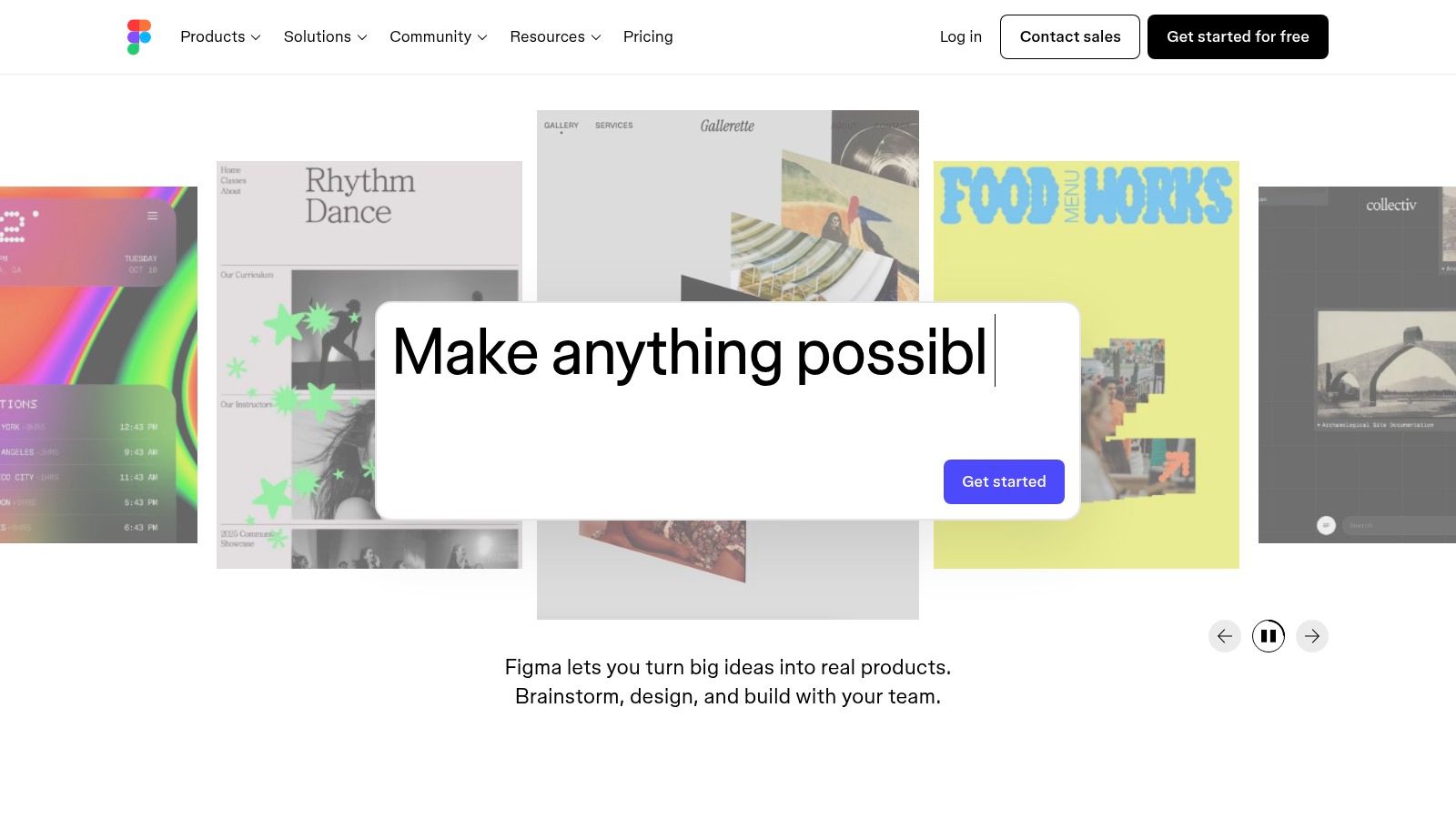
What makes Figma stand out is its real-time, browser-based collaboration that eliminates version control issues and ensures everyone is looking at the latest designs. Its component-based system allows PMs to understand and leverage existing design systems, while prototyping features enable them to test user flows without writing a single line of code. This tight feedback loop is crucial for remote and distributed teams aiming for rapid iteration and alignment.
Key Details & Use Cases
- Best Use Case: Collaborative UI/UX design, interactive prototyping, user flow mapping, and whiteboarding with cross-functional teams.
- Pros: Best-in-class real-time collaboration for design and development; an extensive ecosystem of community plugins and templates; a unified platform for ideation (FigJam) and design.
- Cons: The seat-based licensing model can be confusing across different roles (design, dev, view-only); certain advanced capabilities are locked to more expensive "Full" seat tiers.
- Pricing: Offers a generous Free plan with core features. Paid plans start with Professional at $12/editor/month (billed annually) and scale to Organization and Enterprise tiers for advanced security and design system controls.
- Website: https://www.figma.com
8. Asana
Asana is a work management and orchestration platform that helps product managers organize, track, and manage cross-functional initiatives from start to finish. While not a traditional product roadmapping tool, it excels at providing clarity and accountability for complex projects like product launches, market research initiatives, and strategic programs. Its strength lies in translating high-level goals into clear, actionable tasks with defined owners and deadlines.
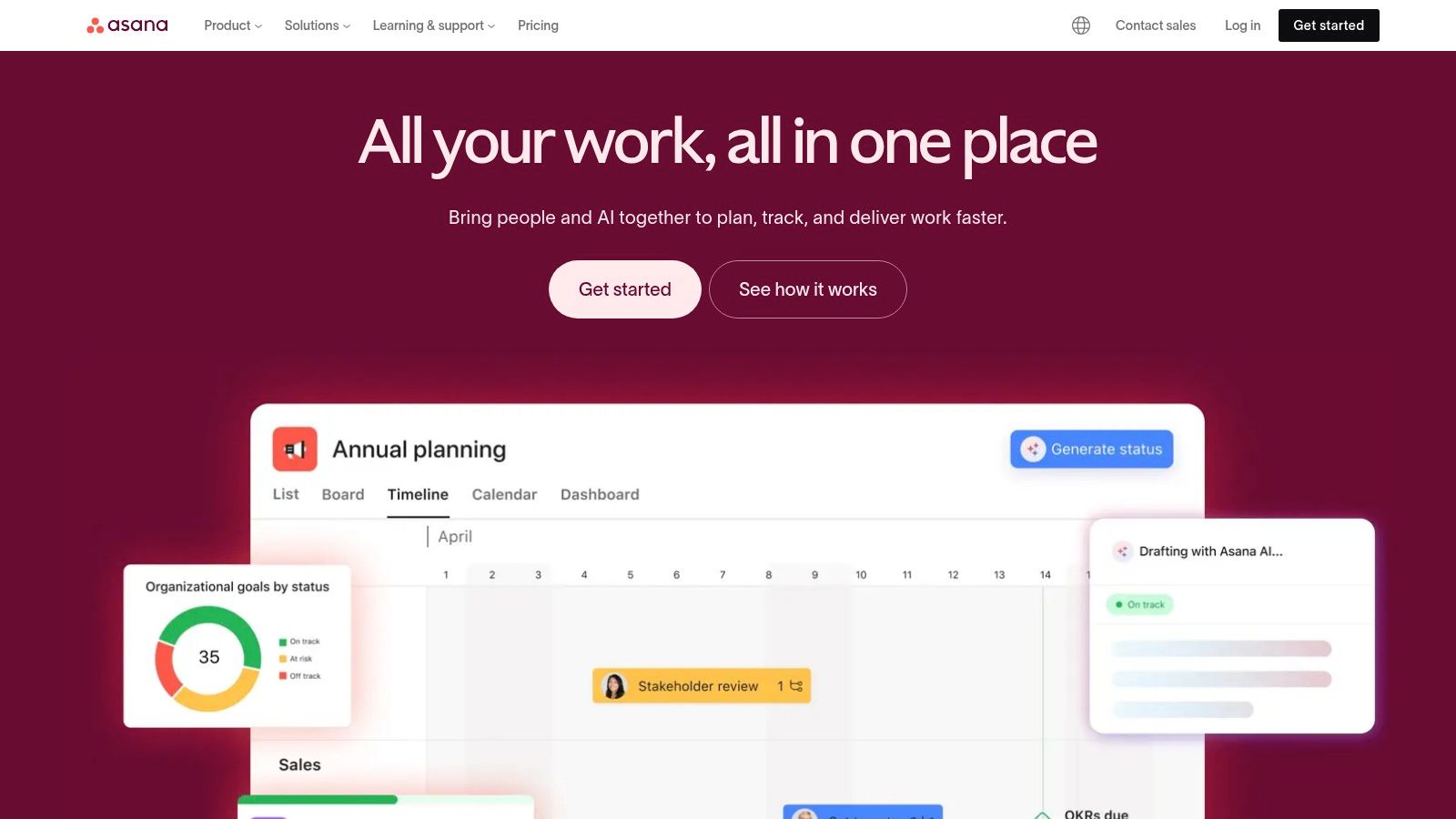
What makes Asana one of the best tools for product managers is its intuitive interface and powerful portfolio management features. PMs can use Portfolios to get a real-time, bird's-eye view of all relevant projects, quickly identifying what's on track, at risk, or off track. For remote and distributed teams, this centralized visibility is crucial for keeping marketing, sales, and engineering stakeholders aligned without constant status meetings.
Key Details & Use Cases
- Best Use Case: Managing go-to-market strategies, product launches, and cross-functional programs that require collaboration beyond the engineering team.
- Pros: Highly intuitive UI that leads to quick adoption by non-technical stakeholders; strong portfolio and goal-tracking views for program-level visibility.
- Cons: Can become expensive as advanced features like portfolios and automation are on higher tiers; may need to be paired with a dedicated roadmapping tool for very complex product organizations.
- Pricing: A robust Free plan is available for individuals or teams up to 10 members. Paid plans start at $10.99/user/month (Starter) and scale to Advanced and Enterprise tiers.
- Website: https://asana.com
9. Pendo
Pendo is an integrated product experience platform that helps product managers understand and guide users to drive adoption. It combines powerful product analytics with in-app guidance, user feedback, and NPS surveys, making it one of the best tools for product managers focused on improving the end-to-end user journey. By connecting quantitative data on user behavior with qualitative feedback, PMs can identify friction points and proactively address them with targeted in-app messages, tooltips, or walkthroughs.
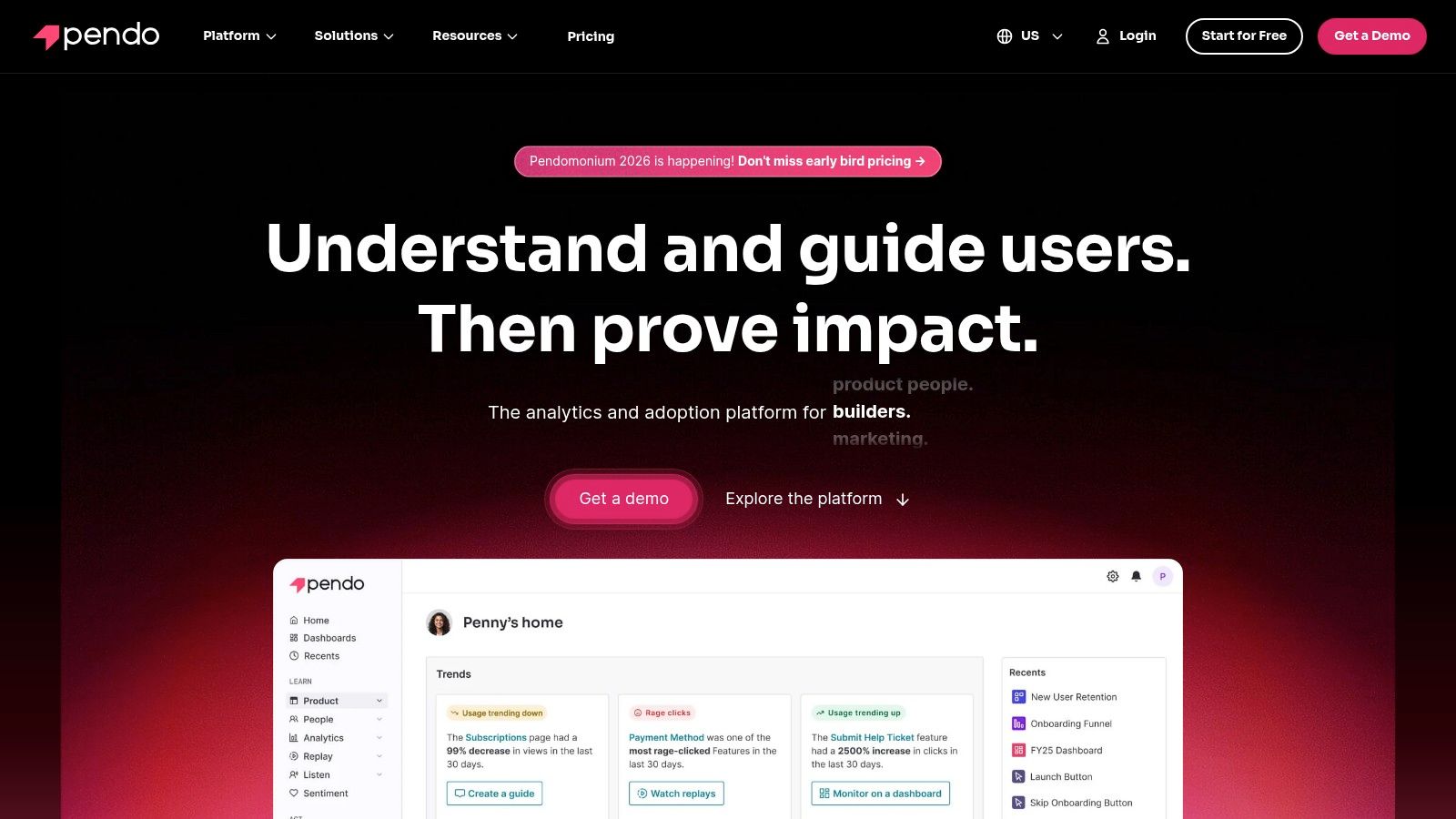
What truly sets Pendo apart is its "codeless" approach to deploying in-app guides, which empowers product teams to launch onboarding flows and feature announcements without requiring engineering resources. This agility is invaluable for distributed teams needing to iterate quickly on user engagement strategies. Furthermore, its feedback module centralizes user requests, helping PMs prioritize the roadmap based on direct customer input, a key part of how to conduct effective user research.
Key Details & Use Cases
- Best Use Case: Improving user onboarding, driving feature adoption, and collecting in-app user feedback for web and mobile applications.
- Pros: All-in-one platform for analytics, guidance, and feedback; no-code guide editor empowers non-technical teams; works across a portfolio of apps.
- Cons: Paid tiers can be expensive and lack transparent pricing, requiring a sales conversation; the free plan is limited and includes Pendo branding.
- Pricing: Offers a Free plan for up to 500 monthly active users (MAUs). Paid plans (Starter, Growth, Portfolio) are custom-priced based on MAUs and features.
- Website: https://www.pendo.io
10. Amplitude
Amplitude is a powerful product analytics platform that enables product managers to go beyond simple metrics and truly understand user behavior. It helps teams analyze user journeys, identify conversion drop-offs in funnels, and measure the impact of new features on user retention. For PMs looking to make data-informed decisions, Amplitude provides the deep insights needed to connect product changes to business outcomes, making it one of the best tools for product managers focused on growth and optimization.
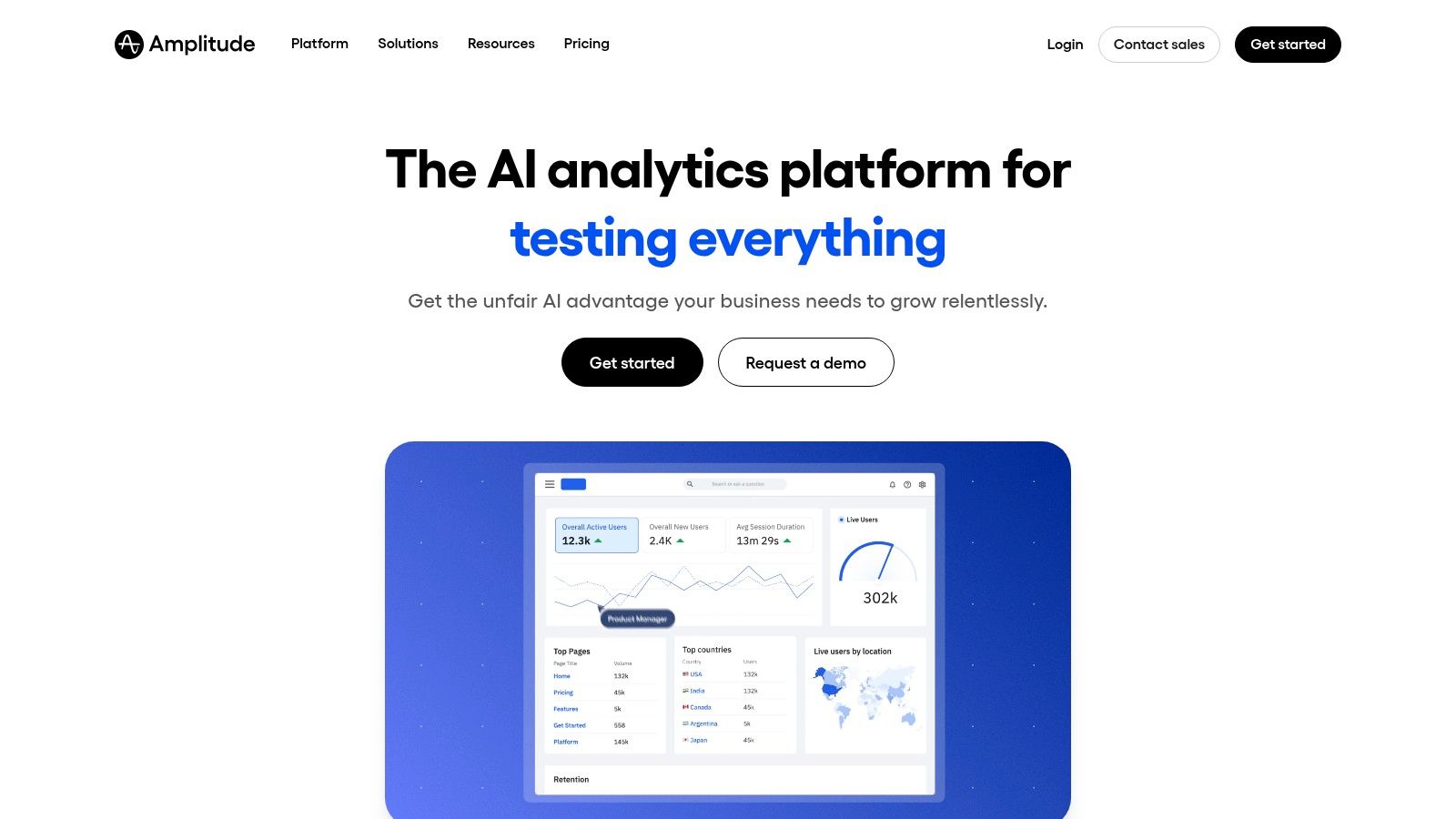
What makes Amplitude stand out is its comprehensive suite that consolidates analytics, session replay, feature flagging, and experimentation into a single ecosystem. This allows product teams to not only understand what users are doing but also to seamlessly test hypotheses and roll out features based on that data. For distributed teams, its clear dashboards and shareable charts create a unified language around user behavior, ensuring everyone is aligned on key performance indicators.
Key Details & Use Cases
- Best Use Case: Deep user behavior analysis, tracking feature adoption, A/B testing, and understanding conversion funnels to drive product-led growth.
- Pros: Generous free tier is perfect for startups to get started; consolidates multiple product tools (analytics, experimentation, feature flags); powerful cohort and funnel analysis capabilities.
- Cons: Can have a steeper learning curve for non-analyst users; costs can scale quickly with monthly tracked users (MTUs) and event volume, requiring careful implementation.
- Pricing: Offers a strong Free plan with core analytics, session replay, and feature flags. Paid plans (Plus, Growth, Enterprise) unlock advanced features, higher event limits, and integrations.
- Website: https://www.amplitude.com
11. Dovetail
Dovetail is a dedicated customer insights platform and research repository designed to help product teams centralize, analyze, and share customer feedback. For product managers, it transforms the messy process of qualitative data analysis into a streamlined workflow, making it one of the best tools for product managers to turn raw user interviews, support tickets, and feedback into actionable insights. It enables teams to uncover patterns and themes that drive strategic product decisions.
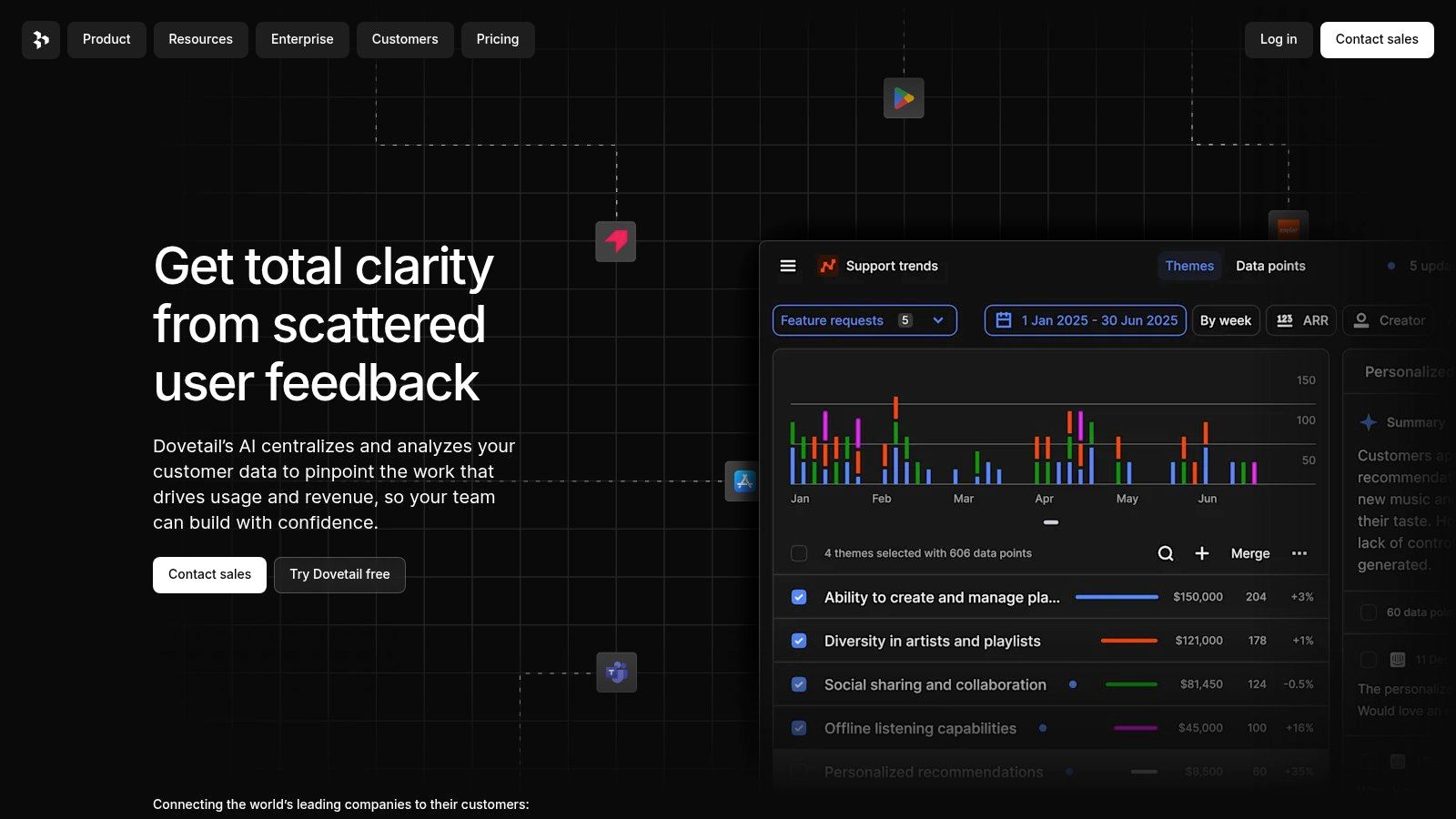
What makes Dovetail stand out are its powerful AI-assisted features for transcription, summarization, and tagging, which dramatically accelerate the synthesis process. This allows PMs to move from data collection to insight generation faster, ensuring that customer-centric decisions are at the heart of the product development lifecycle. By consolidating research, Dovetail creates a single source of truth for customer knowledge that informs every stage of the product discovery process.
Key Details & Use Cases
- Best Use Case: Storing and synthesizing qualitative data like user interviews, usability tests, and survey responses to inform product discovery and strategy.
- Pros: Powerful AI features drastically speed up data synthesis; creates a searchable, centralized repository for all customer insights; intuitive tagging and highlighting make analysis easy.
- Cons: Can become costly as teams and data storage needs grow; participant recruiting for studies is a separate cost and process.
- Pricing: Offers a Free plan with limited transcriptions. The paid Team plan starts at $30/creator/month, with custom pricing for Enterprise needs.
- Website: https://dovetail.com
12. Canny
Canny is a dedicated customer feedback management platform designed to help product managers close the loop between user requests and product development. It provides a centralized place to collect, prioritize, and track feature requests directly from your user base, making it one of the best tools for product managers who want to build a truly customer-centric roadmap. By allowing users to vote on ideas, it naturally surfaces the most in-demand features.
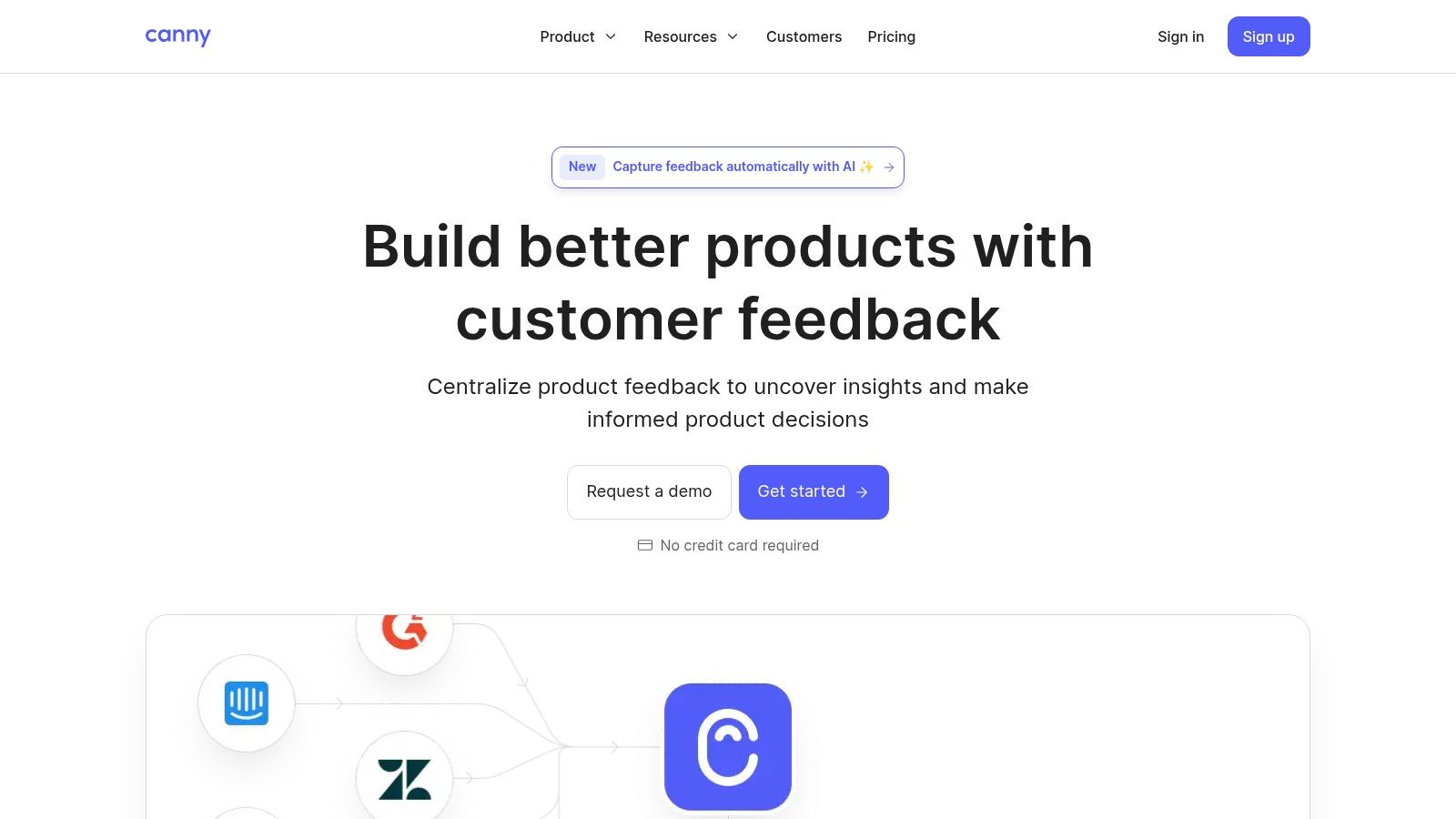
What sets Canny apart is its simplicity and directness in managing the feedback lifecycle. It integrates public-facing feedback boards, internal roadmaps, and a changelog into one cohesive system. This allows PMs to not only understand what users want but also to communicate progress back to them, building trust and engagement. While it excels at feedback, product managers focusing on visual assets and app store presence may find exploring additional options such as the top tools and templates for creating app store mockups beneficial for a more comprehensive toolkit.
Key Details & Use Cases
- Best Use Case: Collecting and prioritizing user feature requests, managing a public roadmap, and communicating product updates via a changelog.
- Pros: Extremely simple for end-users to submit and vote on feedback; clear and effective for closing the feedback loop; flexible pricing based on tracked users.
- Cons: Key integrations and brand removal are locked behind more expensive plans; can become costly as your active user base grows.
- Pricing: A Free plan is available for up to 50 tracked users. Paid plans start at $99/month (Starter) and scale to Growth ($399/month) and Business plans.
- Website: https://canny.io
Top 12 Product Management Tools Comparison
| Product | Core features | Unique selling points (✨) | Target audience (👥) | Quality & Price (★ / 💰) |
|---|---|---|---|---|
| Bulby 🏆 | AI-guided six-step brainwriting; anonymous idea collection; auto summaries | ✨ Anonymous brainwriting; ✨ AI-generated sparks & reports; ✨ Research-backed exercises | 👥 Remote product teams, startups, facilitators, agencies, innovation leaders | ★★★★☆ — 14‑day trial; 💰 Team pricing via sales |
| Atlassian Jira Software | Scrum/Kanban boards; backlog & sprint management; automation | ✨ Deep marketplace & Atlassian ecosystem integrations | 👥 Engineering & product teams, enterprises | ★★★★☆ — Free up to 10 users; 💰 Standard→Enterprise tiers |
| Productboard | Customer feedback repo; prioritization frameworks; roadmaps | ✨ PM-first data model linking feedback→roadmap | 👥 Product managers, discovery teams | ★★★★☆ — Starter free; 💰 Maker-based paid seats |
| Aha! Roadmaps | Strategy, portfolio roadmaps, idea portals | ✨ Top-down strategy-to-delivery alignment for portfolios | 👥 Enterprise PMs, strategy teams | ★★★★ — Feature-rich; 💰 Higher entry price |
| Miro | Infinite canvases; templates; workshop facilitation; integrations | ✨ Best-in-class remote workshop & facilitation tools | 👥 Cross-functional teams, facilitators, UX/PMs | ★★★★☆ — Free tier; 💰 Business/Enterprise for advanced features |
| Notion | Pages & databases for PRDs, docs, wikis | ✨ Flexible knowledge hub for product lifecycle | 👥 PMs, stakeholders, cross-functional teams | ★★★★ — Free/personal tiers; 💰 Business & Enterprise options |
| Figma (Design + FigJam) | UI/UX design, prototyping, FigJam ideation boards | ✨ Real-time design collaboration; strong plugins ecosystem | 👥 Designers, product & engineering teams | ★★★★★ — Seat-based billing; 💰 Bundled apps per seat |
| Asana | Timelines, portfolios, automation, workload views | ✨ Intuitive work orchestration & program visibility | 👥 PMs managing launches, cross-functional programs | ★★★★ — Free→Advanced tiers; 💰 Some features behind higher plans |
| Pendo | Product analytics + in-app guides; NPS & surveys | ✨ In-app guidance + measurement in one platform | 👥 Growth/product teams for web & mobile apps | ★★★★ — Free up to 500 MAUs; 💰 Scales with MAUs |
| Amplitude | Behavioral analytics, funnels, cohorts, experimentation | ✨ Consolidated analytics + experimentation stack | 👥 Data-driven PMs, analytics teams | ★★★★ — Generous free tier; 💰 Costs scale with MTUs/events |
| Dovetail | Research repository; transcripts; AI summaries | ✨ Fast synthesis of qualitative research with AI | 👥 UX researchers, discovery teams | ★★★★ — Free & Pro; 💰 Enterprise via sales |
| Canny | Feedback boards, voting, changelog, public roadmap | ✨ Simple customer-facing feedback & roadmap loop | 👥 PMs, customer success, product ops | ★★★★ — Free limited plan; 💰 Tracked-user pricing tiers |
Building a Cohesive and Effective Product Stack
Navigating the vast landscape of software to find the best tools for product managers can feel overwhelming. We've explored a dozen powerful platforms, from specialized roadmapping solutions like Productboard and Aha! to agile powerhouses like Jira and Asana. We covered analytics giants like Pendo and Amplitude, and user research hubs like Dovetail. But the real takeaway isn't about finding a single "perfect" tool; it's about strategically assembling a product stack that works for your team.
The most effective product teams don't just use tools; they build integrated workflows. They create a seamless ecosystem where ideas from brainstorming platforms like Bulby flow into discovery backlogs, user feedback from Canny informs priorities in Productboard, and analytics from Amplitude validate hypotheses that drive the next development cycle in Jira. Your goal is to eliminate friction and information silos, creating a single source of truth that empowers everyone from engineers to executives.
How to Choose Your Product Management Stack
Selecting the right combination of tools requires a thoughtful approach. Before you commit to a subscription, consider your team's unique context. A small, agile startup has vastly different needs than a large, distributed enterprise team.
Start by auditing your current processes. Identify the most significant bottlenecks.
- Is ideation unstructured and chaotic? A tool like Bulby or Miro can provide the framework you need to capture and develop great ideas, especially for remote and hybrid teams.
- Is your roadmap disconnected from customer feedback? Platforms like Canny or Productboard excel at linking feature requests directly to strategic planning.
- Are you making decisions without data? Integrating an analytics tool like Amplitude will shift your culture from guessing to knowing, providing quantitative insights to back your qualitative research.
Remember to evaluate tools based on their integration capabilities. Your analytics platform must connect with your project management software, and your roadmapping tool should sync with your development backlog. A disconnected stack creates more manual work and defeats the purpose of adopting these powerful solutions.
Key Considerations for Implementation
Once you've selected your tools, successful implementation is crucial. Don't just "turn on" a new platform and expect magic. Plan for a phased rollout, provide thorough training, and establish clear guidelines for how each tool should be used. Designate a "tool champion" on your team who can become the go-to expert and advocate for best practices.
For remote and distributed teams, this is even more critical. The right tools become your virtual office, your digital whiteboard, and your shared brain. Platforms with strong asynchronous collaboration features, such as Notion, Figma, and Asana, are essential for keeping everyone aligned across different time zones. Prioritize tools that foster transparency and make it easy for anyone on the team to find the information they need, when they need it.
Ultimately, the best tools for product managers are the ones that fade into the background, allowing your team to focus on what truly matters: understanding customer problems and building elegant, valuable solutions. The perfect stack is one that supports your unique workflow, scales with your ambitions, and empowers your team to do its best work. Start small, solve your biggest pain point first, and build your stack piece by piece.
Ready to supercharge the very first stage of your product lifecycle? Many of the best products start with a structured, collaborative idea. Bulby provides a guided framework for brainstorming and innovation, helping your team generate, evaluate, and prioritize breakthrough ideas before they even hit the backlog. Start building a foundation of creativity for your product stack today at Bulby.