
With Google Jamboard's end-of-life, countless teams are searching for a new home for their collaborative ideas. While Jamboard offered a simple, accessible canvas, the shift presents an opportunity to upgrade to tools that are more powerful, structured, and better suited for the unique challenges of remote work. This isn't just about replacing a whiteboard; it's about finding a platform that can actively guide creativity, reduce bias, and turn scattered thoughts into actionable outcomes.
This guide cuts through the noise to analyze the 12 best Google Jamboard alternatives, helping you choose the right fit for your team's specific workflow. We'll move beyond simple feature lists and provide an in-depth look at what makes each tool unique. To truly unleash team creativity and efficiency, it's crucial to understand the principles of mastering collaboration in project management, for which these virtual whiteboards are essential tools.
Each option on our list includes a practical breakdown with screenshots, key features, honest pros and cons, pricing details, and "best-for" recommendations. Whether you need a simple space for unstructured doodling or a sophisticated platform with AI-guided brainstorming, this comprehensive resource will help you find the perfect virtual whiteboard to elevate your team's collaboration and innovation. We provide direct links to each platform so you can explore them yourself.
1. Bulby
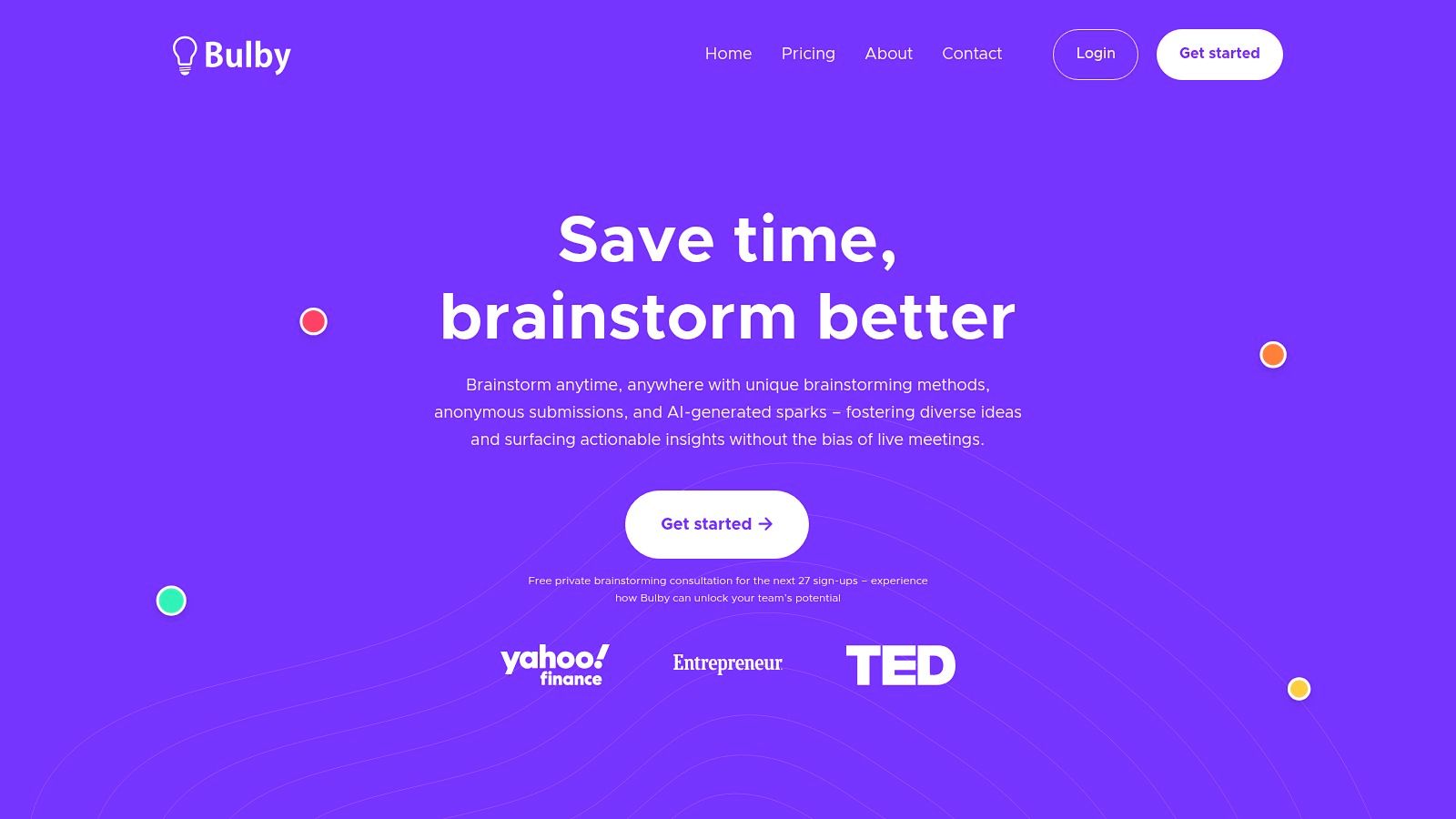
Bulby stands out as a powerful, structured alternative to Google Jamboard, shifting the focus from an open-ended digital canvas to a guided, AI-powered brainstorming process. It is engineered to help remote and distributed teams overcome creative hurdles by using research-backed "brainwriting" exercises. This approach ensures every participant contributes effectively, minimizing groupthink and generating a high volume of quality ideas.
The platform guides teams through a step-by-step workflow: a facilitator defines a challenge, invites team members, and Bulby presents randomized creative prompts. This structured format, combined with anonymous idea submissions, creates a psychologically safe environment where even the quietest team members can share bold thoughts without bias.
Why Bulby Is a Top Jamboard Alternative
Bulby excels where Jamboard’s unstructured nature can falter. Instead of just providing a blank space, it provides a purpose-built system for generating and consolidating ideas, making it ideal for teams seeking actionable outcomes. This makes it one of the most effective google jamboard alternatives for focused innovation sessions.
Its AI assistant acts as a co-facilitator, providing creative sparks to unblock teams and automatically summarizing session outputs. This saves significant time on post-workshop synthesis, delivering a shareable report with key themes and actionable next steps immediately after the session concludes. The platform's methodology incorporates several virtual brainstorming techniques to boost engagement and output. For a deeper look into these methods, explore these virtual brainstorming techniques.
Key Features & Use Cases
Bulby’s feature set is designed for specific, high-impact brainstorming scenarios common in product development, marketing, and strategy workshops.
| Feature | Best Use Case |
|---|---|
| AI-Guided Workflows | Running structured innovation sprints or problem-solving sessions where clear outcomes are required. |
| Anonymous Submissions | Gathering honest feedback on sensitive topics or ensuring junior team members' ideas are judged on merit alone. |
| Randomized Idea Prompts | Breaking out of repetitive thinking patterns during new product ideation or campaign development. |
| Automatic AI Summaries | Quickly turning workshop outputs into reports for stakeholders, eliminating manual synthesis for facilitators. |
| Solo Brainstorming Mode | Founders or product managers needing to ideate and structure thoughts before presenting them to the wider team. |
Pros and Cons
- Pros:
- AI-guided process moves teams efficiently from idea generation to actionable next steps.
- Anonymous submissions and randomized exercises reduce bias and surface diverse perspectives.
- Automatic summarization and reports save facilitator time and make outcomes immediately shareable.
- Flexible for both remote teams and solo use, serving product teams, agencies, and startups.
- Cons:
- No transparent public pricing; team plans require contacting sales, which can slow procurement.
- Dependence on AI may still require skilled human facilitation for highly nuanced or complex workshops.
Pricing and Access
Bulby offers a 14-day free trial, allowing teams to test its core functionality. For team plans, you must contact their sales department for a custom quote. You can sign up using a Google account, Apple ID, or email.
Website: https://www.bulby.com
2. Miro
Miro is an industry-leading visual collaboration platform and one of the most powerful Google Jamboard alternatives available today. It’s designed for large, distributed teams, particularly in product development, engineering, and enterprise environments, that require more than just a simple whiteboard. Miro offers an infinite canvas, allowing teams to consolidate complex projects, from initial brainstorming sessions to detailed project planning, all in one place.
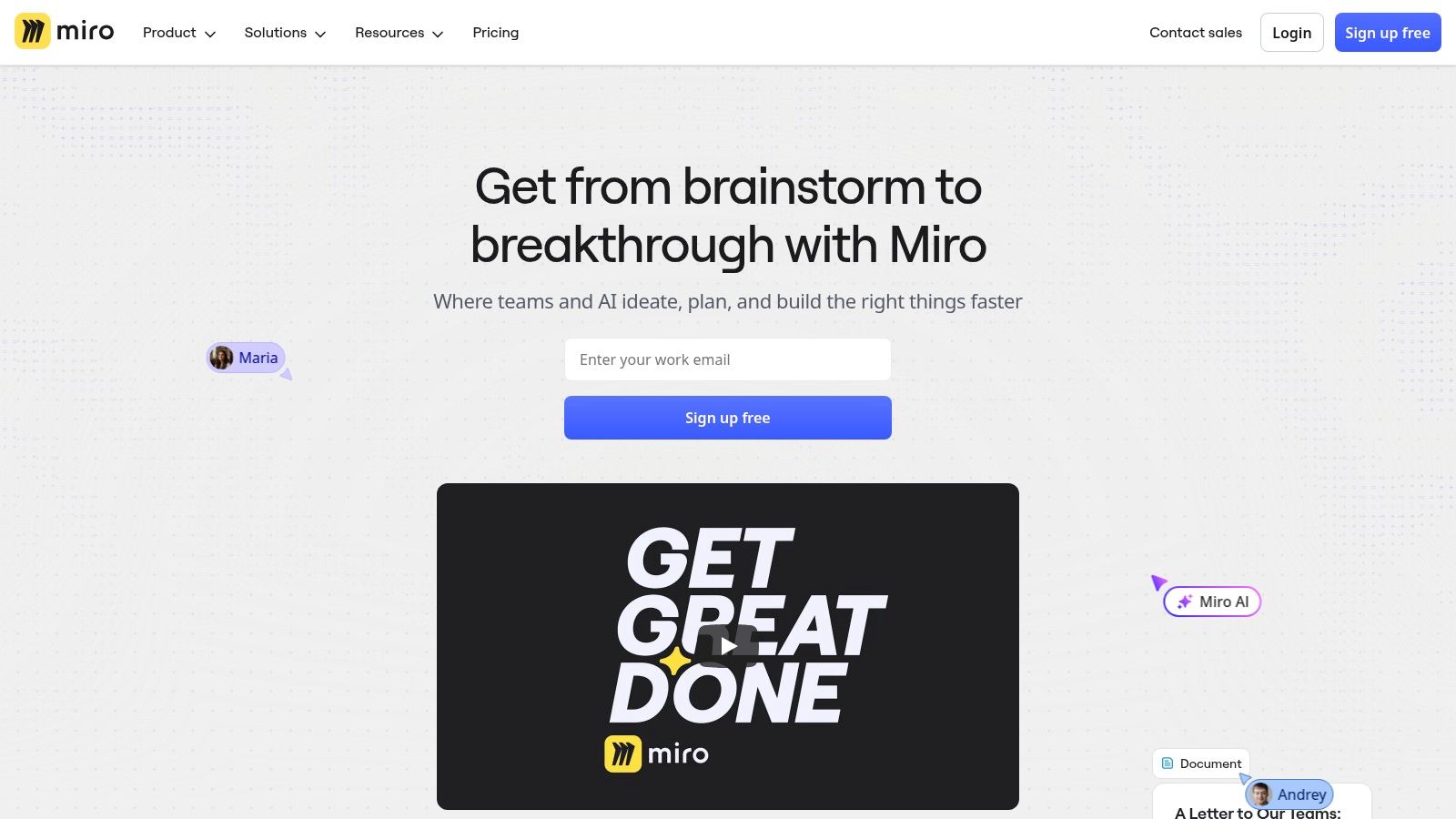
Its key differentiator is its massive ecosystem. With over 5,000 templates and more than 160 integrations, including deep connections with tools like Jira, Slack, and Asana, Miro serves as a central hub for team collaboration. This makes it an excellent choice for complex workflows such as Agile ceremonies, user story mapping, and system diagramming. Beyond being a versatile virtual whiteboard, Miro is also widely used for other strategic planning needs; for instance, you can find various product roadmap templates, including those from Miro, to help structure your team's strategic planning.
Website: https://miro.com
Best for: Distributed product and engineering teams, enterprise-level workshops, and complex diagramming.
| Feature Highlights | Pros | Cons |
|---|---|---|
| Infinite canvas with 5,000+ templates | Robust ecosystem and integrations | Pricing and features can vary by region |
| 160+ integrations (Jira, Slack, Google Drive) | Mature enterprise security and SSO | Requires careful plan selection for desired features |
| Advanced diagramming libraries & Miro AI | Large template library for various team rituals | Can feel overwhelming for simple, quick tasks |
| Enterprise controls (SSO, private workspaces) | Strong performance and reliability at scale | The extensive feature set has a steeper learning curve |
Miro offers a free plan with three editable boards, making it accessible for small teams to start. Paid plans begin at $8 per member per month (billed annually) and unlock unlimited boards, private board sharing, and advanced collaboration tools. For more information on leveraging tools like Miro, you can explore guides on how to generate ideas for business with online whiteboards.
3. Mural
Mural is a visual collaboration platform designed with a strong focus on facilitation, making it an excellent Google Jamboard alternative for structured workshops, design sprints, and agile ceremonies. It empowers facilitators with “superpowers” like built-in timers, voting tools, and a private mode to guide sessions effectively and ensure all voices are heard. This makes it ideal for leaders who need to manage group dynamics and drive outcomes in a remote setting.
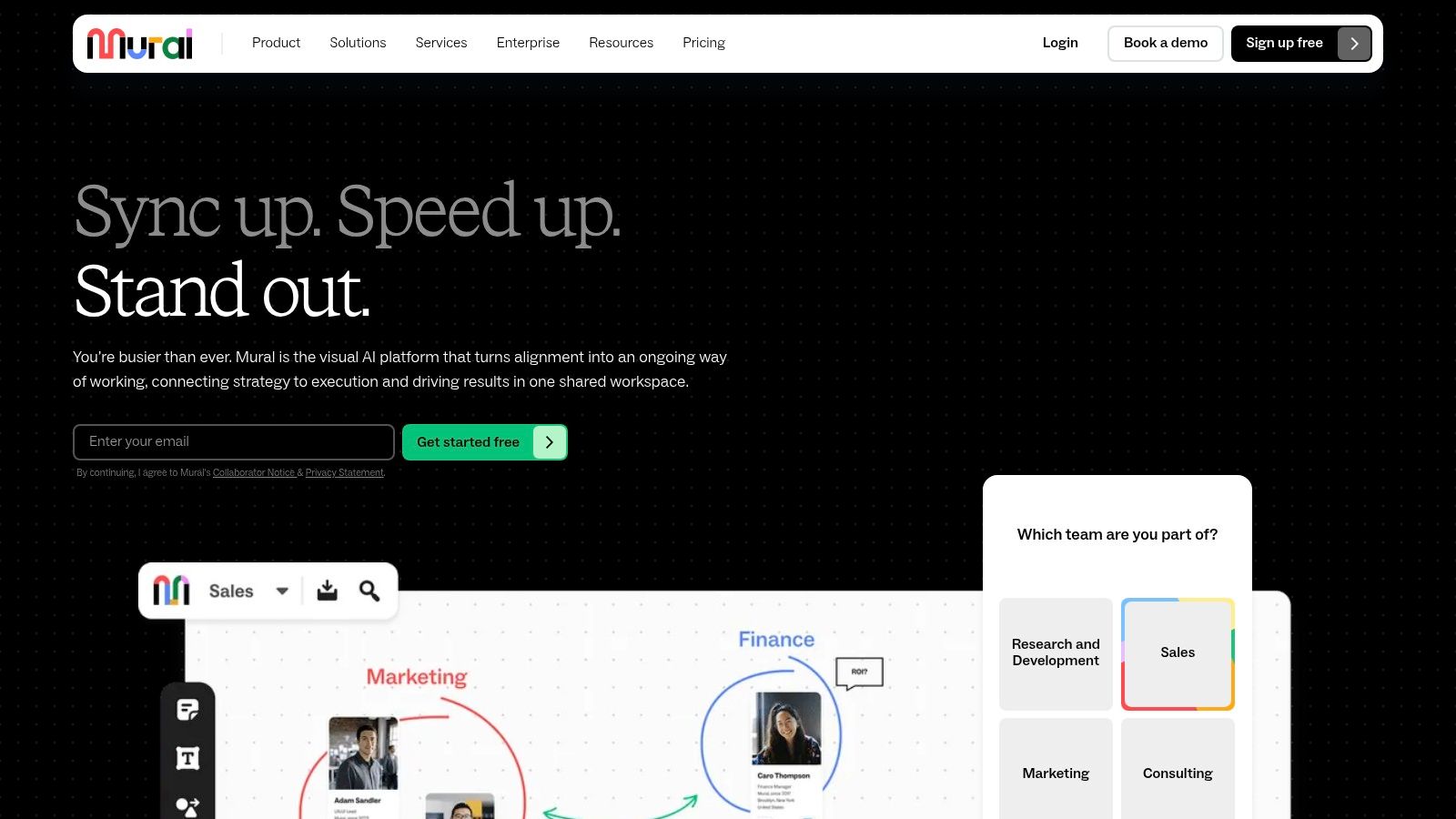
The platform's key differentiator is its emphasis on guided collaboration. Features such as summoning participants to a specific area of the board and a laser pointer help keep everyone focused. Its extensive template library is tailored for activities like retrospectives, brainstorming, and icebreakers, providing a solid foundation for any interactive session. For those new to leading virtual meetings, these tools are invaluable; you can learn more about how to plan effective workshops using platforms like Mural.
Website: https://www.mural.co
Best for: Facilitators, workshop leaders, creative agencies, and teams running structured meetings like retrospectives or design sprints.
| Feature Highlights | Pros | Cons |
|---|---|---|
| Facilitator "superpowers" (timer, voting) | Excellent moderation and facilitation controls | Some advanced integrations reserved for higher tiers |
| Templates for workshops & retrospectives | Transparent visitor model for external collaboration | Full feature set requires paid plans |
| Private mode for independent brainstorming | Great for structured, guided sessions | Can have a slight learning curve for new facilitators |
| Unlimited guests on paid plans | Strong focus on engaging meeting experiences | Interface can feel busy during large workshops |
Mural offers a free plan that includes three murals, which is great for individuals or small teams to get started. Paid plans begin at $9.99 per member per month (billed annually), unlocking unlimited murals and advanced facilitation features. The Business and Enterprise tiers add SSO, deeper integrations, and dedicated support.
4. FigJam (by Figma)
FigJam is Figma’s online whiteboard, designed to create a seamless workflow between initial ideation and final design. As a direct competitor and popular Google Jamboard alternative, it excels in environments where teams already use Figma for UI/UX design. FigJam provides a fun, intuitive canvas for brainstorming, diagramming, and collaborative workshops, effectively bridging the gap between freeform thinking and structured design work.
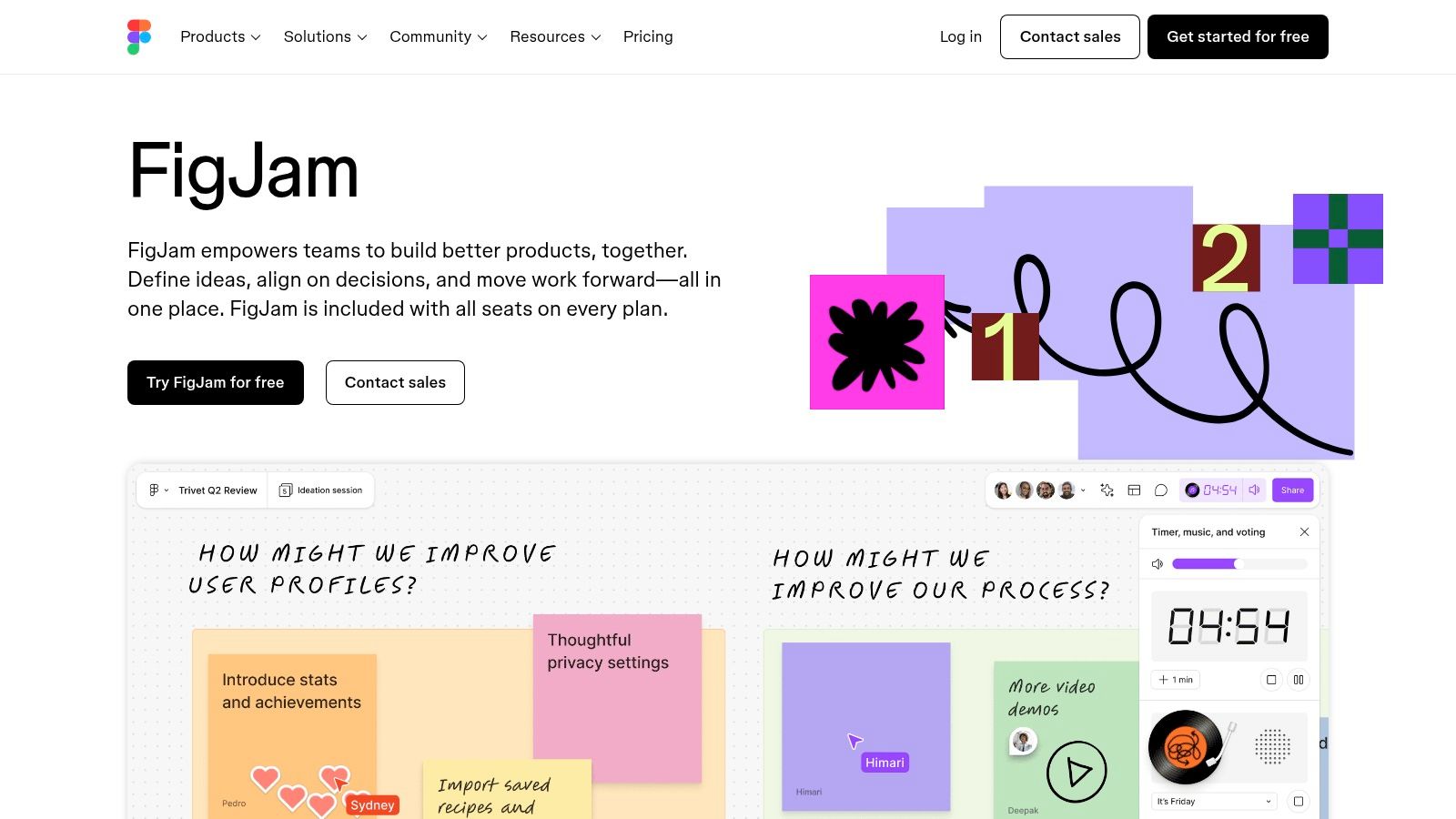
Its primary advantage is its tight integration with the Figma ecosystem. Teams can easily move concepts from a FigJam board directly into a Figma design file, streamlining the handoff from brainstorming to prototyping. This integration makes it a powerful choice for product and design teams looking to consolidate their tool stack. The platform is also excellent for running interactive sessions; for instance, teams can use it for various creative thinking exercises for groups using its built-in widgets, stamps, and reactions.
Website: https://www.figma.com/figjam
Best for: Product and design teams, organizations already using Figma, and workshops that lead directly to prototyping.
| Feature Highlights | Pros | Cons |
|---|---|---|
| Widgets, stamps & reactions for live engagement | Seamless workflow from idea to design in Figma | Less value if your team doesn't use Figma |
| Tight integration with Figma design files | Modern, intuitive UI with frequent updates | Pricing can be confusing with Figma's seat models |
| AI-powered features to generate & summarize ideas | Strong free tier for individuals and small teams | Fewer third-party integrations than competitors |
| Ready-made templates for meetings & diagrams | Excellent for user flow and journey mapping | Some advanced features are behind higher-tier plans |
FigJam offers a generous free Starter plan with three collaborative files. Paid plans are included with Figma subscriptions, which start at $12 per editor per month (billed annually). It's important to review Figma’s seat types (Full, Dev, Collab) to ensure your team has the right access, as the model and bundles were updated for 2025.
5. Microsoft Whiteboard
Microsoft Whiteboard is the natural Google Jamboard alternative for organizations deeply integrated into the Microsoft 365 ecosystem. This freeform digital canvas is built directly into tools like Microsoft Teams, making it an incredibly convenient option for teams that already use the Microsoft suite for daily communication and collaboration. It offers a simple, familiar interface for real-time brainstorming, planning, and note-taking without needing to switch applications.
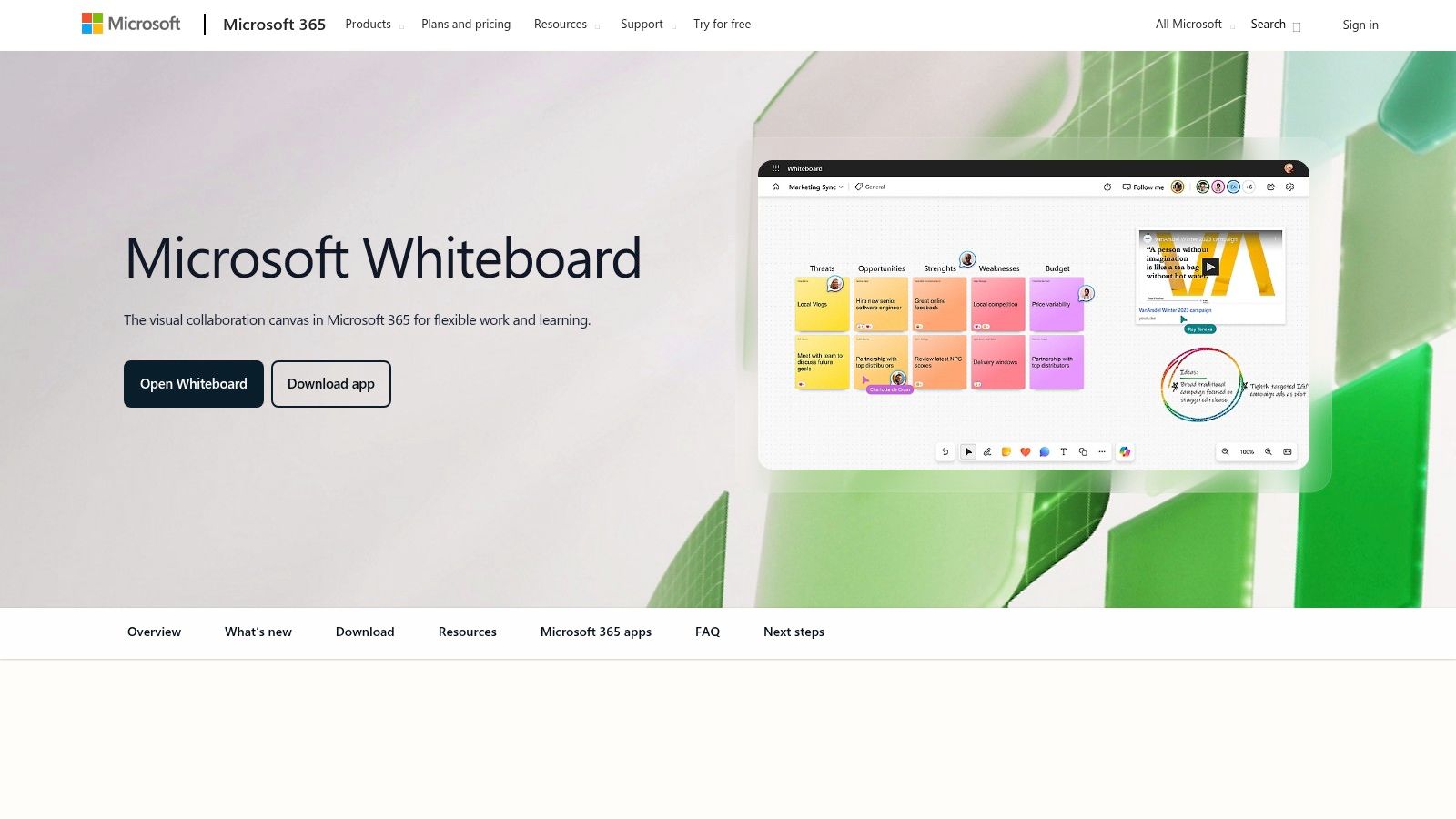
The platform’s key advantage is its seamless native integration. Launching a whiteboard during a Teams meeting is a one-click process, and all boards are automatically saved to OneDrive for Business, ensuring they are secure and accessible. While it may not have the extensive template library of specialized competitors, its core features like an infinite canvas, sticky notes, templates, and inking tools are more than sufficient for many common business use cases, from impromptu planning sessions to structured project retrospectives.
Website: https://www.microsoft.com/microsoft-365/microsoft-whiteboard
Best for: Organizations standardized on Microsoft 365 and Teams, quick collaboration during virtual meetings, and enterprise environments requiring centralized security.
| Feature Highlights | Pros | Cons |
|---|---|---|
| Infinite canvas with 60+ templates | Included at no extra cost with most M365 plans | Lighter feature set than dedicated whiteboard tools |
| Native Microsoft Teams integration | Seamless integration with Outlook and OneDrive | Fewer integrations with third-party apps |
| Advanced inking and shape recognition | Strong enterprise security and admin controls | Advanced workshop features can feel limited |
| Cross-platform (Windows, iOS, web, Surface Hub) | Familiar interface for existing Microsoft users | Template library is less extensive than rivals |
Microsoft Whiteboard is included with most Microsoft 365 Business, Enterprise, and Education plans. For users without a qualifying subscription, a free version with limited features is available with a personal Microsoft account. This pricing model makes it an exceptionally cost-effective solution for teams already invested in the Microsoft ecosystem.
6. Zoom Whiteboard
Zoom Whiteboard extends the familiar video conferencing platform into a persistent visual collaboration space, making it a highly convenient Google Jamboard alternative for teams already embedded in the Zoom ecosystem. It integrates directly into meetings, allowing for seamless real-time brainstorming and co-creation, but also functions asynchronously outside of calls. This dual-purpose design supports both spontaneous in-meeting ideation and long-term project planning on a single, unified platform.
Its primary advantage is its native integration. Teams can launch a whiteboard directly from a Zoom meeting, chat, or the desktop client without needing a separate application or login. This reduces friction and keeps collaborative workflows contained within one tool. With features like an infinite canvas, sticky notes, voting, timers, and an expanding library of templates, it provides the core functionality needed for workshops, retrospectives, and planning sessions.
Website: https://www.zoom.com/en/products/online-whiteboard/solutions/
Best for: Teams deeply integrated with the Zoom ecosystem seeking a convenient, all-in-one collaboration solution.
| Feature Highlights | Pros | Cons |
|---|---|---|
| Infinite canvas with 250+ templates | Convenient for teams already using Zoom for meetings | Advanced features and AI require paid tiers or add-ons |
| AI Companion for content generation | Deep in-meeting integration simplifies real-time use | Published pricing for add-ons (like Whiteboard Plus) is not always clear |
| Included features in Zoom Workplace plans | Simple invite model for external collaborators | Functionality may feel basic compared to dedicated whiteboard platforms |
| In-meeting and asynchronous collaboration | Familiar interface for existing Zoom users | Best features are locked behind higher-tier business plans |
Basic whiteboard features are included in all Zoom Workplace plans, including the free tier. For more advanced capabilities like additional templates, custom branding, and enhanced organizational controls, users will need to upgrade to a paid plan like Zoom Workplace Business or subscribe to the Whiteboard Plus add-on, which unlocks the full feature set.
7. Lucidspark
Lucidspark is a virtual whiteboard designed to take ideas from initial spark to final action. It excels at facilitating dynamic brainstorming and collaborative sessions, making it a strong Google Jamboard alternative for teams that need both freeform ideation and a clear path to structured documentation. The platform is part of the Lucid Visual Collaboration Suite, which allows for seamless integration with Lucidchart for more formal diagramming and process mapping.
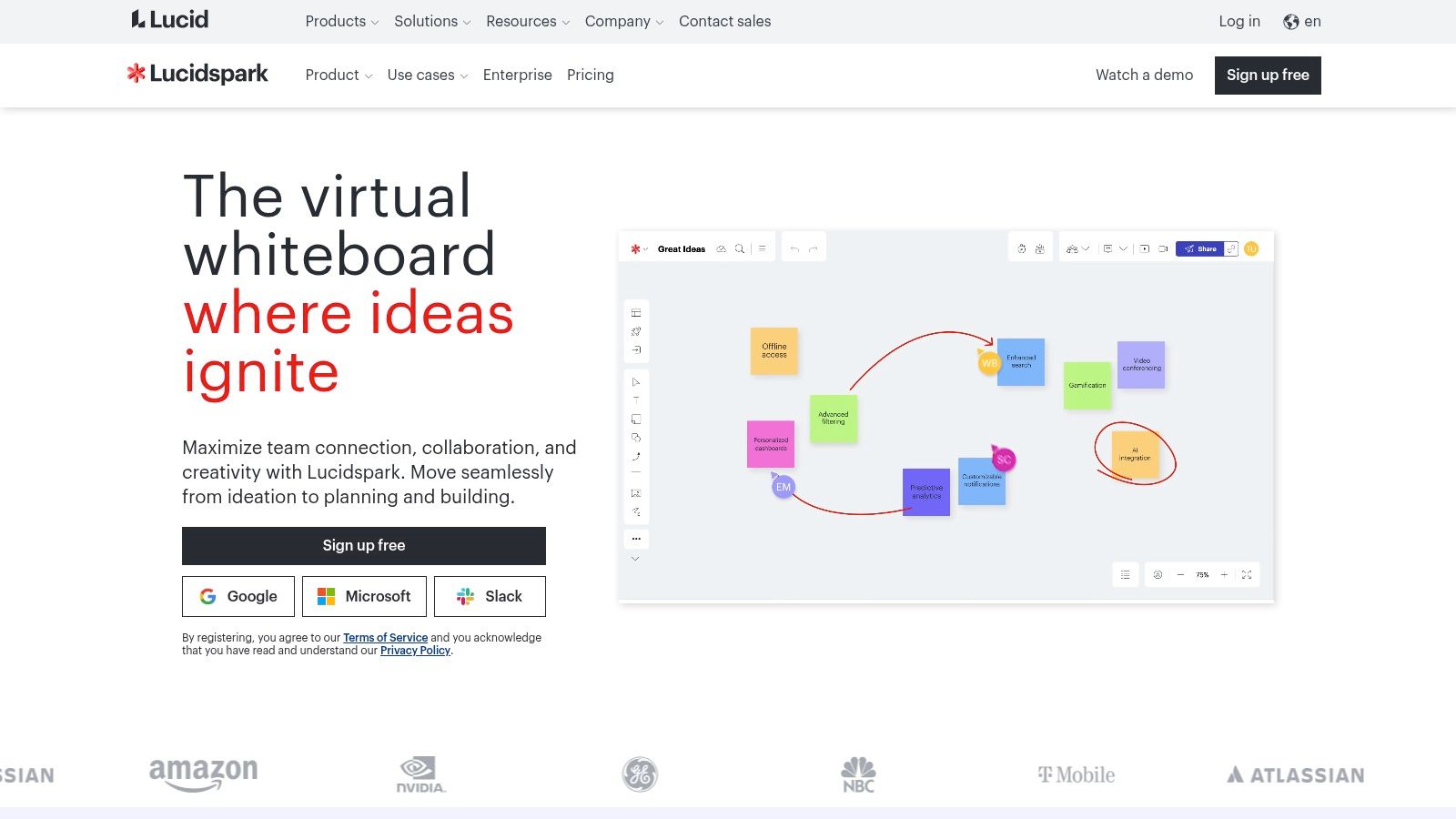
Its key differentiator is this powerful connection to Lucidchart. Teams can begin with sticky notes and free-drawing in Lucidspark and then effortlessly convert those ideas into polished flowcharts, org charts, or network diagrams. This two-in-one approach is ideal for workshops that need to produce actionable outputs. Lucidspark also includes robust facilitation tools like a timer, voting, and organized breakout boards to keep group activities focused and productive. For more strategies on running effective sessions, you can explore resources on how to brainstorm ideas online effectively.
Website: https://lucid.co/lucidspark
Best for: Teams that require a smooth transition from brainstorming to structured diagramming and documentation.
| Feature Highlights | Pros | Cons |
|---|---|---|
| Seamless Lucidchart integration for diagramming | Strong facilitation tools (voting, timer) | Pricing can be confusing with various bundles |
| Visual activities and guided templates | Excellent for turning ideas into formal diagrams | Core whiteboard features are less advanced than Miro |
| Breakout Boards for smaller group collaboration | Bundles offer value for a complete visual suite | Best features are locked behind team plans |
| AI-powered idea synthesis and organization | Intuitive and easy-to-use interface | Free plan is limited to three editable boards |
Lucidspark offers a free plan that includes three editable boards and basic features. Paid plans, often bundled with Lucidchart, start with the Individual tier and scale up to Team and Enterprise plans that add unlimited boards, advanced facilitation controls, and enhanced integrations. Pricing can vary, so it's best to verify final costs and bundle inclusions directly on their site or marketplace listings.
8. Stormboard
Stormboard is a structured digital workspace that goes beyond a simple whiteboard, making it a powerful Google Jamboard alternative for organizations that prioritize process and documentation. It excels at turning collaborative sessions into actionable outcomes by integrating robust reporting and export functionalities directly into its workflow. This platform is specifically designed for structured meetings, brainstorming sessions, and project planning where the final output needs to be seamlessly integrated into other business documents.
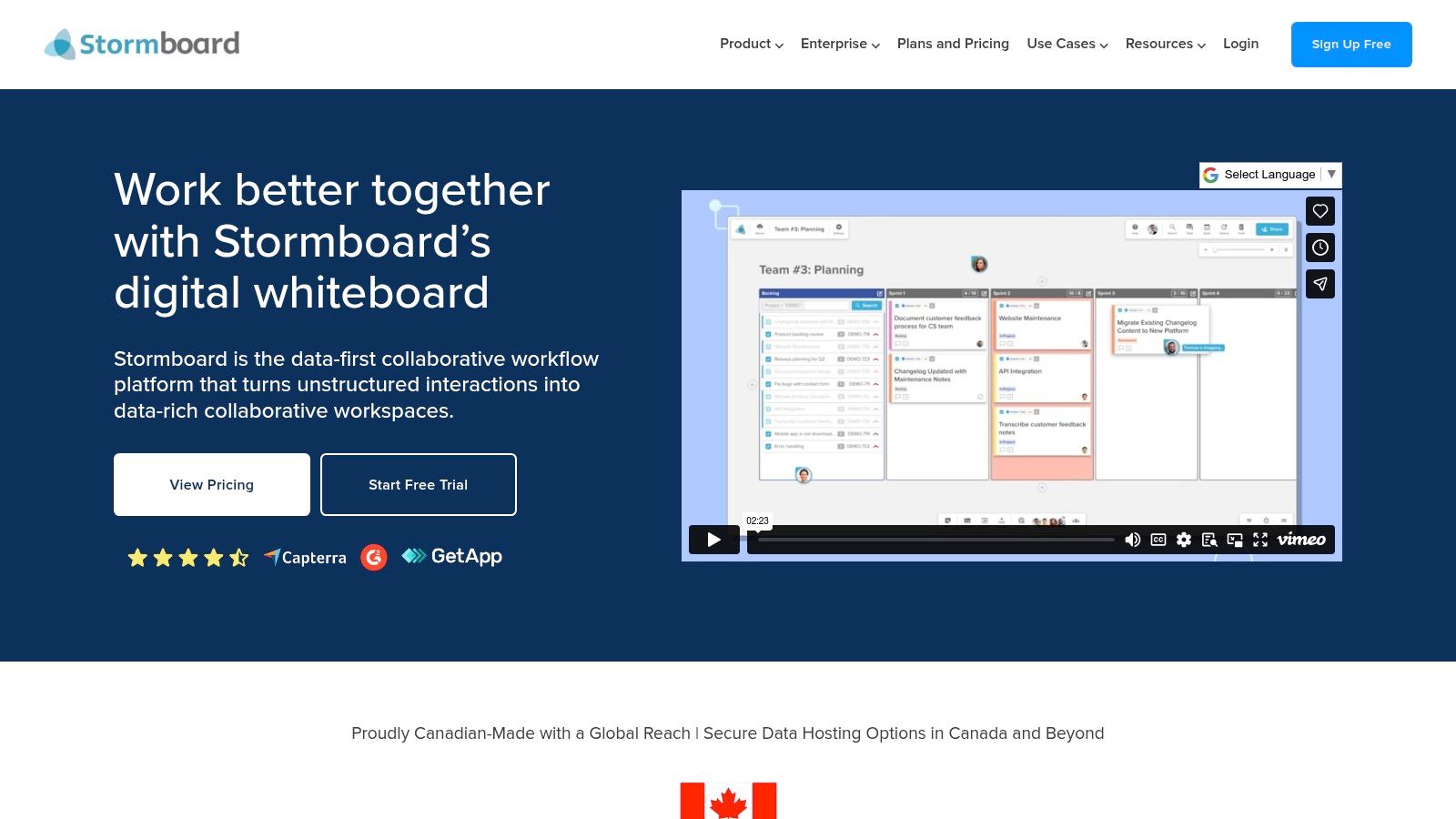
Its key differentiator is its powerful export capability. Teams can instantly generate reports and documents from their Storms (Stormboard’s term for a collaborative board) into Microsoft Word, PowerPoint, Excel, and their Google Workspace equivalents. This feature eliminates the manual effort of transcribing notes and decisions after a meeting. Additionally, Stormboard’s focus on enterprise-grade security, including SOC 2 Type II compliance and clear administrative controls, makes it a reliable choice for larger organizations with strict governance requirements.
Website: https://stormboard.com
Best for: Enterprise teams, regulated industries, and structured meetings requiring detailed reporting and documentation.
| Feature Highlights | Pros | Cons |
|---|---|---|
| One-click exports to Office & Google Workspace | Strong reporting and documentation workflow | Pricing details may require contacting sales |
| Enterprise-grade security (SOC 2 Type II) | Compliance focus is ideal for enterprise use | Smaller template library than Miro or Mural |
| Structured templates for meetings & planning | Clear administrative and user role management | Can feel more rigid than a freeform infinite canvas |
| AWS hosting for reliability and data residency | Seamlessly turns collaboration into artifacts | Interface is more function-focused than visual |
Stormboard offers a free plan for personal use with up to five open Storms. Paid plans for teams, such as the Business tier, start with a 30-day free trial, after which pricing is available upon inquiry. This trial-based model allows teams to fully evaluate its powerful reporting features before committing.
9. Conceptboard
Conceptboard is a highly secure, enterprise-grade visual collaboration platform that stands out as a Google Jamboard alternative for organizations with stringent data privacy and security requirements. Hosted entirely within the EU, it is designed for regulated industries like finance, healthcare, and government, or any team that requires strict GDPR compliance. Its core strength lies in its flexible and secure hosting options, including on-premise and single-tenant cloud deployments, offering a level of data control that most competitors do not.
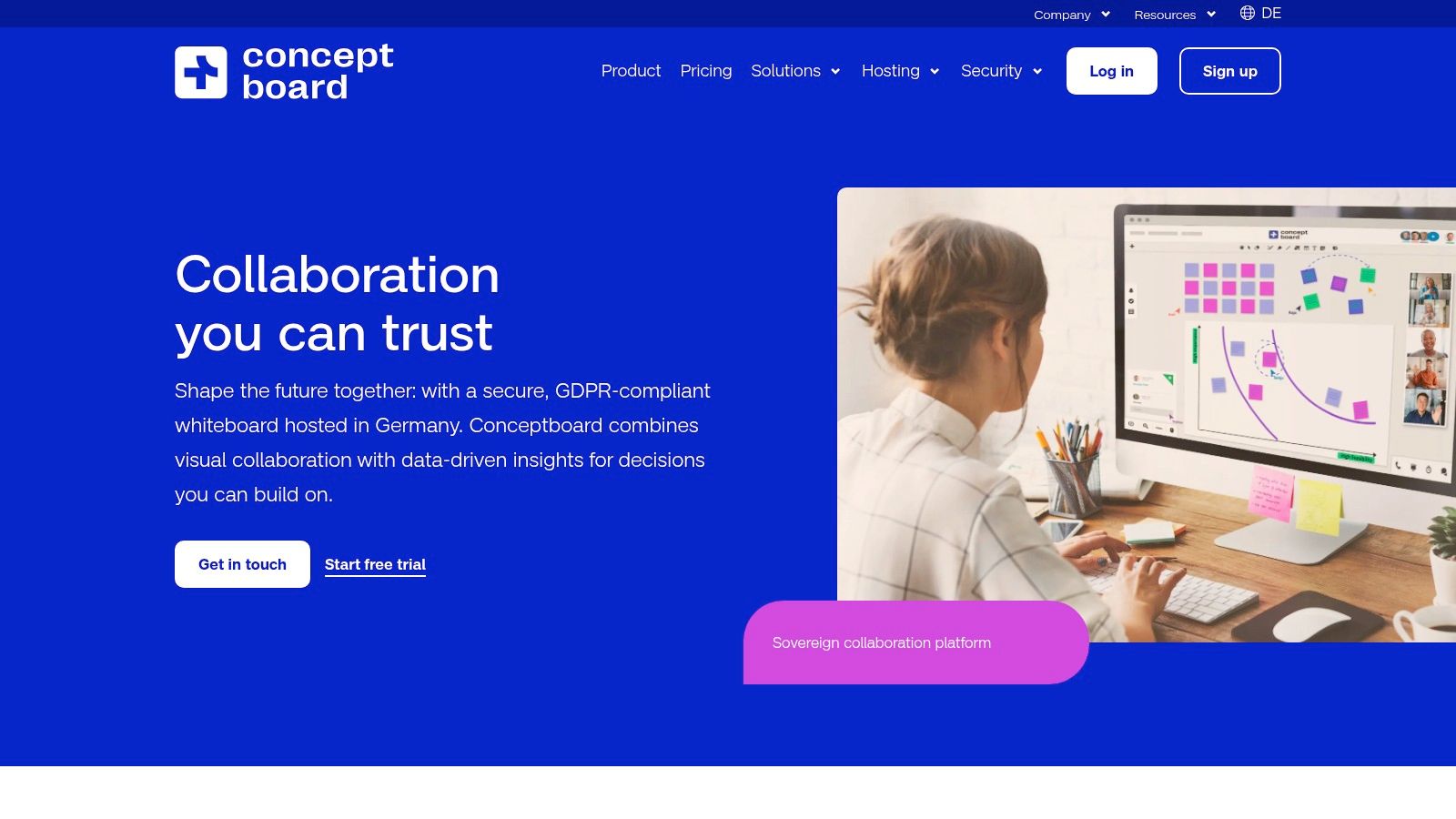
This platform provides an infinite canvas for brainstorming, project management, and workshop facilitation, all backed by robust security features. Conceptboard ensures data residency in Germany and holds multiple ISO certifications, making it a reliable choice for teams handling sensitive information. It goes beyond a simple whiteboard by offering structured templates, project sections, and comprehensive user management tools, including Single Sign-On (SSO) and detailed audit logs. This focus makes it ideal for large-scale, security-conscious collaborations where compliance is non-negotiable.
Website: https://conceptboard.com
Best for: Regulated industries, government agencies, and EU-based teams requiring GDPR compliance and advanced data security.
| Feature Highlights | Pros | Cons |
|---|---|---|
| EU data residency and GDPR compliance | Strong focus on privacy and enterprise-grade security | Pricing is in euros, requiring currency conversion for US buyers |
| Flexible hosting (on-prem, single-tenant) | Unlimited boards included on all paid plans | Procurement can be more complex for non-EU customers |
| Enterprise security (SSO, audit logs, ISO certs) | Excellent for teams in regulated sectors | The user interface may feel less modern than some competitors |
| Unlimited boards on all paid plans | Clear commitment to data sovereignty with German data centers | More focused on security than on a vast template ecosystem |
Conceptboard offers a free plan with unlimited boards for a single user. Paid plans start at €6.00 per user per month (billed annually) for teams, which includes unlimited boards, project management features, and guest editing capabilities. A 30-day free trial is available for all paid tiers.
10. Explain Everything
Explain Everything is an interactive whiteboard platform that carves out a unique niche by blending real-time collaboration with powerful screen recording and video creation tools. Unlike other Google Jamboard alternatives that focus solely on live brainstorming, Explain Everything excels at turning whiteboard sessions into polished, reusable video content. This makes it an ideal choice for educators, trainers, and teams who need to create explainer videos, tutorials, or presentations for asynchronous communication.
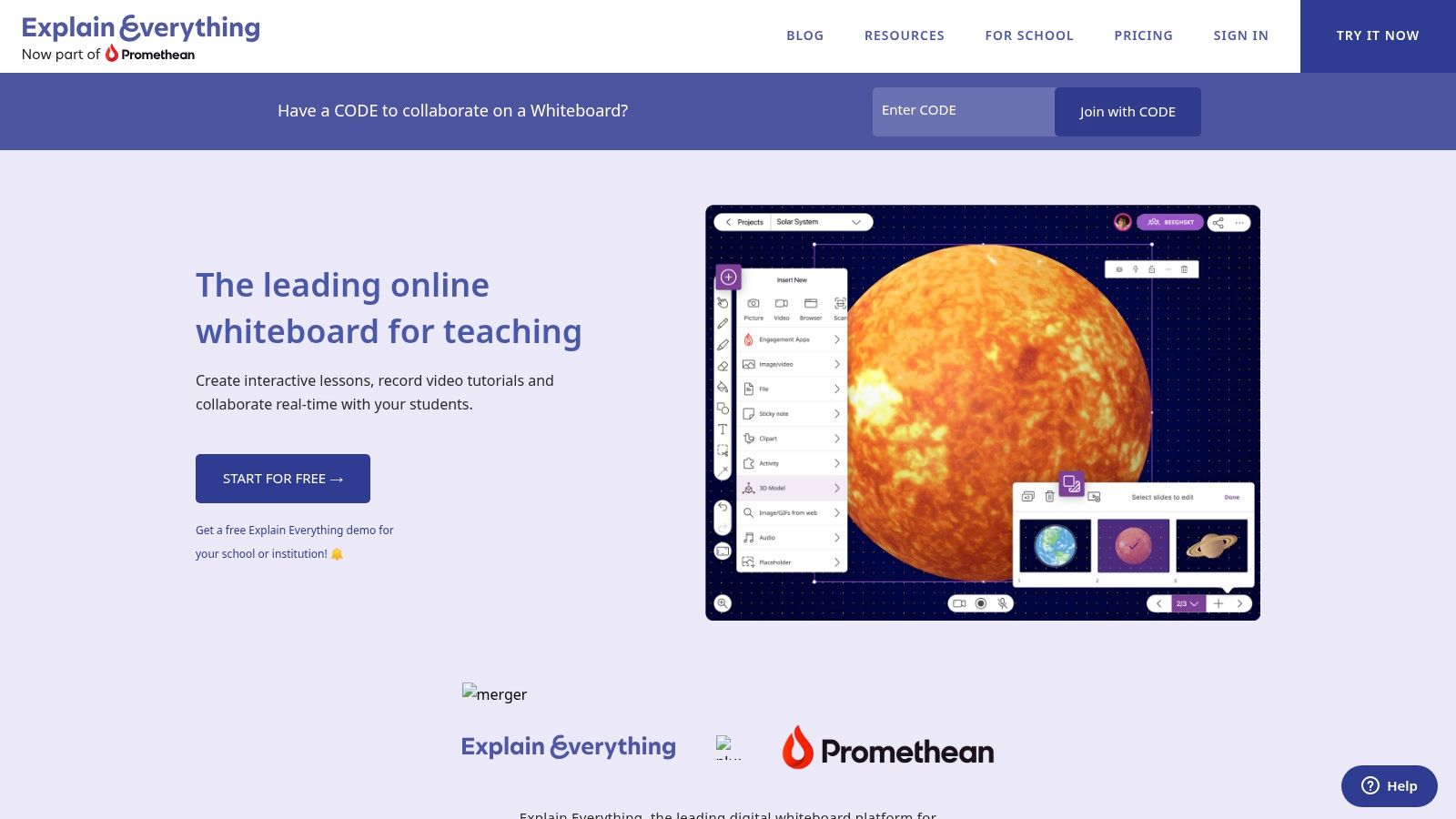
Its key differentiator is the seamless workflow from live whiteboard to final video. Users can record every action on the canvas, add voice narration, and edit the timeline to produce high-quality instructional materials without needing separate video editing software. This integrated approach saves significant time and effort, allowing creators to focus on delivering clear and engaging content. Its cross-platform availability ensures a consistent experience whether you're on a desktop, tablet, or mobile device.
Website: https://explaineverything.com
Best for: Educators, corporate trainers, and teams creating explainer videos or asynchronous training content.
| Feature Highlights | Pros | Cons |
|---|---|---|
| Integrated screen recording & video editor | Best-in-class for recording explainer videos from a whiteboard | Fewer live participants supported compared to enterprise whiteboards |
| Cross-platform app availability (iOS, Android, Web) | Strong export and recording features are core to the platform | Editing and collaboration limits on the free plan are restrictive |
| Timeline editing for recorded content | Simple plan structure is easy to understand | The user interface is more focused on creation than large-scale meetings |
| Collaboration for up to 8 live participants | Easy workflow for turning live sessions into asynchronous content | May lack advanced project management integrations found elsewhere |
Explain Everything offers a free plan to test out its essential tools with limits on projects and recording length. Paid plans provide more robust features, starting with the Teacher plan at $34.99 per year, which unlocks unlimited projects and longer recordings. The Class and School plans offer enhanced collaboration and management features for educational institutions.
11. ClickUp Whiteboards
ClickUp Whiteboards is a fully integrated solution within the ClickUp work management ecosystem, making it a strong Google Jamboard alternative for teams already using the platform. It’s designed to bridge the gap between ideation and execution by allowing users to turn brainstorming sessions directly into actionable tasks. This native integration eliminates the need for app-switching, ensuring that concepts developed on the whiteboard can be tracked and managed within the same project workflow.
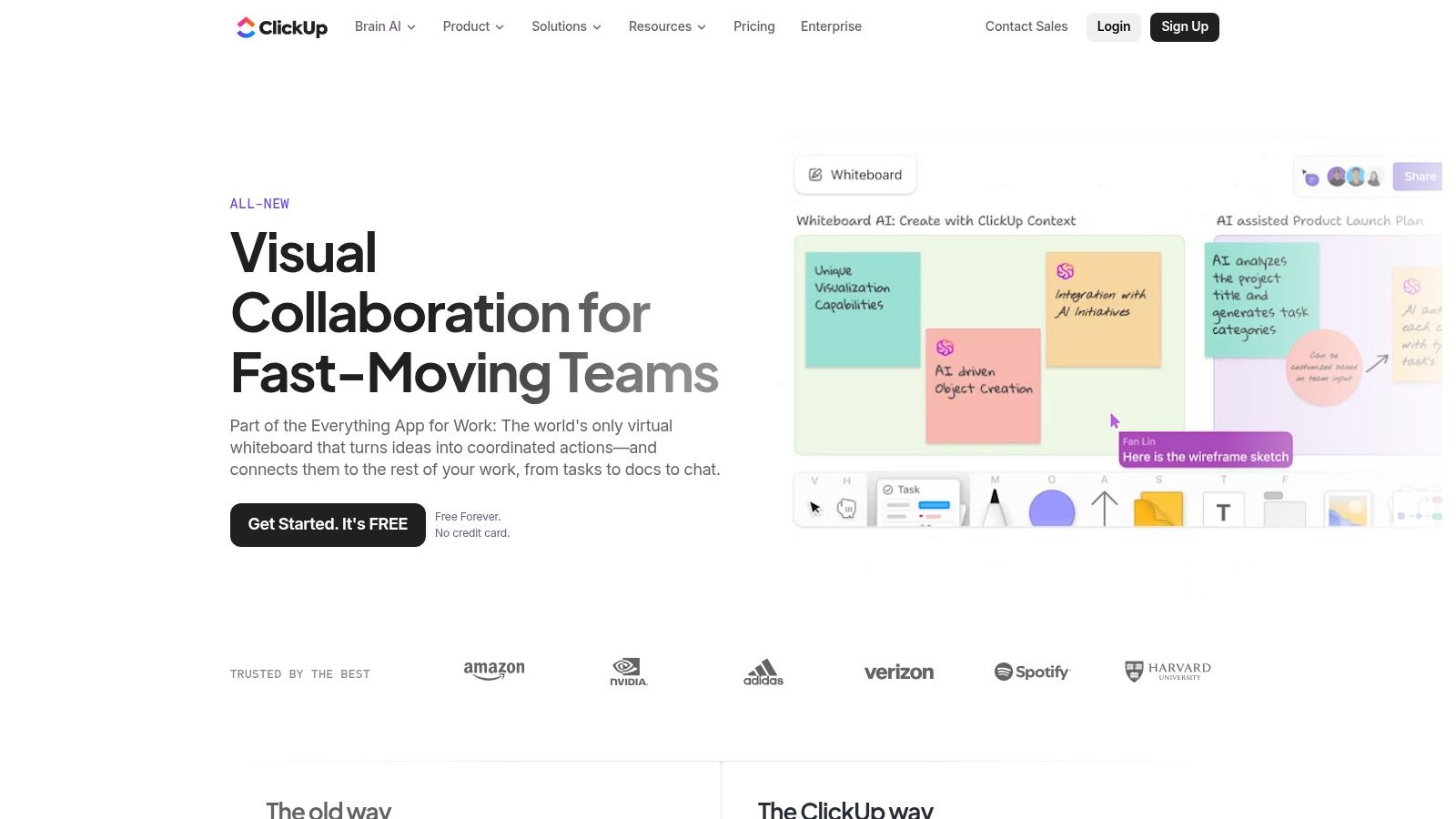
The key differentiator for ClickUp Whiteboards is its direct connection to tasks, docs, and project roadmaps. Users can link sticky notes or shapes on the canvas to existing tasks or create new ones on the fly, maintaining context and momentum. This makes it an excellent choice for teams that want a seamless transition from creative planning to structured project management, keeping all collaborative efforts centralized and visible.
Website: https://clickup.com/features/whiteboards
Best for: Teams using the ClickUp ecosystem who need to connect brainstorming directly to project tasks and execution.
| Feature Highlights | Pros | Cons |
|---|---|---|
| Native integration with ClickUp tasks & docs | Reduces app switching and centralizes workflow | Whiteboard capabilities are tied to ClickUp plan limits |
| Direct linking from objects to tasks | Turns brainstorm items directly into tasks | Some pricing and guest policy changes have impacted users |
| Unlimited boards on Business plan & above | Broad plan choices for different team sizes | Can be less intuitive as a standalone whiteboard tool |
| Collaborative cursors and real-time editing | Transparent documentation on roles and limits | Best value is realized when using the entire platform |
ClickUp offers a generous Free Forever plan that includes whiteboards with usage limits. Paid plans start at $7 per member per month (billed annually) and offer increased limits and more advanced features. The Business plan, at $12 per member per month, removes whiteboard limits entirely and adds private board sharing, making it ideal for teams that heavily rely on visual collaboration.
12. Canva Whiteboards
Canva Whiteboards integrates a flexible brainstorming space directly into the popular design suite, making it a natural Google Jamboard alternative for creative and marketing teams. Rather than being a standalone tool, it leverages Canva’s core strengths: a massive library of templates, graphics, and design elements. This allows teams to move seamlessly from an initial brainstorming session on a whiteboard to creating polished, on-brand visuals, presentations, or social media assets all within the same platform.
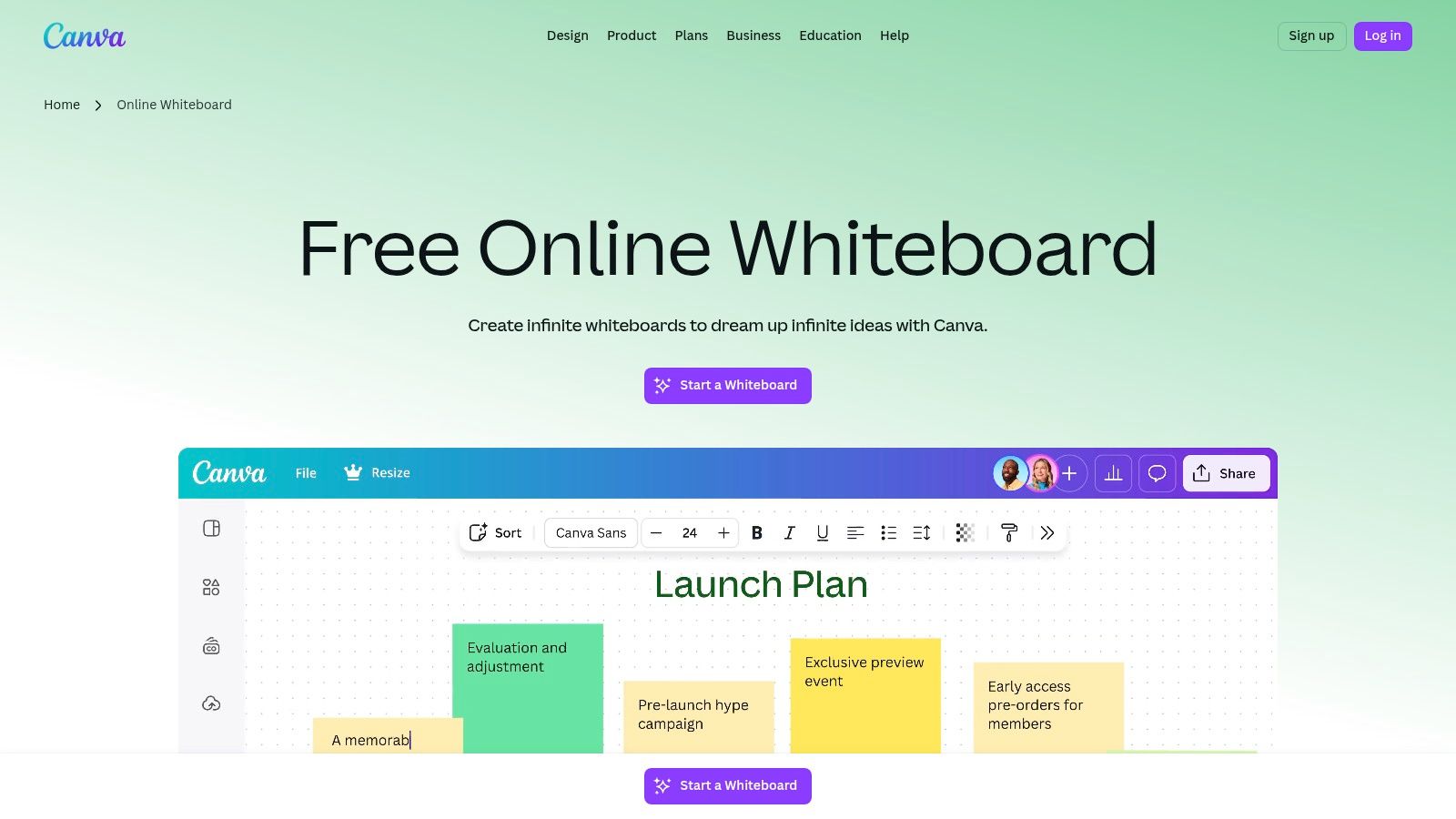
Its key differentiator is the direct pipeline from ideation to production. Any Canva design can be expanded into a whiteboard, providing context for brainstorming, or a whiteboard concept can be instantly transformed into a slide deck or campaign graphic. This is ideal for teams that need to visualize ideas and quickly turn them into finished marketing materials, eliminating the friction of exporting assets from a separate whiteboarding tool. The familiar, user-friendly interface ensures that anyone on the team can contribute without a steep learning curve.
Website: https://www.canva.com/whiteboards
Best for: Marketing and creative teams, social media planning, and turning brainstorms into design assets.
| Feature Highlights | Pros | Cons |
|---|---|---|
| Integrated into Canva with a large template library | Extremely easy for existing Canva users to adopt | AI features and limits vary significantly by plan |
| Convert designs to and from whiteboards | Fast path to convert ideas into polished visuals | Less focused on technical diagramming or Agile |
| AI features for content generation | Familiar and intuitive design tools | Teams pricing and seat minimums can be confusing |
| Real-time collaboration with timers & comments | Excellent for visual mood boarding and planning | Core whiteboarding tools are simpler than rivals |
Canva offers a generous free plan that includes whiteboards, making it highly accessible. For more advanced features like Brand Kits, premium templates, and expanded AI capabilities, the Canva Pro and Canva for Teams plans are available. Pricing for paid plans is structured per person, and teams should verify current plan details and seat minimums as packaging can change.
Top 12 Jamboard Alternatives — Feature Comparison
| Tool | Core features | UX / Quality | Value & Pricing | Target audience | Unique selling points |
|---|---|---|---|---|---|
| Bulby 🏆 | AI-guided brainwriting; anonymous submissions; auto summaries | ★★★★★ | 💰 14-day trial; limited free consult; team plans via sales | 👥 Remote teams, product teams, facilitators, startups | ✨ Anonymous + randomized prompts; AI sparks & auto-reports |
| Miro | Infinite canvas; 5k+ templates; 160+ integrations | ★★★★☆ | 💰 Free tier; paid per seat (regional pricing) | 👥 Enterprise, product & engineering teams | ✨ Massive template library & integrations |
| Mural | Workshop templates; timers, voting, private mode | ★★★★☆ | 💰 Free (3 murals) → Team+/Business/Enterprise | 👥 Facilitators, design sprints, workshop leaders | ✨ Strong moderation & facilitation controls |
| FigJam (Figma) | Widgets, stamps, reactions; Figma integration | ★★★★☆ | 💰 Free starter; paid via Figma seat bundles | 👥 Product & design teams | ✨ Seamless ideation → prototype handoff |
| Microsoft Whiteboard | Infinite canvas; inking; Teams & OneDrive integration | ★★★☆☆ | 💰 Included with many Microsoft 365 plans | 👥 Microsoft 365/Teams organizations | ✨ Deep Teams/Surface Hub integration |
| Zoom Whiteboard | Infinite canvas; templates; AI Companion; in-meeting flow | ★★★☆☆ | 💰 Included in some Workplace plans; add-ons for pro features | 👥 Zoom-centric organizations | ✨ Smooth in-meeting whiteboarding + AI assist |
| Lucidspark | Sticky-note ideation; facilitation tools; Lucidchart pairing | ★★★★☆ | 💰 Free tier; Individual/Team/Enterprise; bundles with Lucidchart | 👥 Teams needing brainstorm → diagram workflows | ✨ Easy handoff to structured diagrams (Lucidchart) |
| Stormboard | Structured boards; exports to Office/Google; compliance focus | ★★★★☆ | 💰 Business/Enterprise tiers; 30-day trial | 👥 Enterprise, regulated teams needing reports | ✨ Strong export/report workflows; SOC2 & governance |
| Conceptboard | EU data residency; SSO; single-tenant/on-prem options | ★★★☆☆ | 💰 Starter → Corporate (pricing in €) | 👥 Regulated industries, EU-focused teams | ✨ EU-hosting, advanced privacy & hosting options |
| Explain Everything | Cross-platform whiteboard; screen recording & exports | ★★★★☆ | 💰 Free plan; paid tiers for teams & recording features | 👥 Education, trainers, asynchronous content creators | ✨ Best-in-class whiteboard recording → polished content |
| ClickUp Whiteboards | Whiteboards linked to tasks, docs & roadmaps | ★★★★☆ | 💰 Included across ClickUp plans; limits by tier | 👥 Teams using ClickUp for execution | ✨ Convert sticky notes directly into tasks (no app switch) |
| Canva Whiteboards | Template-rich whiteboards inside Canva design suite | ★★★★☆ | 💰 Free start; Pro & Business tiers for expanded features | 👥 Creative & marketing teams | ✨ Fast path from brainstorm → polished visuals & slides |
From Blank Canvas to Breakthrough Ideas: Choosing Your Path
Navigating the landscape of Google Jamboard alternatives can feel overwhelming, but it's an exciting opportunity to upgrade your team's collaborative potential. As we've explored, the end of Jamboard's lifecycle isn't a setback; it's a chance to find a tool that doesn't just replicate a physical whiteboard but fundamentally enhances how your remote or hybrid team innovates.
The journey from a simple, free tool like Jamboard to a more sophisticated platform requires careful thought. Your final decision hinges on your team's specific collaboration style, goals, and existing workflows. Moving forward, the key is to choose a path, not just a product.
Key Takeaways: From Digital Whiteboards to Strategic Collaboration
Reflecting on the twelve platforms we analyzed, several clear themes emerge. Powerful, expansive canvases like Miro and Mural offer incredible creative freedom, making them ideal for complex projects, user journey mapping, and visual-heavy workshops. They are the industry standards for a reason, providing a digital space where almost anything is possible.
Meanwhile, tools integrated into existing ecosystems, such as FigJam, Microsoft Whiteboard, and Zoom Whiteboard, present a compelling case for convenience. They reduce friction by living inside the applications your team already uses daily. This seamless integration can be the deciding factor for teams looking to centralize their tool stack and simplify onboarding.
Finally, specialized tools like Bulby highlight a crucial shift in modern collaboration. They recognize that a blank canvas is often not enough. True innovation requires a structured process that mitigates common human biases and ensures every voice is heard. This is where the next generation of collaborative tools truly shines.
How to Choose the Right Jamboard Alternative for Your Team
To make the best choice, move beyond feature lists and ask strategic questions about your team's needs. Use these points as a final checklist to guide your decision-making process:
- What is your primary use case? Are you conducting open-ended creative brainstorms (Miro, Mural), designing products and interfaces (FigJam), or running structured, guided innovation sessions (Bulby)? The "job to be done" should be your primary filter.
- How important is structure versus freedom? If your team thrives on unstructured, spontaneous ideation, a classic infinite canvas is perfect. If your sessions often suffer from groupthink, dominant voices, or a lack of clear outcomes, a process-driven tool will deliver far more value.
- What is your team's technical comfort level? Tools like Canva Whiteboards and Microsoft Whiteboard offer gentle learning curves. More advanced platforms like Miro or FigJam may require a bit more time for your team to master the full suite of features.
- Does it integrate with your current workflow? Consider how a new tool will connect with your project management software (like ClickUp or Jira), communication channels (like Slack or Teams), and design tools. Seamless integration prevents the new platform from becoming an isolated island of information.
- What is the facilitator's role? Some tools place a heavy burden on the facilitator to design the session, manage participation, and synthesize results. Others, like Bulby, automate parts of this process, freeing up the facilitator to focus on the human element of the workshop.
Implementing Your New Tool for Success
Once you've selected a platform, successful adoption is key. Don't just send an invite link and hope for the best. Plan a small pilot project with an enthusiastic group to work out any kinks. Create a few basic templates that align with your most common meeting types, such as retrospectives or project kick-offs. This provides a clear starting point and demonstrates the tool's value immediately.
Ultimately, replacing Google Jamboard is more than a technical migration. It's a strategic decision to invest in a platform that will actively help your team produce better ideas, make smarter decisions, and collaborate more inclusively. By choosing a tool that aligns with your desired outcomes, you can transform your brainstorming sessions from simple digital gatherings into powerful engines for breakthrough innovation.
Ready to move beyond the limitations of a simple blank canvas? Discover how Bulby uses research-backed, AI-powered exercises to guide your team through brainstorming sessions that are structured for creativity, free from bias, and designed for actionable results. Try Bulby today and see how a smarter process leads to better ideas.