
In a world of back-to-back video calls and distributed teams, holding an audience's attention has never been more challenging or more crucial. The standard slide deck, packed with endless bullet points and static images, no longer guarantees engagement. To truly connect, persuade, and inspire, we need a new playbook built for the unique dynamics of modern work.
This guide offers a collection of powerful and creative ideas for a presentation, specifically designed to meet the demands of remote and product-focused teams. Each concept is a practical, actionable strategy to transform your next presentation from a passive monologue into a memorable, collaborative experience. Forget generic advice; we are diving deep into specific formats that drive real participation and make your message stick.
Many of these innovative formats rely on effective digital platforms to succeed. For example, interactive whiteboarding and asynchronous video require robust software to facilitate seamless collaboration. Choosing the right platform is foundational, and having a suite of the top remote team communication tools can make implementing these ideas much simpler and more effective.
We'll explore everything from immersive storytelling and gamified ideation tournaments to asynchronous video journeys and interactive data dashboards. You'll get the tools you need to make your ideas resonate, no matter where your team members are located. Let's move beyond the ordinary and unlock presentations that actually work.
1. Interactive Virtual Whiteboarding Sessions
Move beyond static slides by transforming your presentation into a dynamic, real-time collaborative brainstorming session. An interactive virtual whiteboard allows your remote or hybrid team to visually sketch ideas, organize thoughts with digital sticky notes, and build upon each other’s contributions simultaneously. This approach turns passive viewers into active participants, making it one of the most engaging and creative ideas for a presentation focused on ideation or problem-solving.
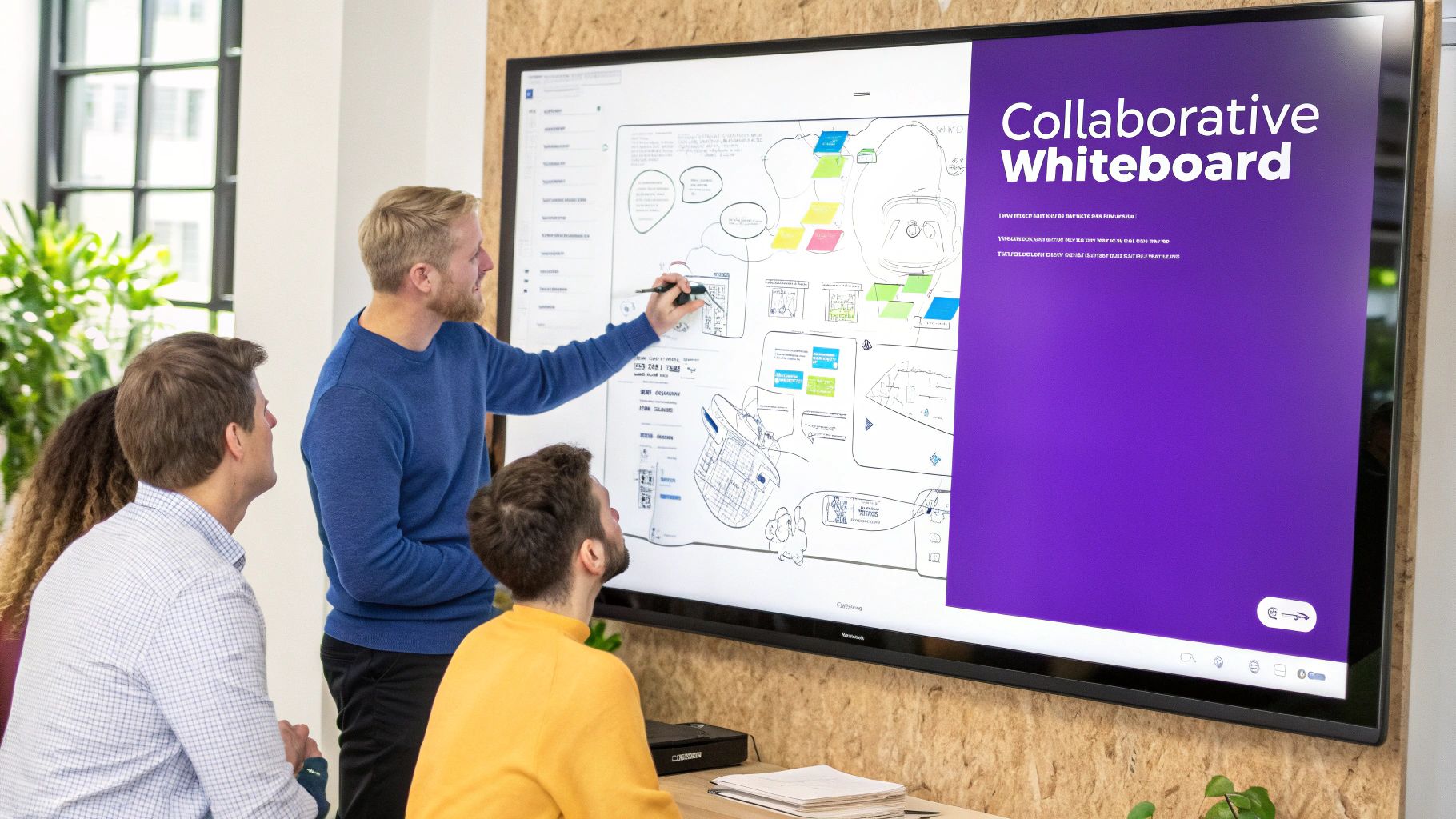
This method combines the spontaneous energy of an in-person workshop with the power of digital tools. Platforms like Miro, FigJam, and Mural are used by innovation teams at companies like Microsoft, Spotify, and Adobe to create shared digital canvases where ideas can develop organically.
How to Implement This Idea
To ensure a smooth and productive session, structure is key. Start by setting up a template or designated area on the board for each part of your presentation.
- Establish a Visual Language: Before the session begins, define a simple color-coding system (e.g., green for new ideas, yellow for questions) and a set of symbols. This creates clarity and helps organize contributions without verbal interruption.
- Assign a Moderator: Designate one person to act as a facilitator. Their role is to keep the discussion on track, cluster similar ideas into groups, and manage the time.
- Use Time-Boxed Phases: Break down your presentation into timed activities. For example, allocate five minutes for silent brainstorming, ten minutes for discussion and grouping, and five minutes for dot-voting on the best ideas.
- Export and Document: After the session, export the whiteboard as a PDF or image. This creates a permanent, visual record of the collaboration that can be shared and referenced for future work.
This format is perfect for strategy kickoffs, design thinking workshops, or any meeting where the goal is to generate and refine ideas collaboratively rather than just present information. You can even elevate the engagement by incorporating structured activities. For more inspiration, explore these interactive whiteboard games and exercises to add a playful yet productive element to your sessions.
2. Asynchronous Video Presentations with Personalized Narration
Break free from the constraints of live meetings by creating asynchronous video presentations where team members contribute their own narrated segments. This approach allows individuals to record and share their ideas on their own schedule, eliminating time-zone conflicts and reducing the pressure of live public speaking. The final product is a cohesive narrative built from diverse, personalized perspectives, making it one of the most flexible and creative ideas for a presentation in a distributed team.
This method fosters deeper, more thoughtful contributions by giving each person the space to craft their message without interruption. Companies like GitLab and Slack have championed this async-first culture, using tools like Loom and Vidyard to share everything from product updates to company-wide announcements. It respects individual communication styles and promotes inclusivity.
How to Implement This Idea
A successful asynchronous video presentation requires clear guidelines and a structured process to ensure all the pieces fit together seamlessly.
- Create a Shared Template: Provide a simple slide template or a brief outline for all contributors. This ensures visual consistency and helps keep the overall narrative focused on the core objectives.
- Set Clear Time Limits: Ask each contributor to keep their video segment between 2-5 minutes. This length is ideal for maintaining viewer engagement and forces speakers to be concise with their points.
- Use a Centralized Platform: Designate one person to collect all the video files and compile them into a single presentation or a playlist. Tools like Loom or Vidyard are perfect for recording and sharing screen-based presentations with a personal touch.
- Schedule a Follow-Up Discussion: Once the full presentation is shared, schedule a dedicated, time-boxed session in a Slack channel or forum for Q&A and feedback. This preserves the interactive element without requiring a live meeting.
This format is ideal for project kickoffs, design reviews, or departmental updates where clarity and detail are more important than real-time debate. For any video-based presentation, it's crucial to understand how to create professional videos that captivate audiences, potentially leveraging AI for efficiency. You can discover more ways to foster innovation without meetings by exploring these guides on async creativity.
3. Gamified Collaborative Ideation Tournaments
Inject a dose of friendly competition into your brainstorming by structuring your session as an ideation tournament. This format uses game mechanics to motivate participants and refine concepts through structured rounds of voting, peer evaluation, and iterative development. Instead of a free-form discussion, ideas compete and evolve, transforming a standard presentation into an engaging and productive event that drives innovation.
This method harnesses competitive energy for a collaborative goal, pushing teams to build upon, challenge, and strengthen their collective ideas. It’s a powerful technique used by innovation giants like Google and Intuit to surface and validate new product concepts. The tournament framework makes the process of generating and filtering ideas transparent, dynamic, and far more exciting than a typical feedback session.
How to Implement This Idea
Success depends on a clear structure and fair evaluation criteria. Your goal is to foster creativity and collaboration, not just crown a single winner.
- Define Clear Evaluation Criteria: Before the tournament begins, establish and share the metrics for judging ideas. Criteria could include feasibility, user impact, and alignment with strategic goals. This ensures all participants are working toward the same objective.
- Structure in Rounds: Break the tournament into distinct phases. For example, start with a silent idea generation round, followed by a peer-pitching round, and then a series of voting rounds where weaker ideas are eliminated and stronger ideas are refined by groups.
- Encourage Idea Merging: Build in collaboration periods between rounds. Allow teams to merge or "steal" elements from other ideas, promoting a "best idea wins" mentality over individual ownership.
- Use Anonymous Submissions: To reduce bias and encourage bolder thinking, have participants submit their initial ideas anonymously. This focuses the evaluation on the merit of the idea itself, not on who suggested it.
- Celebrate All Finalists: While one idea might win, make sure to acknowledge and celebrate all finalist concepts. This reinforces that the primary goal was collaborative exploration and recognizes everyone's contributions.
This format is ideal for innovation challenges, new feature brainstorming, or any strategic session where you need to generate a high volume of ideas and systematically narrow them down to the most promising few. To further enhance the experience, you can explore various online innovation games that can be integrated as specific tournament rounds.
4. Multi-Sensory Digital Storytelling Presentations
Elevate your message beyond simple facts and figures by crafting an immersive experience that engages multiple senses. A multi-sensory digital storytelling presentation combines a strong narrative with compelling visuals, carefully selected audio, subtle animations, and interactive touchpoints. This approach leverages how the human brain processes and retains information, making your core message more memorable and emotionally resonant.
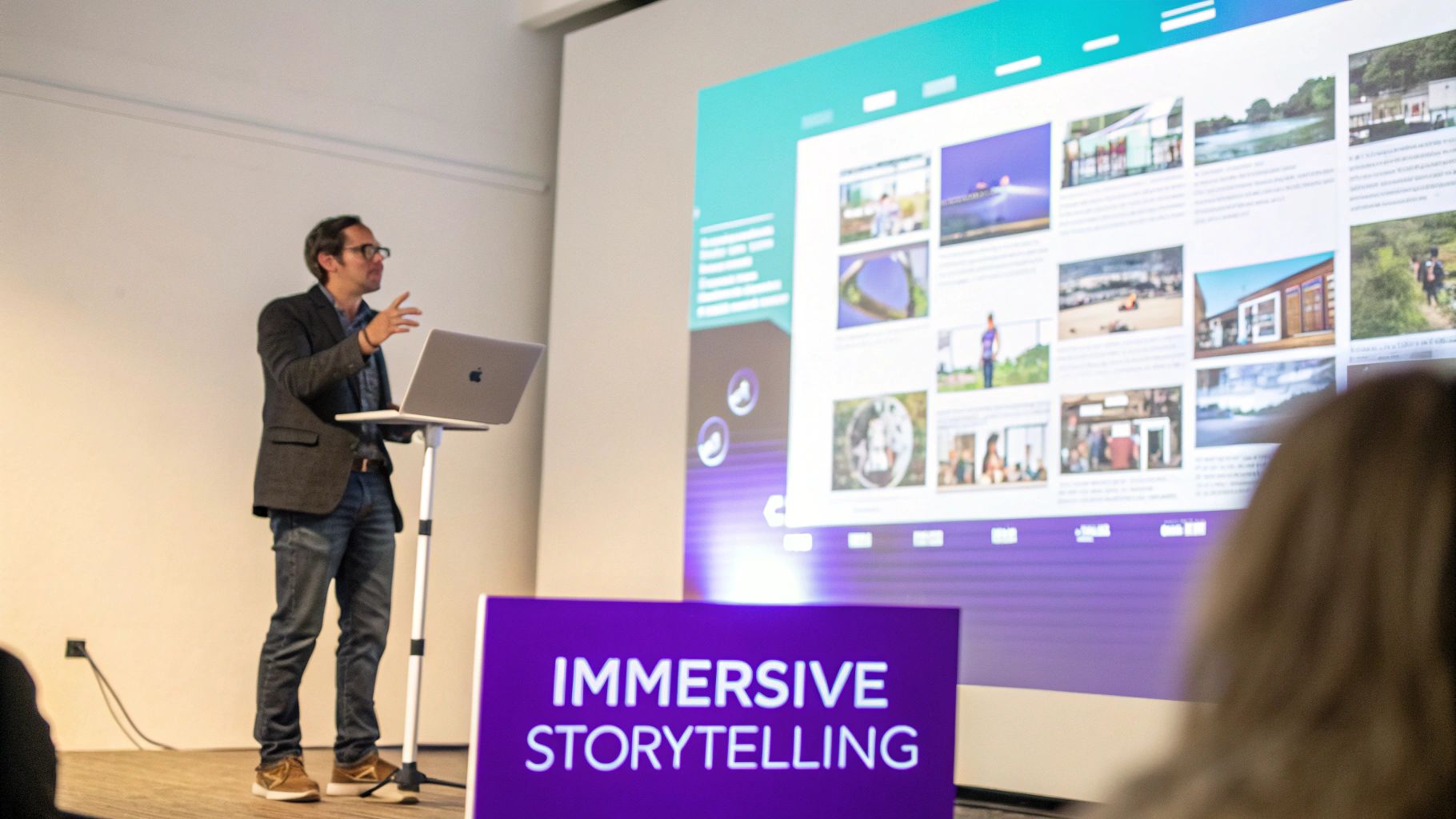
This method moves beyond a linear slide-by-slide format to create a holistic journey for the audience. Iconic examples include the narrative-driven keynotes of Apple, which blend product visuals with dramatic music, and the powerful storytelling structures used in TED Talks that integrate personal anecdotes with impactful data. Tools like Prezi, Powtoon, and Adobe Spark are designed to help you build these dynamic and non-linear presentations.
How to Implement This Idea
Success with this creative idea for a presentation depends on a thoughtful integration of elements, where each component serves the central narrative.
- Build a Narrative Arc: Before adding any media, outline a clear story with a beginning (the problem), middle (the journey or solution), and end (the call to action). A strong story is the foundation.
- Use Purposeful Animation: Animations should clarify concepts, not just decorate slides. Use them to reveal information sequentially, demonstrate a process, or guide the audience's focus.
- Integrate Complementary Audio: Select background music or sound effects that match the tone of your message. Ensure audio levels are balanced so they enhance the visuals without overpowering your voice.
- Prioritize Accessibility: Include captions for any spoken audio and provide transcripts. This ensures your story is accessible to everyone and can be reviewed later.
- Test Across Devices: Before presenting, test your creation on different screens and systems to ensure all interactive and media elements function as intended for every viewer.
This format is ideal for product launches, brand storytelling, or any situation where you need to make a lasting emotional impact. By engaging more than just sight, you create a richer, more persuasive experience for your audience. For a deeper dive into making your content more engaging, explore these tips on how to make an interactive presentation.
5. Live-Streamed Town Halls with Real-Time Polling and Chat
Elevate your large-scale meetings from one-way broadcasts to engaging community events. A live-streamed town hall uses real-time polling, chat, and Q&A features to create a dynamic, participatory experience, even with hundreds of attendees. This format bridges the gap in remote environments, making large audiences feel seen and heard, and is one of the most effective creative ideas for a presentation aimed at building alignment and transparency.
This method transforms a standard address into an interactive forum. Tech leaders like Shopify and Stripe use this format for their internal all-hands meetings, leveraging platforms like Hopin or StreamYard to broadcast key updates while gathering immediate, organization-wide feedback and fostering a sense of connection.
How to Implement This Idea
Success depends on balancing polished content with spontaneous interaction. A well-planned structure ensures the broadcast is both informative and engaging.
- Strategically Deploy Polls: Use polls not just for fun, but to gather meaningful data. Ask questions that gauge sentiment on a new initiative or prioritize topics for the next segment. This provides instant quantitative feedback.
- Dedicate a Chat Moderator: Assign team members to actively moderate the chat. Their job is to answer logistical questions, surface key themes, and pass relevant audience questions to the main speaker, keeping the discussion productive.
- Allocate Time for Interaction: Structure your agenda to dedicate at least 20-30% of the total time to interactive elements. Build in specific blocks for Q&A sessions, responding to chat comments, and discussing poll results.
- Feature Diverse Voices: Avoid a single talking head. Invite different team members or department leads to present short segments. This variety keeps the energy high and showcases a wider range of perspectives.
This approach is ideal for company-wide all-hands meetings, product launch announcements, or any event where building community and gathering broad feedback is as important as delivering information. For more tips on structuring these large-scale events, explore these best practices for running a successful all-hands meeting.
6. Modular Slide Deck Frameworks with Customizable Templates
Empower your team with a collection of pre-designed, flexible presentation templates built on proven narrative structures. Instead of starting from a blank slate, this approach provides a strategic framework-whether it's problem-solution, a hero's journey, or a data-driven story-that guides presenters through an effective storytelling arc. This ensures brand consistency and high-quality messaging while still allowing for creative flexibility and customization.
This method systematizes excellence by embedding best practices directly into your team's workflow. Renowned organizations like McKinsey & Company build their consulting presentations on structured narrative frameworks, while tech giants like HubSpot and Slack provide extensive internal template libraries to scale effective communication. These templates democratize powerful storytelling techniques for everyone.
How to Implement This Idea
Building a successful template library requires a thoughtful, user-centric approach. Start by identifying the most common presentation scenarios your team faces and create a core set of frameworks for them.
- Base Templates on Narrative Structures: Don't just design slides; design stories. Create distinct templates for different goals, such as a Problem-Solution deck for sales pitches, a Data-Driven framework for quarterly reviews, and a Hero's Journey template for brand storytelling.
- Create 4-5 Core Frameworks: Avoid overwhelming users. Focus on developing a handful of versatile templates for key presentation types like team updates, project kickoffs, all-hands meetings, and client proposals.
- Provide "Best Practice" Examples: For each template, include a completed example deck. This shows the framework in action and provides a clear benchmark for quality, tone, and visual execution.
- Train Your Team on Selection: Host a brief workshop to walk through the library, explaining which template is best suited for which scenario. This empowers team members to choose the right tool for the job.
This approach is ideal for growing organizations that need to maintain messaging consistency and quality at scale. By using tools like Figma, Canva for Teams, or even Google Slides, you can create a shared library that becomes a single source of truth for all presentations. For more on the power of structured narratives in presentations, Nancy Duarte's book Resonate is an essential resource.
7. Peer-to-Peer Presentation Exchange Networks
Shift the presentation dynamic from a top-down broadcast to a collaborative, feedback-rich conversation. A peer-to-peer exchange network breaks a large audience into small, rotating groups where individuals present their ideas. This format democratizes the stage, turning a monologue into a series of focused, intimate discussions that generate diverse and actionable feedback.
This approach is inspired by the feedback cultures at innovative companies like Google and 3M, where design critiques and peer reviews are integral to the creative process. It distributes presentation responsibility and ensures that every idea benefits from multiple perspectives, making it one of the most effective creative ideas for a presentation focused on refinement and validation.
How to Implement This Idea
Success hinges on structure and clear guidelines for both presenters and feedback providers. The goal is to create a safe and productive environment for constructive critique.
- Form Diverse Groups: Intentionally mix participants from different departments, roles, and seniority levels. This cross-pollination of perspectives prevents groupthink and uncovers blind spots.
- Provide a Feedback Framework: Give participants a clear structure for their feedback, such as the "I Like, I Wish, What If" model. This keeps comments constructive and focused on specific, improvable areas.
- Time-Box the Sessions: Keep the format crisp and energetic. A common structure is a 10-minute presentation followed by a 15-minute feedback and discussion period before groups rotate.
- Aggregate and Synthesize: After the sessions, the presenter's role is to collect and identify recurring themes from the feedback. Tools like Airtable or even a simple spreadsheet can help track and prioritize the insights gathered from different groups.
This method is ideal for internal pitch sessions, project development check-ins, or any scenario where a team needs to pressure-test and improve multiple ideas in a single meeting. It empowers every team member, fosters a culture of open feedback, and ultimately leads to stronger, more resilient concepts.
8. Interactive Data Dashboards and Idea Tracking Visualizations
Transform abstract brainstorming progress into tangible, measurable data with a live dashboard. Instead of just talking about ideas, you can visually represent their evolution, track team contributions, and display decision-making metrics in real-time. This method turns passive progress updates into an engaging and transparent narrative, making it one of the most data-driven creative ideas for a presentation.
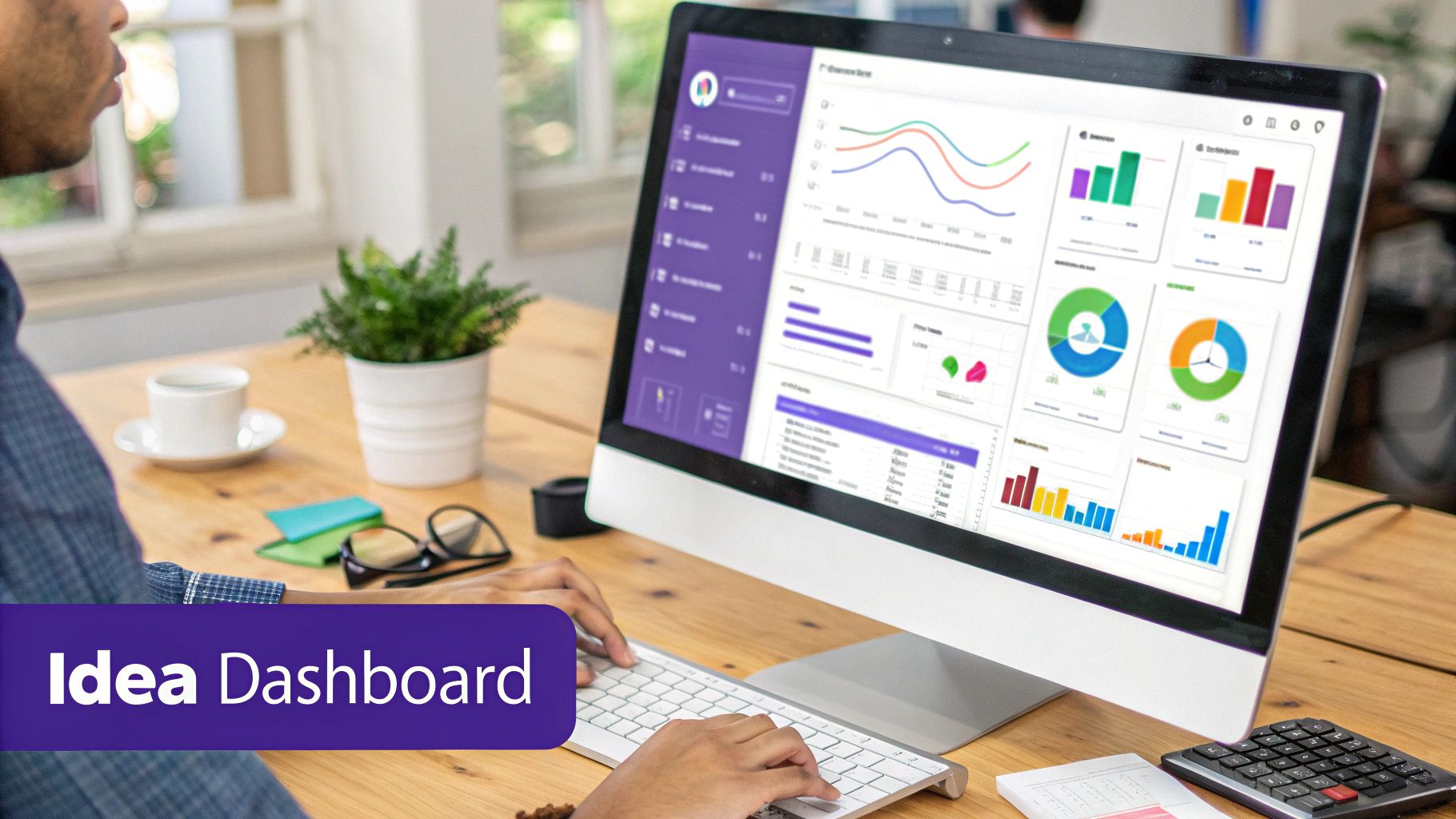
This approach brings the clarity of business intelligence into the creative process, allowing teams to see the direct impact of their work. Companies like Atlassian and Slack use internal dashboards to track innovation pipelines and user engagement, proving that data can fuel creativity. By using tools like Tableau, Looker, or custom-built Notion databases, you can create a central hub that tells the story of your project’s progress.
How to Implement This Idea
The key is to visualize metrics that inspire action and provide clarity, not just display raw numbers. A well-designed dashboard should guide the conversation and highlight important trends.
- Focus on Meaningful Metrics: Track outcomes, not just volume. Instead of only showing the number of ideas, visualize metrics like the percentage of ideas prototyped, the average team feedback score, or the progress of ideas through different stages.
- Combine Quantitative and Qualitative Data: Alongside charts and graphs, include a section for qualitative insights. This could be a feed of top-voted comments, key takeaways from user testing, or direct quotes from team members.
- Celebrate Contributions: Use the dashboard to publicly recognize and celebrate individual and team contributions. A "Top Contributor" leaderboard or a highlight of the "Most Voted Idea" can boost morale and encourage participation.
- Establish a Real-Time Cadence: Ensure the dashboard updates frequently, either in real-time or on a daily basis. This keeps the information relevant and makes the presentation a live window into your team’s progress.
This format is ideal for project status meetings, innovation reviews, or any presentation where you need to demonstrate momentum and make data-backed decisions. It shifts the focus from a static report to a dynamic, ongoing conversation about what the data means and what to do next.
9. Scenario-Based Immersive Presentation Experiences
Transform your presentation from a set of abstract points into a compelling narrative by framing it as an immersive, scenario-based story. Instead of just explaining a feature or strategy, you guide your audience through a hypothetical future, a detailed customer journey, or an in-depth case study. This approach helps the audience emotionally connect with the concepts and understand their real-world impact. It's one of the most powerful creative ideas for a presentation when you need to illustrate value and context.
This method is frequently used by innovation and product teams to make complex ideas tangible. Companies like Microsoft use AI scenario presentations to demonstrate future capabilities, while Google explores the future of work through relatable narratives. It shifts the focus from "what we built" to "what this enables for people," making the information more memorable and persuasive.
How to Implement This Idea
To create an effective scenario, you need to blend storytelling with factual data. Start by building a narrative arc that showcases the problem, introduces your solution, and demonstrates the successful outcome.
- Create Relatable Characters: Base your scenario on real customer research and data. Give your main character a name, a role, and a specific problem they need to solve. This makes the situation feel authentic and relatable.
- Build Narrative Tension: Structure your story with a clear beginning, middle, and end. Introduce a conflict or challenge that the audience can identify with, then show how your idea or product provides the resolution.
- Use Rich Visuals: Enhance immersion with visuals, mockups, or even short video clips that bring the scenario to life. Show, don't just tell. For instance, display a mockup of an app interface at the exact moment your character uses it.
- Include Discussion Prompts: After presenting the scenario, engage the audience with questions. Ask, "What other challenges could this solve?" or "How might this apply to your team?" This turns passive listening into an active discussion.
This format is ideal for product demos, strategic pitches, or design thinking showcases where context is crucial. By grounding your ideas in a realistic story, you make them not only easier to understand but also far more impactful.
10. Hybrid Synchronous-Asynchronous Presentation Journeys
Break free from the constraints of a single live session by designing a multi-part presentation experience. A hybrid synchronous-asynchronous journey blends real-time discussions with offline, self-paced work, allowing your team to engage deeply with complex topics regardless of their schedules or work styles. This approach transforms a one-off event into a structured process where ideas mature over time.
This method is ideal for high-stakes projects requiring thoughtful input rather than immediate reactions, making it one of the most effective creative ideas for a presentation in a distributed team environment. Companies renowned for their async-first cultures, such as GitLab, Basecamp, and Stripe, use similar models to develop products and make critical decisions by allowing for deep, documented consideration.
How to Implement This Idea
Success with this model depends on clear communication and well-defined phases. The goal is to create a seamless flow between live collaboration and independent contribution.
- Establish Clear Phase Transitions: Define the purpose and deadline for each stage. For example, Phase 1 (Async) is for reading a proposal and adding comments, while Phase 2 (Sync) is a 30-minute live session to discuss only the unresolved comments.
- Create Templates for Async Work: Provide a structured document or template (e.g., in Notion or Google Docs) for asynchronous contributions. This ensures feedback is organized and easy to digest.
- Assign Ownership for Each Phase: Designate a facilitator to manage each stage. One person can lead the async documentation prep, while another can moderate the live sync discussion to ensure it stays on track.
- Record and Document Everything: Record all synchronous meetings and meticulously document key decisions and action items. Post these artifacts in a shared space so that anyone who missed the live session can catch up easily.
This journey-based approach is perfect for product development kickoffs, RFC (Request for Comments) processes, or strategic planning where in-depth analysis and broad alignment are more important than a single, high-energy meeting. It respects individual focus time while creating dedicated moments for collaborative alignment.
10 Creative Presentation Ideas Comparison
| Approach | Implementation Complexity 🔄 | Resource Requirements ⚡ | Expected Outcomes 📊 | Ideal Use Cases 💡 | Key Advantages ⭐ |
|---|---|---|---|---|---|
| Interactive Virtual Whiteboarding Sessions | Low–Medium — quick setup; some user training | Moderate — subscription tools, devices, bandwidth | Visual idea maps; persistent artifacts; higher engagement | Remote brainstorming, design workshops, collaborative sketching | Mimics in-person ideation; visual clarity; supports async contributions |
| Asynchronous Video Presentations with Personalized Narration | Low — simple recording workflow; editing skills helpful | Low–Medium — recording tools, mics/cameras, editing time | Polished, well-articulated proposals; documented rationale | Cross-time-zone updates, individual storytelling, status reports | Inclusive participation; reduces live anxiety; good documentation |
| Gamified Collaborative Ideation Tournaments | Medium–High — rule design, rounds, moderation | Medium — voting/platforms, facilitator time | High idea volume; ranked results; increased participation | Innovation sprints, engagement drives, idea refinement cycles | Boosts motivation; iterative improvement; measurable outcomes |
| Multi-Sensory Digital Storytelling Presentations | High — multimedia production and design expertise | High — audio/video production, designers, time | Strong retention and emotional buy-in; memorable narratives | Stakeholder pitches, product launches, persuasive storytelling | High-impact storytelling; multi-modal engagement |
| Live-Streamed Town Halls with Real-Time Polling and Chat | Medium — streaming setup and active moderation | Medium–High — streaming tools, production staff, bandwidth | Broad reach; immediate quantitative feedback; community feel | Company-wide updates, large Q&A sessions, transparency efforts | Scales live; real-time engagement and data |
| Modular Slide Deck Frameworks with Customizable Templates | Low–Medium — initial template design; easy reuse | Low — design tools, occasional updates | Faster, consistent presentations; coherent narratives | Repeated reporting, investor pitches, brand-consistent decks | Speed and consistency; scaffolds less-experienced presenters |
| Peer-to-Peer Presentation Exchange Networks | Medium — coordinate rotations and feedback capture | Low–Medium — scheduling tools, time for multiple sessions | Diverse, rich feedback; improved ideas; stronger relationships | Early-stage ideation, design critiques, skill development | Psychological safety; varied perspectives; relationship building |
| Interactive Data Dashboards and Idea Tracking Visualizations | High — data integration and dashboard dev | High — analytics tools, engineers, maintenance | Transparency, measurable progress, data-driven decisions | Scaling innovation programs, leadership oversight, tracking | Objective metrics; accountability; trend insights |
| Scenario-Based Immersive Presentation Experiences | High — scenario creation and validation | Medium–High — research, narrative design, creative resources | Clearer practical impact; stakeholder buy-in; contextual understanding | Strategic planning, customer journeys, change initiatives | Makes outcomes concrete; reduces objections; vivid storytelling |
| Hybrid Synchronous-Asynchronous Presentation Journeys | Medium–High — phase coordination and facilitation | Medium — async/sync tools, templates, facilitator time | Higher participation, deeper discussion, comprehensive docs | Distributed teams, complex decisions, reflective workflows | Balances live energy and async depth; adaptable to styles |
From Idea to Impact: Making Your Next Presentation Unforgettable
We've journeyed through a landscape of dynamic, engaging, and genuinely creative ideas for a presentation. From the collaborative chaos of virtual whiteboarding to the structured narrative of an asynchronous video journey, one truth is clear: the one-way, static slideshow is a relic of the past. The future of communication, especially for remote and product teams, is interactive, immersive, and intentional.
The ten concepts explored in this article are not just novelty acts. They represent a fundamental shift in how we share information, build consensus, and drive action. By moving beyond the slide-by-slide monologue, you transform a passive audience into active participants. You stop broadcasting information and start building a shared experience, a collective understanding that sparks real momentum.
The Core Principle: Match the Method to the Mission
The most crucial takeaway is not to simply pick the most exciting idea, but to select the one that best serves your purpose. Your choice of format is a strategic decision that directly influences your outcome.
- For generating and refining raw concepts, a Gamified Collaborative Ideation Tournament or an Interactive Virtual Whiteboarding Session creates an environment of psychological safety and creative freedom.
- When you need to deliver critical updates with clarity and impact, an Asynchronous Video Presentation or a Modular Slide Deck Framework ensures your message is consistent, digestible, and accessible on your audience's schedule.
- To build alignment and gather real-time feedback from a large group, a Live-Streamed Town Hall with polling or an Interactive Data Dashboard provides immediate, transparent insights.
- For complex training or strategic deep dives, a Scenario-Based Immersive Experience or a Hybrid Synchronous-Asynchronous Journey allows for a richer, more nuanced level of engagement.
This strategic approach is what separates a gimmick from a game-changer. It’s about understanding that the how of your presentation is just as important as the what.
Beyond Engagement: Building a Culture of Powerful Communication
Adopting these creative presentation ideas does more than just make your meetings more interesting. It fundamentally enhances your team's communication ecosystem. When presentations become more inclusive, everyone feels empowered to contribute. When information is presented with more clarity, decisions are made faster and with greater confidence. When storytelling is prioritized, complex data becomes relatable, memorable, and actionable.
This is about building a culture where ideas are not just heard but are truly felt. It’s about ensuring that every critical message, every project kickoff, and every strategic update lands with the impact it deserves. The ultimate goal isn't just to deliver a good presentation; it's to facilitate a great outcome. By embracing these methods, you are investing in your team’s ability to collaborate, innovate, and execute more effectively.
Your next presentation is an opportunity. It's a chance to do more than just inform; it's a chance to inspire, to align, and to activate. Don't settle for the default template. Choose the path that will turn your valuable ideas into undeniable impact and make your message truly unforgettable.
Ready to elevate the very foundation of your presentations? The most creative format in the world needs a powerful idea to fuel it. Supercharge your brainstorming and generate groundbreaking concepts with Bulby, the AI-powered ideation platform designed for innovative teams. Try Bulby to ensure your next great presentation starts with an unbeatable idea.