

Starting a brainstorming session with the right energy is critical, especially with remote teams. Tired, verbal-only icebreakers often fall flat, failing to build the psychological safety and creative momentum needed for true innovation. This guide introduces a more powerful approach: using strategic ice breaker images. These aren't just fun warm-ups; they are research-backed visual prompts designed to activate different cognitive pathways, break down mental barriers, and seamlessly transition your team into a state of deep, collaborative thinking.
Instead of asking another predictable question, you can use a carefully selected image to bypass analytical thinking and tap directly into creative and emotional centers. This method helps level the playing field, giving quieter team members an equal voice and encouraging novel connections between ideas before the main event even begins. For advanced strategies in generating unique visuals that truly spark innovation, exploring powerful AI tools for content creation can open up new possibilities.
In this listicle, we'll explore eight distinct types of ice breaker images you can immediately implement. Each comes with specific prompts, facilitation tips, and a step-by-step guide for using them in a guided workflow with tools like Bulby to make your next remote brainstorming session more engaging, inclusive, and incredibly productive.
1. Two Truths and a Lie – Visual Edition
This activity modernizes the classic get-to-know-you game by replacing verbal statements with powerful ice breaker images. Each participant shares three photos: two that represent a true fact about themselves and one that represents a plausible lie. Team members then guess which image is the falsehood.
This visual approach is exceptionally effective for remote and distributed teams. It encourages creative storytelling and provides a deeper, more memorable glimpse into colleagues' lives, interests, and personalities beyond typical work conversations. Instead of just stating facts, participants share visual stories that often spark curiosity and follow-up questions.
How It Works in Practice
A new designer on a tech team might share three images in a Slack channel: one of them on a mountain summit (truth), one of a perfectly baked sourdough loaf (truth), and one of them DJing at a crowded club (lie). The team votes using emoji reactions, and the designer reveals the lie, sharing brief stories behind the true photos.
This format builds connection quickly, making it a perfect addition to onboarding sessions or the kickoff of a new project. Creative agencies can even use a shared Figma or Miro board where everyone adds their three images, creating a collective visual collage of the team's experiences.
Key Insight: Using images instead of words can lower the barrier to participation for more introverted team members or those who are non-native speakers, making the activity more inclusive.
Quick Tips for Facilitators
- Set the Stage: Give participants a clear deadline and a designated place to post their three images, such as a dedicated Slack channel or a digital whiteboard.
- Timebox Guesses: Allocate 5-7 minutes for the guessing and reveal phase for each person to keep the energy high and the session on track.
- Model First: As the facilitator, go first to demonstrate vulnerability and set a comfortable tone for sharing.
- Offer Alternatives: Allow the use of stock photos or illustrations for anyone uncomfortable sharing personal pictures. The story is more important than the photo's origin.
For a deeper dive into variations of this and other classic team-building exercises, you can explore more icebreaker games for teams on remotesparks.com.
2. Emotion/Energy Check-In with Visual Mood Boards
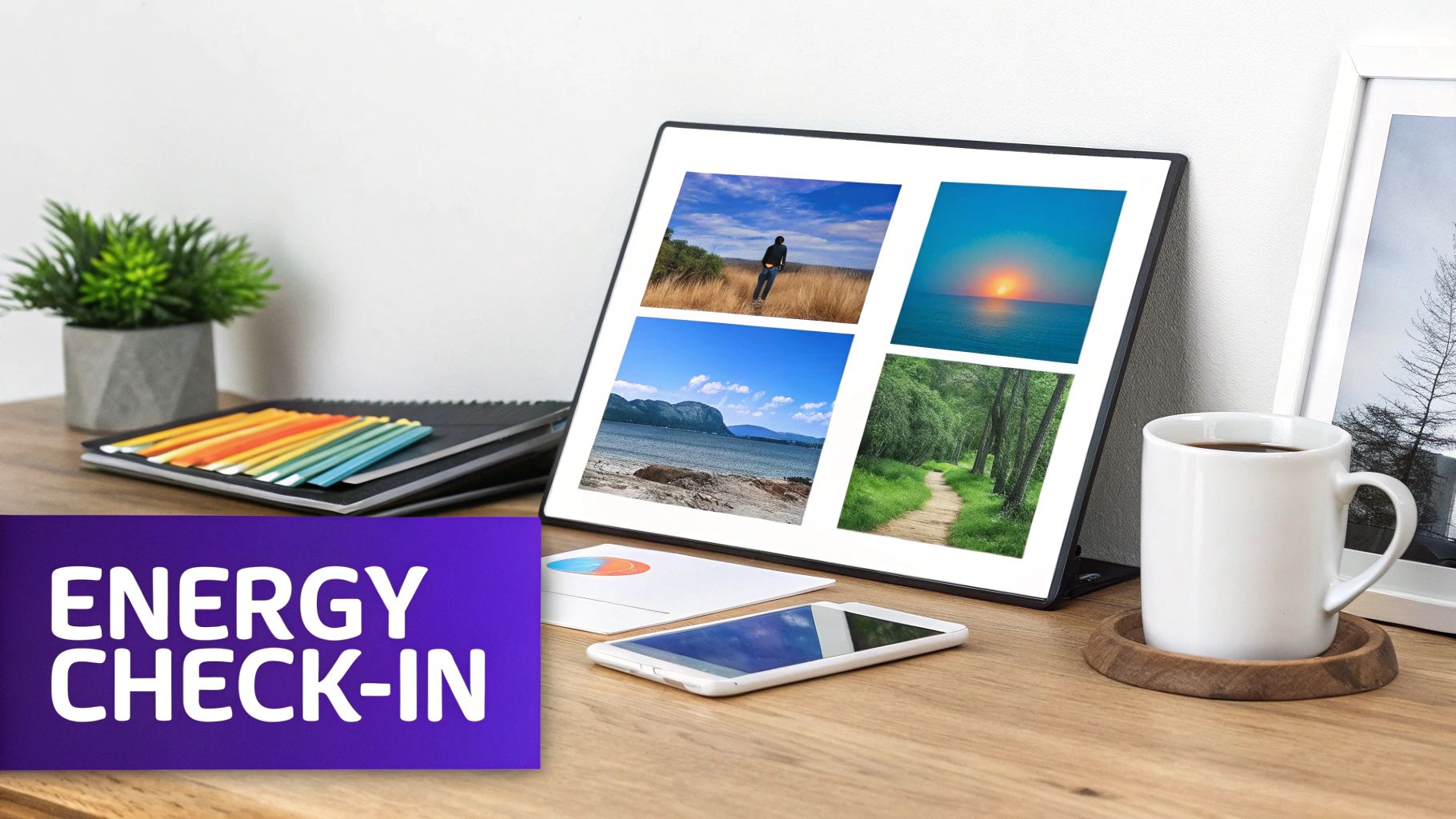
This powerful technique uses ice breaker images to gauge the collective emotional state and energy level of a team before a meeting or workshop. Instead of asking "How are you?", participants select an image from a curated mood board that best represents their current feelings. This visual check-in provides a quick, nuanced reading of the room, allowing facilitators to adapt their approach accordingly.
This method is particularly valuable for fostering psychological safety and emotional intelligence in remote settings. It helps normalize conversations around mental state and workload without putting individuals on the spot. By understanding the team's collective energy, leaders can decide whether to dive into intense problem-solving or start with a lighter, more energizing activity.
How It Works in Practice
A product team kicks off its weekly sync meeting on Zoom. The facilitator shares a link to a Miro board containing a grid of diverse images: a calm lake, a bustling city street, a tangled knot of wires, a person crossing a finish line. Each team member places a digital dot on the image that reflects their current energy, creating a visual heat map of the group's mood.
This practice, common in design thinking workshops led by firms like IDEO, takes just a few minutes but provides invaluable data. It helps identify when the team is energized and ready for creative brainstorming or when they might be feeling overwhelmed and in need of a more structured, focused session.
Key Insight: A visual energy check-in moves beyond the generic "I'm fine" response, giving leaders a more accurate and empathetic understanding of their team's capacity and readiness for complex tasks.
Quick Tips for Facilitators
- Standardize the Tool: Use a consistent template in a tool like Miro or Mural to make the process familiar and fast for recurring meetings.
- Frame with Care: Position the activity as "state detection" to understand the team's collective readiness, not as a judgment of any individual's mood.
- Allow Anonymity: In sensitive environments, allow anonymous submissions to encourage honest participation without fear of reprisal.
- Adapt Your Plan: Use the results to adjust your facilitation. If energy is low, consider a short break or a less demanding task. If high, leverage the momentum for a brainstorming session.
For more on creating a psychologically safe environment for your team, you can explore resources on trauma-informed facilitation practices on IDEO.org.
3. Image Association and Pattern Recognition
This technique uses abstract or ambiguous ice breaker images to stimulate creative thinking and break through cognitive blocks. Facilitators present patterns, textures, or vague visual stimuli and ask participants to connect what they see to the problem at hand. This approach activates the brain's associative thinking networks, bypassing linear thought patterns.
The power of this method lies in its neurological foundation. By introducing visual randomness, you encourage the brain to find new connections and patterns, making it an excellent tool for complex brainstorming sessions. It helps teams move beyond obvious solutions and explore more innovative territories. Many of these visual ice breakers also enhance participants' ability to process visual information; you can learn more about what visual spatial skills are to understand the cognitive benefits.
How It Works in Practice
During a product brainstorming session, a facilitator might display an image of a dense forest canopy. Team members are asked to associate concepts from the image with a new app feature. One might see "interconnectivity" in the branches, another "growth" in the leaves, and a third "finding a path" through the dense foliage, each sparking a unique idea for the app's user journey.
This method is famously used in design sprints, like those pioneered by Google Ventures, where random visual triggers help unstick teams. The process of organizing these diverse ideas often leads to creating structured idea clusters, which you can explore further with these affinity diagrams examples.
Key Insight: Abstract images free participants from the constraints of reality. This allows for 'wild' associations that can be refined later, creating a more fertile ground for true innovation than literal prompts.
Quick Tips for Facilitators
- Choose Ambiguity: Select images that are open to interpretation. Avoid concrete photos with clear subjects; sources like Unsplash are great for abstract textures and patterns.
- Allow Silent Reflection: Give the team 2-3 minutes to look at the image and jot down their initial thoughts privately before sharing. This ensures everyone's ideas are captured, not just the fastest thinkers.
- Encourage All Ideas: Emphasize that there are no wrong answers. The goal is to generate a high volume of associations first, then filter for relevance later.
- Document Visually: Capture the associations on a digital whiteboard next to the image, creating a shared mood board that tracks the creative process.
4. Visual Constraint Challenge (Photo Scavenger Hunt)
This activity gamifies the start of a session by turning participants into creative explorers. Team members are given a set time limit, typically 10-15 minutes, to find and photograph items that represent specific words or concepts. This active, energetic icebreaker uses ice breaker images to combine movement with creative thinking, waking everyone up before a brainstorming session.

The challenge energizes participants and generates a shared pool of visual assets that can directly inform the subsequent ideation process. It’s particularly effective for hybrid teams, where an ‘office vs. home’ visual challenge can highlight diverse perspectives and environments in a fun, competitive way.
How It Works in Practice
A product team at a company like Figma or Slack might kick off a hackathon with a scavenger hunt. The prompt could be to find and photograph three things: something that represents "speed," something that represents "connection," and an object that is "beautifully simple." Team members then upload their photos to a shared Google Drive, creating a visual mood board that primes the group for innovation.
The captured images serve as tangible starting points for discussion. A photo of a well-organized cable management system for "beautifully simple" could spark a conversation about clean user interfaces, making the transition from icebreaker to brainstorming seamless and relevant.
Key Insight: This activity gets people out of their chairs and interacting with their physical environment, which can significantly boost energy and creativity compared to static, screen-based exercises.
Quick Tips for Facilitators
- Provide Clear Constraints: Limit the hunt to 3-4 specific items to find. This keeps the challenge focused and achievable within a short timeframe.
- Use Collaborative Platforms: Set up a shared folder in Google Drive, Dropbox, or a channel in Slack for easy photo submissions and viewing.
- Celebrate All Submissions: Focus on participation and creativity rather than just speed. Award points for originality or the best story behind an image.
- Incorporate Voting: Use emoji reactions or a quick poll to let the team vote on their favorite submissions, creating engagement momentum before the main session starts.
For more hands-on activities to get your team's creative gears turning, explore these other virtual brainstorming techniques.
5. Inspiration Board Curation and Personal Gallery Walk
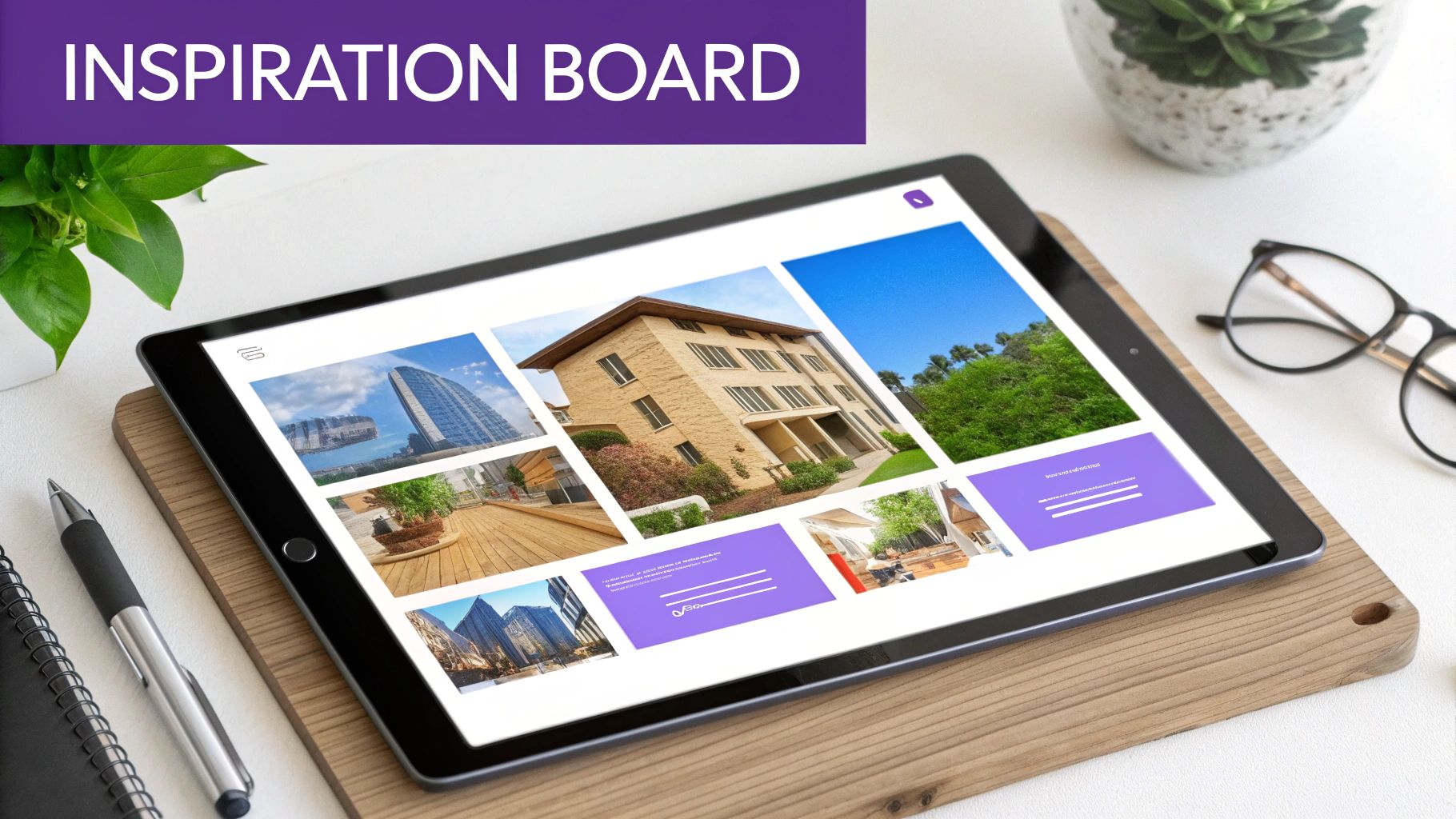
This icebreaker transforms a preparatory step into a collaborative connection point by having team members individually curate a small collection of ice breaker images that represent their personal inspiration, expertise, or perspective on a specific challenge. These images are then compiled into a shared digital gallery, creating a powerful pre-brainstorming "gallery walk."
This method honors neurodiversity by allowing for asynchronous contribution and deeper, individual reflection before any group discussion. Team members can explore their colleagues' visual thoughts at their own pace, discovering unexpected patterns and building on shared visual themes. It shifts the focus from immediate verbal performance to thoughtful visual communication.
How It Works in Practice
Before a design sprint, a product team is asked to find 5-10 images that answer the prompt, "What does intuitive user experience look like to you?" Each member adds their curated images to a designated section of a shared Miro board. During a kickoff meeting, the team spends 15 minutes silently exploring the collective board, leaving comments or questions on sticky notes.
This approach is invaluable for creative agencies hosting "reference mining" sessions before a big campaign or for product teams building shared visual libraries. The resulting gallery serves not only as an icebreaker but also as a foundational reference document for the entire project.
Key Insight: This activity taps into the unspoken knowledge and aesthetic sensibilities of the team, revealing alignments and diverse viewpoints that might not surface in a purely verbal discussion.
Quick Tips for Facilitators
- Provide Clear Prompts: Guide curation with specific questions, such as "Find images that represent our brand's future" or "What does 'simplicity' mean to you visually?"
- Recommend Sources: Suggest high-quality image sources like Unsplash, Pexels, or industry-specific galleries, and remind the team about licensing.
- Structure the Board: Create a structured layout in your digital whiteboard, assigning a column or frame to each contributor for clarity.
- Host an Optional 'Gallery Walk': Schedule a brief, optional 20-minute session for team members to discuss interesting themes they noticed.
For more ways to visually organize and connect ideas that emerge from this activity, you can explore visual tools like a bubble map template on remotesparks.com.
6. Visual Perspective Swap (Role-Based Image Interpretation)
This activity transforms a single image into a powerful tool for empathy and strategic thinking. Team members are assigned different personas or stakeholder roles and then interpret the same ice breaker image from their unique viewpoint. The goal is to surface diverse problem-solving angles and uncover hidden assumptions.
This method combines visual prompting with perspective-taking, a technique proven to break down cognitive biases and foster more inclusive solutions. It’s particularly effective for product, design, and strategy teams, as it forces them to step outside their own functional silos and see a problem through the eyes of a customer, a support agent, or even a competitor.
How It Works in Practice
Imagine a product team is shown an image of a crowded, chaotic airport security line. The Product Manager might see an opportunity for a new check-in app. The UX Designer might focus on the stressful user experience and expressions of the people. The Customer Support Lead might see a dozen potential support tickets about missed flights and confusing signage.
Each person’s interpretation reveals their priorities and blind spots. By sharing these varied perspectives, the team builds a richer, more holistic understanding of a problem space. This technique is invaluable during the discovery phase of a project or when a team feels stuck and needs to generate fresh ideas.
Key Insight: This exercise moves beyond simple icebreakers to become a practical work tool. It trains teams to think more critically and empathetically, which directly translates to better product development and customer understanding.
Quick Tips for Facilitators
- Assign Roles Strategically: Assign roles that represent your actual customers, internal stakeholders, or even competitors to make the exercise highly relevant.
- Use Compelling Images: Choose real-world images that are rich with detail and open to multiple interpretations. Avoid abstract or generic stock photos.
- Independent Brainstorm First: Give each person 2-3 minutes to silently write down their interpretation before sharing. This prevents groupthink and ensures all voices are heard.
- Compare and Contrast: Use a digital whiteboard to create a grid comparing the different interpretations. Ask powerful follow-up questions like, “What does Marketing see that Engineering misses?”
To learn more about how different team roles can collaborate effectively, explore resources on cross-functional team dynamics at MindTools.com.
7. Before/After and Transformation Image Sequences
This icebreaker uses the compelling narrative power of before-and-after image sequences to spark conversations about change, progress, and innovation. Participants view visual comparisons that tell a story of transformation, then discuss the unseen factors that enabled the positive change. This primes teams to think about growth and potential in their own work.
This visual method is highly effective for kicking off strategy sessions, project retrospectives, or workshops focused on improvement. It leverages the brain's natural affinity for storytelling, grounding abstract concepts like "transformation" in tangible, visual evidence. The format encourages participants to analyze, infer, and apply lessons from one context to another, fostering a creative and forward-thinking mindset.
How It Works in Practice
A product team about to begin a major redesign project could be shown a visual timeline of Slack's UI evolution, from its early, more cluttered versions to its current simplified interface. The facilitator would prompt them with questions like, "What principles do you think drove this change?" or "What challenges might they have faced?"
This exercise moves beyond simple introductions to engage the team’s analytical and strategic thinking from the very start. It’s perfect for innovation teams using a shared digital whiteboard like Miro to annotate the images with their observations, collaboratively building a list of "transformation principles" to guide their upcoming project.
Key Insight: This activity shifts the focus from personal anecdotes to a shared external subject, making it an excellent choice for teams that prefer a less personal or more task-oriented warm-up.
Quick Tips for Facilitators
- Curate Diverse Examples: Select a few before/after sets from different domains (e.g., product UI, urban renewal, company branding) to show that transformation principles are universal.
- Frame the Prompt: Clearly ask participants to identify the "why" and "how" behind the change, not just the "what." Ask, "What had to be true for this 'after' state to be possible?"
- Connect to the Goal: Explicitly bridge the discussion to the session's objective. For example, "Let’s keep these principles of simplification in mind as we start our own redesign."
- Reverse the Prompt: For a creative twist, show the team a "before" image of your current product or process and ask them to find or create an aspirational "after" image.
8. Visual Constraint and Limitation Challenge (Remix/Mashup)
This advanced icebreaker uses seemingly unrelated ice breaker images to spark radical innovation and break conventional thinking patterns. Participants are given two to three disconnected images and challenged to creatively combine them into a new concept, solution, or idea related to a specific project goal. This technique forces the brain to find novel connections and move beyond obvious solutions.
Drawing from creative cognition research, this method demonstrates that constraints can paradoxically fuel creativity. By forcing a synthesis between, for example, a beehive and a circuit board, teams can generate truly unexpected ideas. It's a powerful warm-up for sessions focused on product innovation, feature brainstorming, or tackling stubborn problems that require a fresh perspective.
How It Works in Practice
Imagine a product team trying to improve user onboarding. The facilitator presents two images: one of a complex subway map and another of a simple, winding garden path. The team is prompted to brainstorm concepts that merge the two. One group might propose a "garden path" guided tour that highlights only the essential "stops" on the complex "subway map" of the software's features.
This exercise is especially potent in workshops where breakthrough thinking is the primary goal. Using a digital whiteboard like Miro or FigJam, teams can annotate, draw connections, and sketch their mashup concepts directly onto the images, creating a dynamic and highly collaborative visual workspace.
Key Insight: This method trains teams to practice "forced analogy," a cognitive skill that helps them apply principles from one domain to solve problems in another, leading to more resilient and innovative problem-solving.
Quick Tips for Facilitators
- Choose Unrelated Images: Select image pairs that have no obvious connection to maximize creative friction. Think "a cactus and a cloud" or "a vintage radio and a bird's nest."
- Use Creative Prompts: Frame the challenge with engaging questions like, "What product would you get if [Image A] and [Image B] had a baby?"
- Timebox Ideation: Keep each round short, around 5-7 minutes, to encourage rapid idea generation and maintain high energy. Run multiple rounds with different image pairs.
- Focus on Principles: After teams share their mashups, ask them to extract the underlying principle of their new concept. This helps translate the creative idea into a practical, applicable strategy.
For more exercises that harness the power of constraints, you can find a wealth of ideas among these creative thinking exercises on remotesparks.com.
8-Item Visual Icebreaker Comparison
| Method | 🔄 Implementation complexity | ⚡ Resource requirements & speed | 📊 Expected outcomes (⭐) | 💡 Ideal use cases | Key advantages |
|---|---|---|---|---|---|
| Two Truths and a Lie – Visual Edition | Low — simple rules and sharing | Low; image links or embeds; 5–7 min per share (async possible) | Builds rapport & memorable storytelling — ⭐⭐⭐⭐ | Remote onboarding, icebreakers, trust-building before ideation | Visual-first engagement; low pressure; scalable |
| Emotion/Energy Check-In with Visual Mood Boards | Medium — needs psychological framing | Low–Medium; mood templates, optional anonymity; quick pre-session | Calibrated facilitation & early warning signals — ⭐⭐⭐⭐ | Long brainstorms, high-stakes sessions, cross-timezone teams | Normalizes emotional state; data-informed session adjustments |
| Image Association and Pattern Recognition | Medium–High — skilled facilitation required | Medium; curated abstract images, time to synthesize | Breaks fixedness; generates unexpected directions — ⭐⭐⭐⭐⭐ | Overcoming creative blocks; novel product features; strategy sprints | Research-backed for creative breakthroughs; democratizes input |
| Visual Constraint Challenge (Photo Scavenger Hunt) | Low–Medium — clear brief & judging rules | Medium; camera access, submission platform; 10–15 min rounds | High energy + usable visual assets — ⭐⭐⭐ | Kickoffs, hackathons, energizing long sessions | Gamified engagement; produces authentic assets |
| Inspiration Board Curation & Personal Gallery Walk | Medium — requires curation guidelines | Medium; 5–10 images per person, shared board (async) | Deep alignment & reusable reference library — ⭐⭐⭐⭐ | Strategy, brand development, visual alignment work | Accommodates diverse work styles; builds visual vocabulary |
| Visual Perspective Swap (Role-Based Interpretation) | High — role design & synthesis needed | Medium; persona prep and facilitation time | Broader viewpoints; reduces groupthink — ⭐⭐⭐⭐ | Cross-functional product development; CX & stakeholder alignment | Empathy-building; uncovers blind spots |
| Before/After Transformation Image Sequences | Medium — curating relevant examples | Low–Medium; find contextual before/after cases | Concrete, grounded ideas and systems thinking — ⭐⭐⭐⭐ | Product pivots, scaling strategy, CX redesigns | Demonstrates possibility; prompts reverse-engineering |
| Visual Constraint & Limitation Challenge (Remix/Mashup) | Medium — set constraints and rounds | Low–Medium; image pairs, short timed rounds (5–7 min) | Highly novel, playful concepts — ⭐⭐⭐⭐ | Breakthrough innovation, new categories, rebranding | Forces novel combinations; repeatable rapid rounds |
| Image Association + Pattern Recognition (alternate prompts) | Medium–High — needs facilitation to extract insights | Medium; varied ambiguous stimuli, time for reflection | Stimulates lateral thinking and diverse associations — ⭐⭐⭐⭐⭐ | Ideation sessions needing creative resets and lateral jumps | Encourages wild ideas then refinement; measurable creative output |
From Images to Impact: Integrating Visuals Into Your Innovation Workflow
We've explored a diverse gallery of ice breaker images and techniques, from the playful deception of "Two Truths and a Lie" to the structured creativity of a "Visual Constraint Challenge." While each method offers a unique entry point into a collaborative session, they all share a common, powerful purpose: to move your team beyond passive participation and into a state of active, creative engagement. These exercises are not just fun warm-ups; they are strategic tools designed to prime the brain for innovation.
The true value of these visual prompts is realized when they are intentionally matched to your session's specific objectives. An "Emotion Check-In" with a mood board isn't just about sharing feelings; it's about building psychological safety and gathering crucial data on team energy before a high-stakes discussion. Similarly, an "Image Association" exercise does more than spark random ideas; it actively trains participants to see non-obvious connections and break down rigid thinking patterns, a foundational skill for any innovation-focused team.
Key Takeaways: Beyond the Picture
As you begin to integrate these ideas, remember that the image itself is only half the equation. The real impact comes from the facilitation, the prompts you use, and the way you connect the activity back to the core work.
- Context is Everything: The most effective icebreaker is one that aligns with your meeting's goal. Are you trying to foster empathy? Use the "Visual Perspective Swap." Need to generate a high volume of ideas? Start with a rapid-fire "Image Association" round.
- Facilitation Drives Depth: Your role as a facilitator is to guide the conversation from surface-level observations to deeper insights. Use probing questions like, "What does that image make you feel about our project's challenge?" or "What hidden assumption does this picture challenge?"
- Create a Cognitive Bridge: Don't let the energy from the icebreaker dissipate. Explicitly connect the activity to the main task. For instance, you could say, "Let's carry that same 'remix' mindset we just used on those images into how we approach our product features."
Actionable Next Steps for Your Team
Mastering the use of ice breaker images is an iterative process. It's about building a new collaborative muscle within your team. To get started, don't try to implement everything at once.
- Start Small and Relevant: Choose one exercise from this list that directly addresses a current challenge in your team's meetings. If your brainstorming sessions feel stale, try the "Visual Constraint Challenge" next week.
- Gather Feedback: After the session, ask your team for quick feedback. Did the visual exercise help them feel more creative or engaged? Use this input to refine your approach for the next meeting.
- Build a Team Library: Encourage team members to contribute to a shared library of compelling ice breaker images. This fosters a sense of ownership and ensures your content stays fresh and relevant to your team's culture.
By thoughtfully weaving these visual techniques into your regular workflow, you transform them from novelties into a reliable system for unlocking collective creativity. You create a shared language of innovation that helps your team tackle complex challenges with renewed energy, perspective, and impact.
Ready to move from a powerful warm-up to a structured, high-output ideation session? Bulby provides a seamless workflow, allowing you to integrate visual icebreakers directly into guided brainstorming exercises powered by AI. Transform that initial creative spark into tangible, innovative outcomes by exploring our platform at Bulby.