
A pitch is due Friday. The loudest person in the room has already picked a direction, the deck is open on someone's screen, and the two strategists with the sharpest instincts have said almost nothing. By Monday the team is polishing concepts nobody quite believes in, and the actual problem, a positioning nobody has pressure-tested, is still sitting there.
That gap between talking and deciding is where idea generation software earns its place. Not as a novelty prompt box, but as the structure that pulls input from everyone, turns raw input into a shortlist, and carries the result into something a client can react to.
The category is expanding for that reason. One market estimate projects the idea-management software sector growing at about 11.88% compound annual growth from 2026 through 2035, and notes that more than 50% of vendors introduced advanced collaboration features after 2023, according to Business Research Insights' idea management software market report. Collaboration is table stakes now. The differences sit in how each tool handles the sorting.
Below are ten options, grouped by the job they do: guided sessions, general whiteboards, facilitation planners, and visual or campaign generators. Naming the shortlist afterward is a separate craft, and Taja AI's headline generator roundup covers that step once you have concepts worth naming.
Table of Contents
- 1. Bulby
- 2. Miro
- 3. Mural
- 4. FigJam
- 5. Stormboard
- 6. SessionLab
- 7. MindMeister
- 8. Whimsical
- 9. Adobe Firefly Boards
- 10. Selfstorming
- How the idea generation software options compare on free access, best use, and AI support
- Choosing the Right Idea Generation Software for Your Next Session
1. Bulby
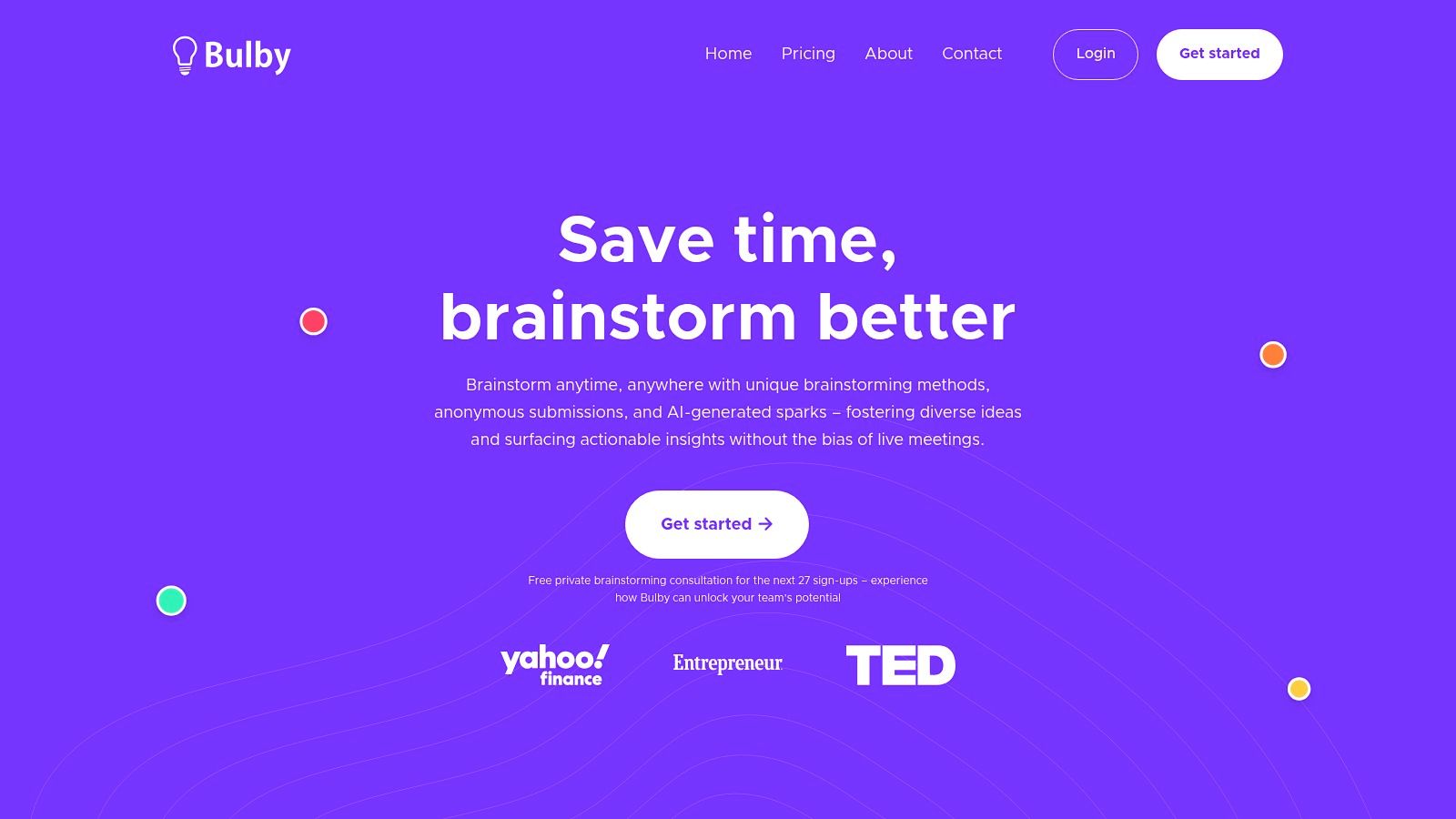
Some tools hand you a canvas and wish you luck. Bulby runs the session. You write the challenge, share one link, and each participant gets a different randomized exercise, so nobody is copying the person beside them. Ideas go in anonymously with AI prompts nudging people past their first obvious answer, and the platform then collects, summarizes, and turns the pile into a shortlist with suggested next steps.
Why the anonymous brainwriting matters
Sameness is the failure mode in creative sessions. A 2025 systematic review and meta-analysis covering 28 studies and 8,214 participants found that humans collaborating with generative AI outperformed unaided humans on creative performance, with an effect size of g = 0.27, but that AI collaboration also significantly reduced idea diversity, at g = -0.86, as reported in the arXiv meta-analysis on generative AI and creative collaboration. The same body of work cites a separate study in which only 6% of AI-generated ideas were judged unique, against 100% of ideas from a human-only group.
The practical rule: run the human pass before the AI pass. Anonymous submission is how you get dissent and half-formed thoughts into the room before the model's suggestions anchor everyone.
The six-step flow runs from challenge to shared report, and solo brainstorming works the same way when you're prepping alone. Plans run $29 per month for Basic (up to 10 participants per session), $59 for Standard (50 participants), and $99 for Premium (300 participants), all billed annually, each including summary reports, every brainstorming method, and the AI Ideas Assistant. There's a 14-day free trial, a public demo that needs no login, and a free private brainstorming consultation for the next 27 sign-ups.
- Structure from the first minute: guided exercises carry a team from a defined challenge to a shareable report instead of a wall of sticky notes.
- Quieter voices get in: anonymous submission cuts the bias toward whoever talks fastest.
- Solo and team modes: useful for pre-pitch thinking as well as live client sessions.
The honest limitation is that AI summaries surface directions, not decisions. Strategic judgment stays with your team, and report volume is capped by plan, so heavy agency use belongs on the higher tiers. For the longer argument about where AI sharpens thinking and where it flattens it, Remote Sparks' piece on whether AI can generate ideas is a fair read. Details at Bulby.
2. Miro
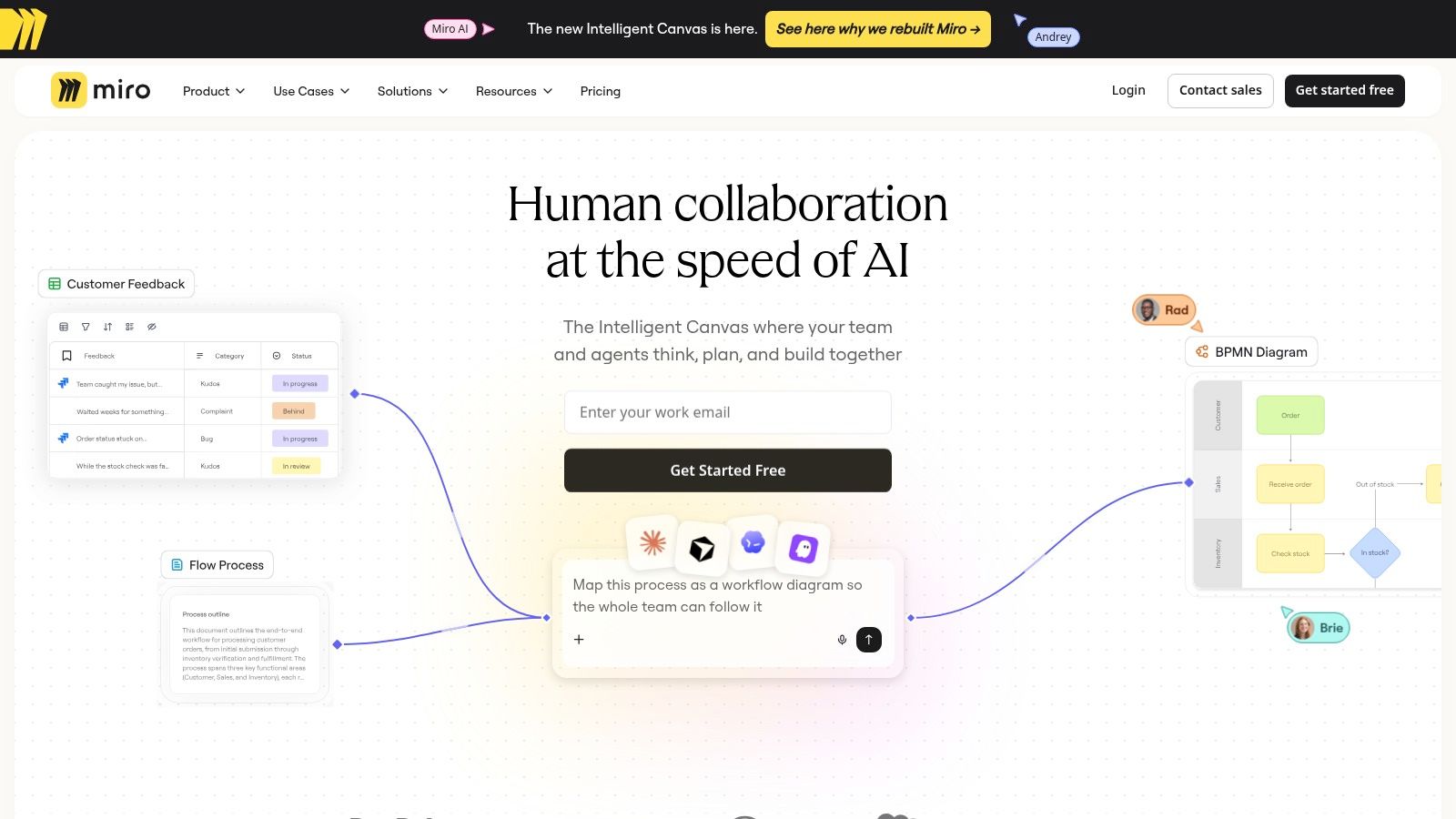
Miro is the default for a reason. The canvas is effectively infinite, the template library covers journey maps to sprint retros, and voting plus meeting tools keep a live session moving without anyone hunting for a marker. Its AI can generate content, summarize board material, and surface themes, which saves genuine time at the messy end of a workshop.
Where Miro fits your cycle
It handles input and shaping well. Everyone can drop cards asynchronously before the session, clustering happens in the open, and the board itself becomes the artifact you screen-share with a client. What it won't do is impose a method. A workshop without an agenda produces a faithful, beautiful rendering of a messy conversation.
A whiteboard reflects the facilitation you bring to it. It doesn't supply the facilitation.
- Best for: campaign planning, product discovery, and client sessions where people need to see the thinking take shape.
- Watch for: AI summaries and generated content need a human pass before they reach a deck.
- Plan limits: check board and seat caps on the free and paid tiers before you standardize.
Its breadth is the trade-off. Miro feels like a general workspace more than a guided ideation method, and that's fine if you already have a facilitator who knows what they're doing. If you're weighing canvas tools more broadly, this comparison of infinite canvas apps covers the alternatives. See Miro.
3. Mural
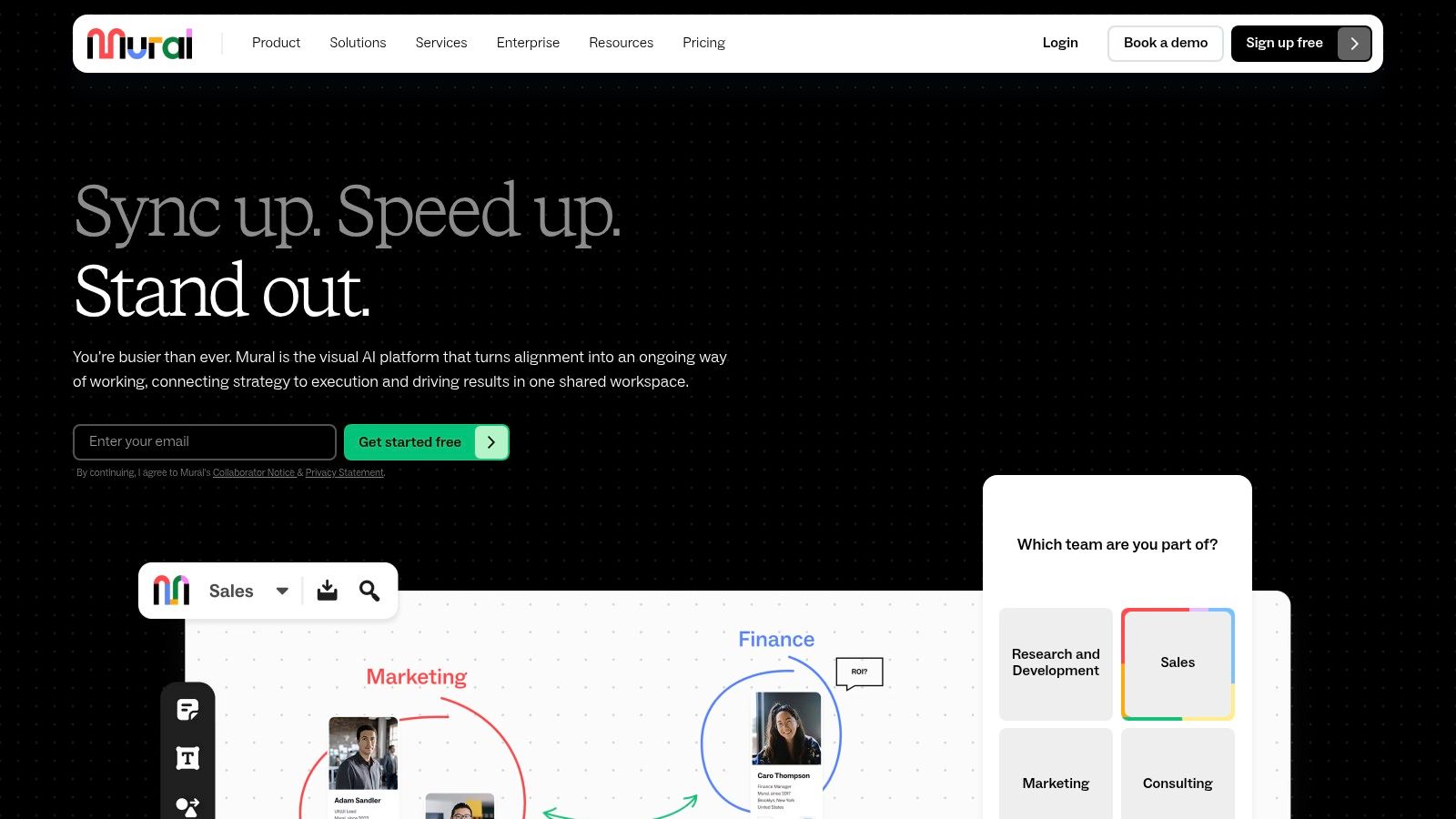
Mural is what you buy when facilitation is the job rather than the side effect. The workspace is built around group activities: templates for design-thinking sprints, timing and working-session tools, and visitor access so a client or a freelancer can join without a full seat. Mural AI sits on the Team+ plan and above, so the assistive layer arrives with a paid commitment rather than the free tier.
The free plan supports unlimited members with limits on editable murals, and paid plans add private spaces plus broader collaboration options. Advanced security and collaboration controls sit on the higher tiers, which matters if you're running sessions for clients who ask where their unreleased campaign concepts are stored.
The main constraint is prep time. A facilitator who opens an empty mural and says "go" gets sticky-note chaos. The teams who get value from Mural are the ones who build a repeatable format once, then run it every month with new inputs.
Build the workshop template after your best session, not before it. You'll only know which blocks work once you've watched a room use them.
- Best for: repeatable workshops, design-thinking exercises, and structured problem-solving with a named facilitator.
- Watch for: the tool won't generate campaign concepts for you, and it won't rescue an agenda that was never designed.
- Buying note: start on free, run one real session, then decide whether the paid collaboration features change the outcome.
See Mural.
4. FigJam
If your design team already lives in Figma, the argument is close to settled. FigJam puts collaborative whiteboards, templates, and diagramming in the same environment as the design files, so a brainstorm about a landing page can sit next to the actual page. AI-assisted board and diagram creation is available, though access and usage depend on your plan and credits.
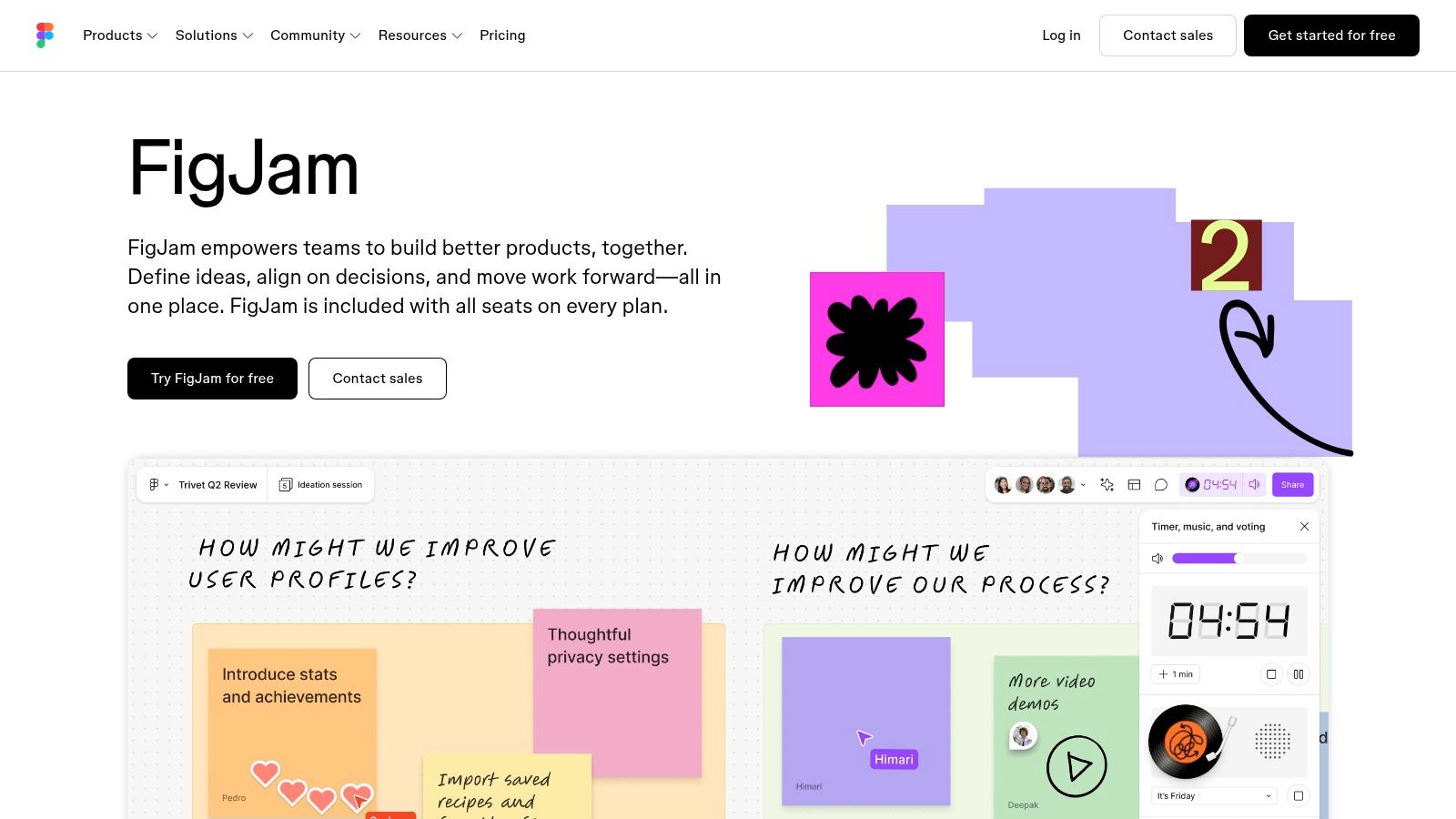
The uncomfortable truth about buying whiteboards is that switching costs decide more adoptions than feature lists do. A tool your team already has open wins over a better tool they need to remember to open. That's FigJam's whole case.
- Best for: product and design teams moving from a rough idea to a flow, wireframe, or annotated concept without changing apps.
- Watch for: most of the value evaporates if the team isn't already invested in Figma.
- Facilitation gap: it's less specialized for structured workshops than tools built around agendas and timed activities.
The starter plan gives a free entry point worth testing on a real session rather than a demo. See FigJam.
5. Stormboard
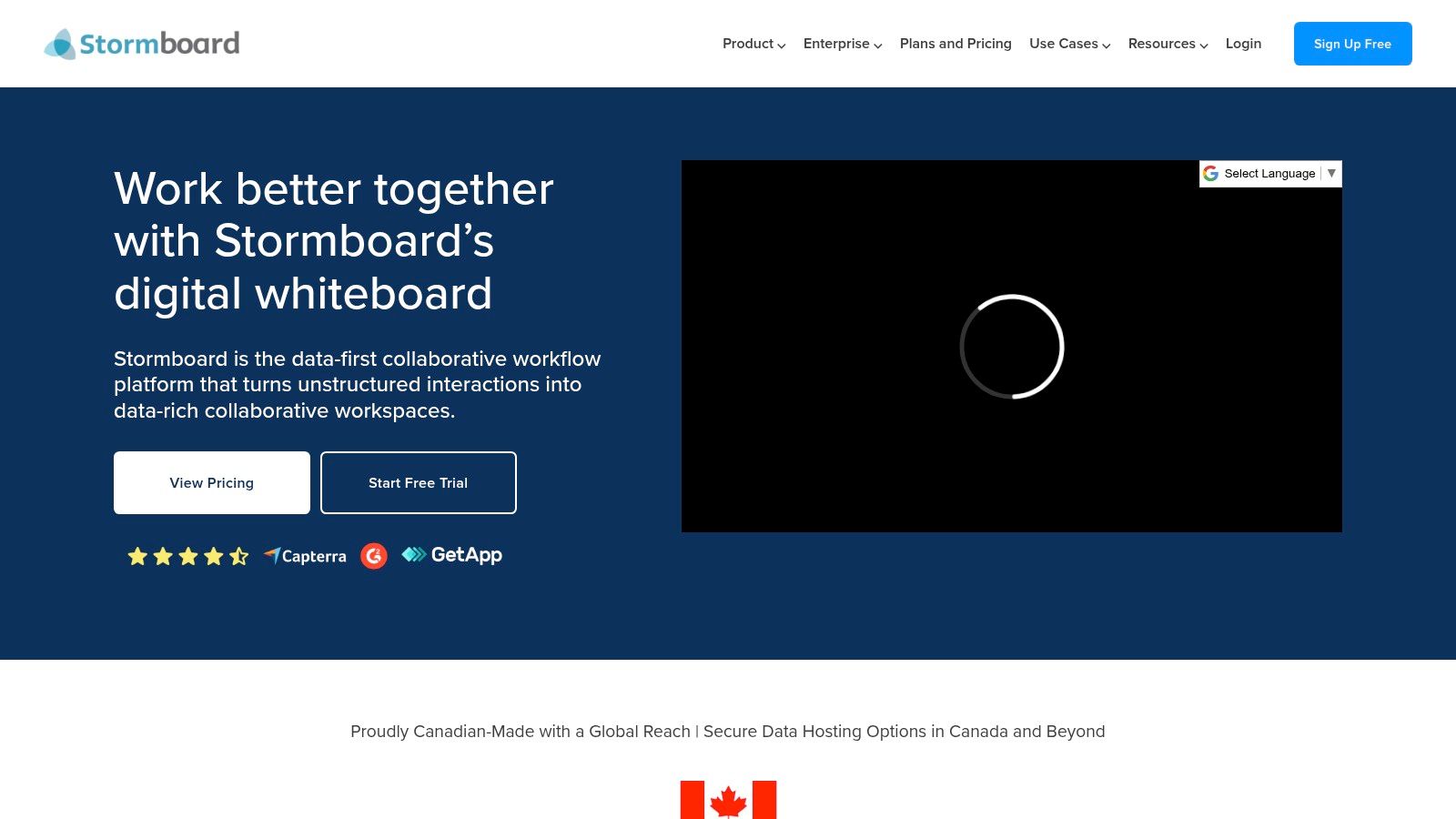
Sorting is where most sessions die. Generating forty sticky notes is the easy part; deciding which three deserve a follow-up task is not. Stormboard is built around that second half of the cycle: sticky-note workspaces with grouping, voting, and templates, StormAI for brainstorming and action planning, and exports and reports in document and spreadsheet formats on relevant plans.
AI generates better than it chooses
One finding matters before you hand evaluation to a model. A field experiment with several hundred professionals at Procter & Gamble found that AI improved performance and helped technical and commercial colleagues produce more balanced solutions, while human judgment retained its value during evaluative selection, according to the study on AI-assisted idea generation published in Organization Science.
That finding has a direct workflow consequence. Score ideas before you debate them, label each card as evidence or opinion, and keep the dissenting note visible when you summarize. Staged evaluation beats an open discussion where the senior person in the room speaks last. Stormboard's voting and grouping features support exactly that sequence, which is why it earns its place on the shortlist side of the cycle rather than the capture side.
- Best for: teams that need workshop contributions to leave the room as a report and a set of follow-up actions.
- Watch for: per-member billing gets expensive as the team grows, and several export and template options depend on the plan.
- Skip if: you want moodboards or visual campaign concepts. A design-led tool will serve you better.
If you're mapping this onto a wider process, this guide to idea management systems shows where capture, evaluation, and reporting usually sit. See Stormboard.
6. SessionLab
Not every stalled session needs a better canvas. Some need a better agenda. SessionLab is a drag-and-drop planner for facilitators: build the run sheet, set timings and breakouts, pull activities from a library, and reuse the format next month. Its AI assistant drafts session blocks and refines agendas when you're staring at a blank plan.
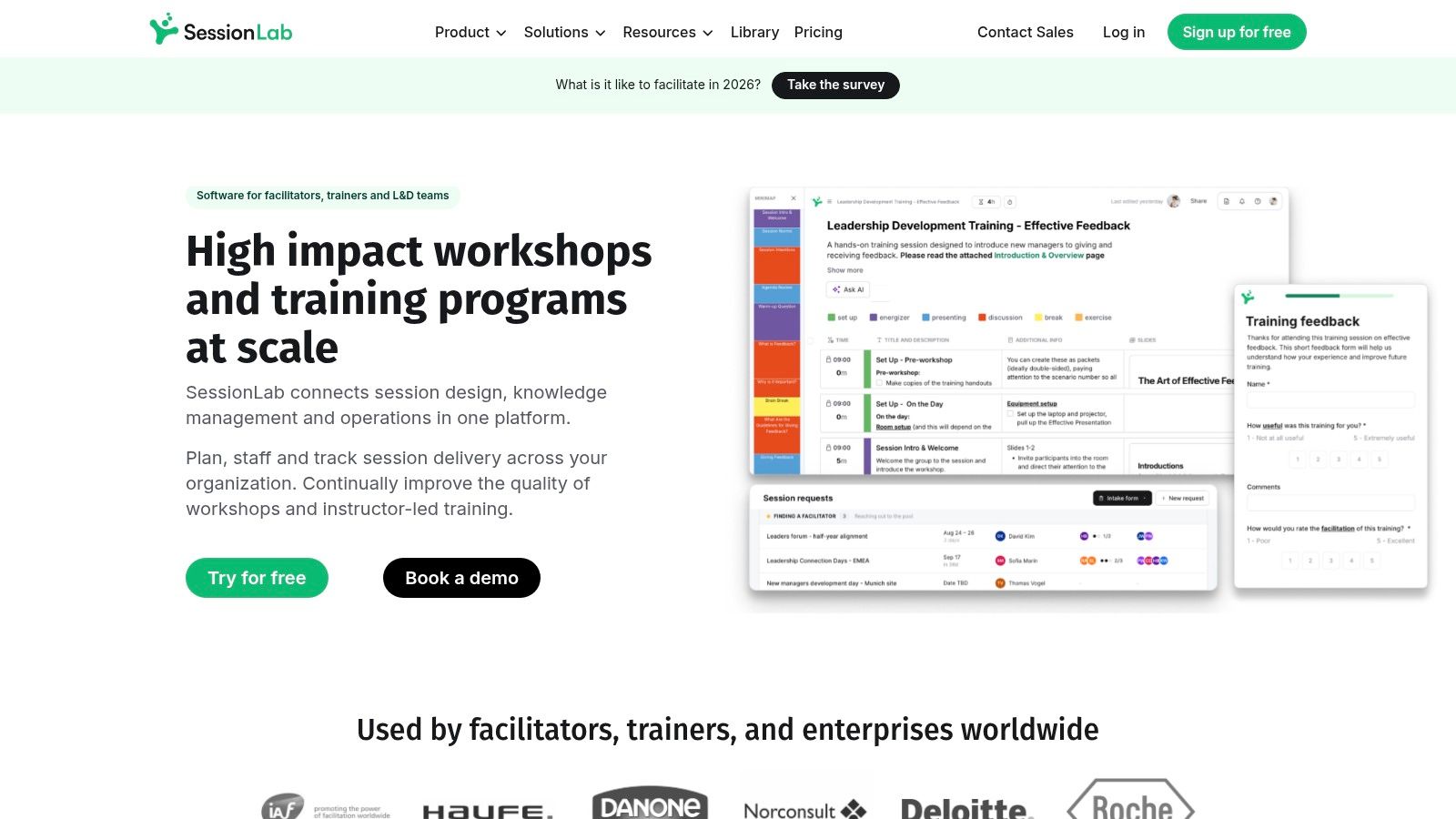
The most common cause of a bad brainstorm is a session that was never designed. Ninety minutes, one prompt, and twelve people is not a plan.
What it won't do is host the live visual work. You'll still need a canvas for the ideas themselves, which is why SessionLab pairs rather than replaces. Teams that plan well and ideate badly get the most from it.
- Best for: facilitators, agency strategists, and anyone running the same workshop format across multiple clients.
- Watch for: AI requests are limited by subscription tier, and real-time collaboration plus exports sit on paid plans.
- Pairing: use it to design the session, then move to a whiteboard or a guided platform to run it.
For session formats worth stealing, this collection of brainstorming workshop ideas is a practical starting library. See SessionLab.
7. MindMeister
Hierarchy solves a specific problem. When the challenge is "what are all the angles on this positioning," a mind map beats a flat canvas because branches force you to name relationships. MindMeister expands a central question into themes and sub-ideas, generates and refines maps from prompts or uploaded research, and presents the finished map as a walkthrough.
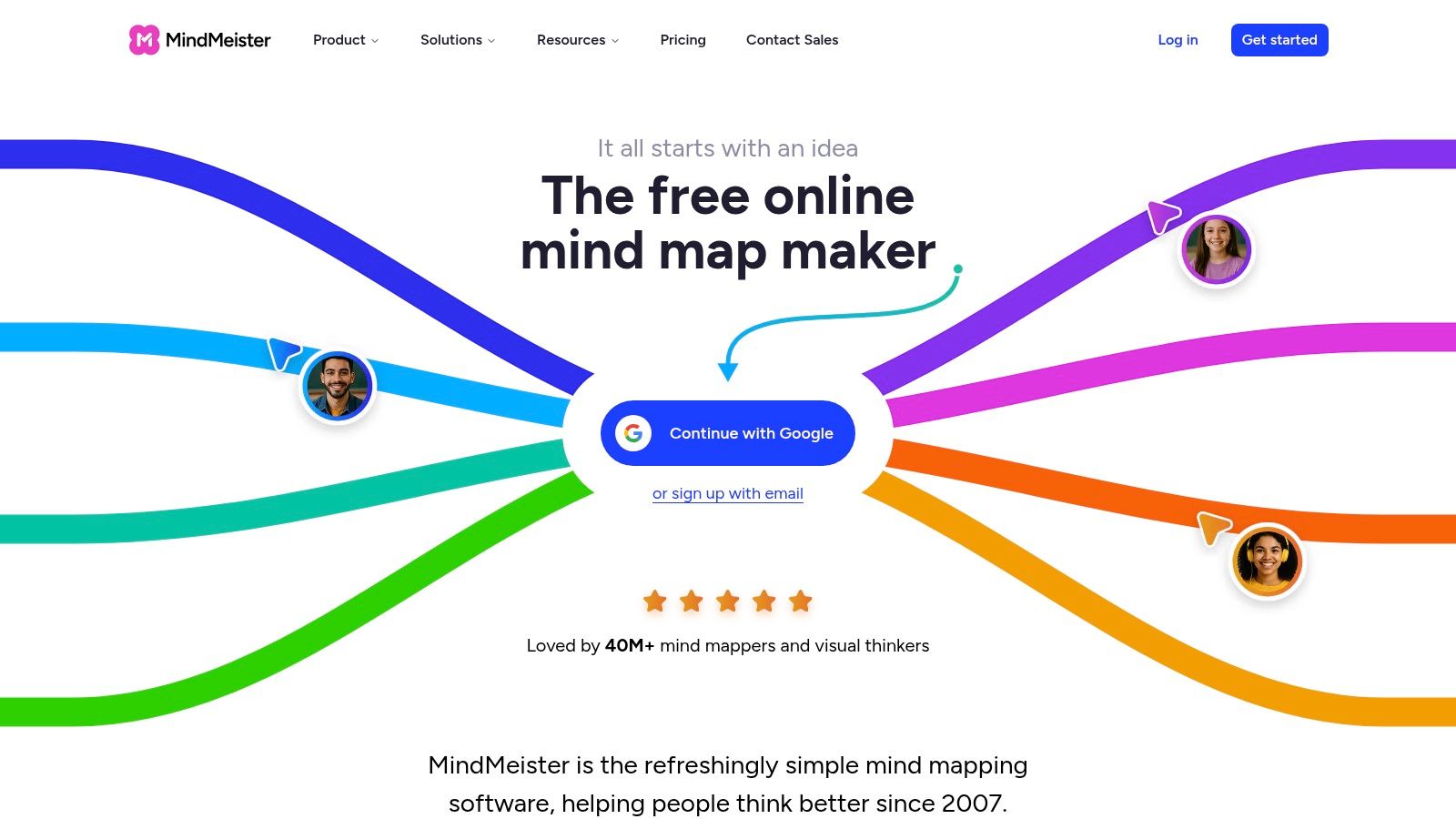
The free plan includes three maps and monthly AI credits, which is enough to test whether your team thinks in branches. Many don't. Designers and strategists who work spatially often find the structure constraining after the first twenty nodes.
- Best for: early campaign exploration, research synthesis, and product discovery where the goal is coverage of a territory.
- Watch for: AI use is credit-limited, and workshop facilitation tools are thinner than on dedicated platforms.
- Trade-off: a map is a snapshot of thinking, not a session. You'll still need a way to run the group.
If you want to see how far a good map can go, these examples of mind maps show the difference between a brainstorm drawn as a tree and an actual structure. See MindMeister.
8. Whimsical
Whimsical is the tool for the hour after ideation, when a concept has to become a flow. Mind maps, flowcharts, wireframes, and documents share one workspace, and AI-assisted mind mapping suggests branches when you're exploring directions. The visual structure is easier to follow than a vast open canvas, especially for stakeholders who don't live in whiteboards.
- Best for: product teams and strategists turning a broad idea into a journey, a process, or an early interface sketch.
- Watch for: free-plan creation limits bite quickly, and there's no dedicated mobile app, so mobile browser use is cramped.
- Orientation: it leans toward product building and documentation rather than marketing concepting.
If your session output is a deck full of one-line concepts, you're not done. The useful next step is a diagram that shows how the idea actually works.
The free plan includes boards, documents, and guests, subject to monthly object limits, which makes it a low-risk test. See Whimsical.
9. Adobe Firefly Boards
Some sessions aren't about words. Firefly Boards is an infinite canvas for images, references, sketches, and generated visuals, with real-time sharing and handoff into Photoshop and Express. For a brand team exploring a visual direction, that's a different job from brainstorming headlines, and it's usually the job that comes second.
Visual concepting is now an AI workflow
Buyers should read the adoption data before assuming a moodboard tool is a luxury. McKinsey's 2025 global survey of 1,993 respondents across 105 countries found that nearly 90% of organizations regularly use AI in at least one business function, with 62% experimenting with AI agents and 64% saying AI enables innovation, according to McKinsey's State of AI in 2025 report. Most of those organizations are still in experimentation, which is exactly why governance and repeatable process matter in procurement.
- Best for: creative and brand teams building moodboards, storyboards, and visual pitch material.
- Watch for: generative features run on credits, and premium options require a subscription.
- Reality check: generated visuals need creative review and often can't serve as final campaign assets.
Boards are accessible with an Adobe account, subject to plan-based limits. See Adobe Firefly Boards.
10. Selfstorming
Selfstorming aims squarely at advertising. Its ideation session generates campaign concepts, content ideas, stories, scripts, reels, and activations, using creative prompts and award-winning campaign examples as context, and selected ideas export to editable PowerPoint so they can walk into a presentation without retyping.
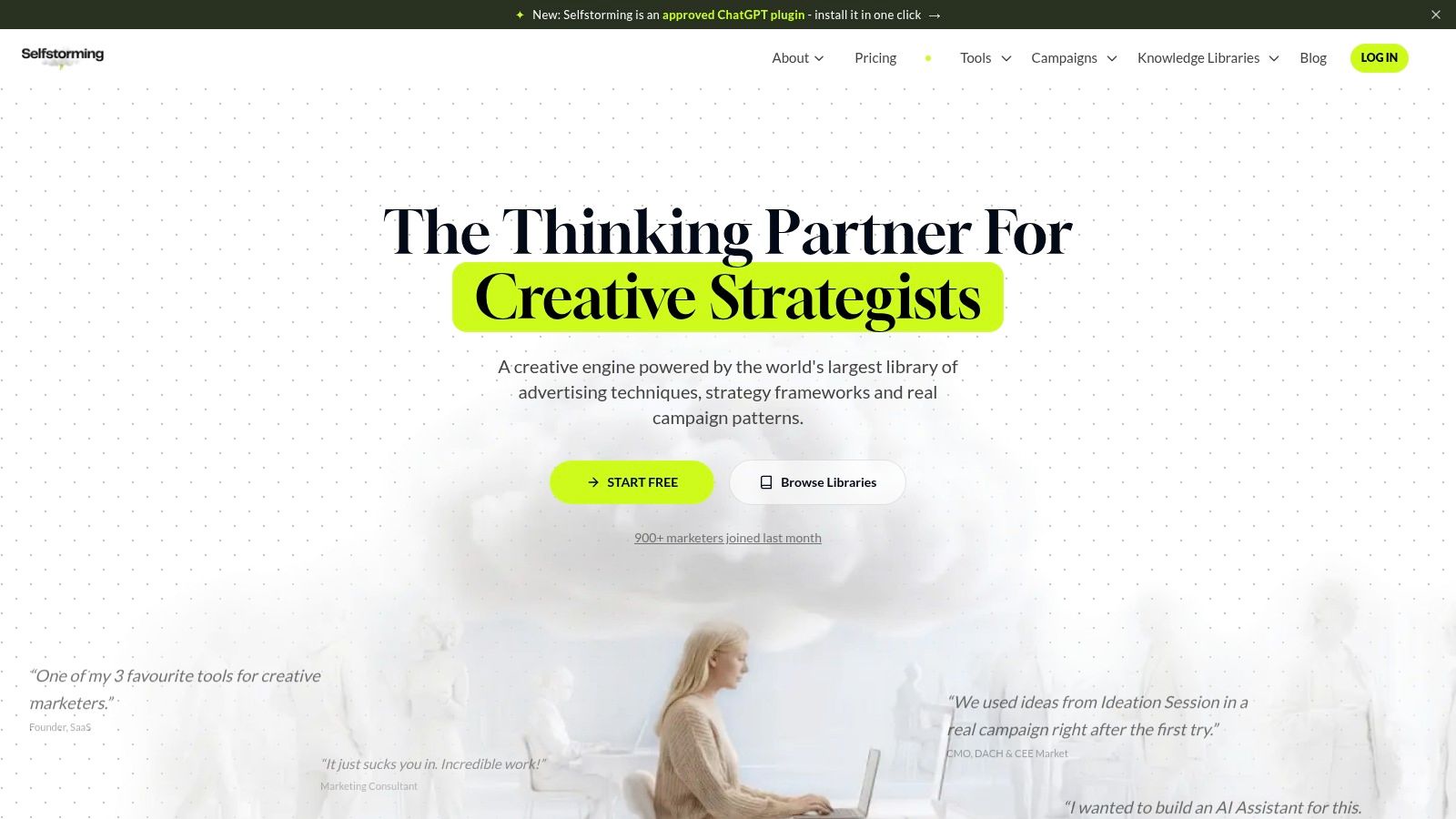
Judge a generator like this on time saved, not output volume. McKinsey's survey work reports that 80% of respondents say AI has improved their individual productivity and about 50% say it helps them make better decisions, while only 39% reported any EBIT impact from AI, based on McKinsey's State of AI research. Near-term workflow gains are defensible. Claims that more generated ideas produce revenue are not.
- Best for: agency teams that need campaign-shaped raw material fast, then edit hard.
- Watch for: every output needs a strategic filter and an originality check before it goes near a client.
- Scope: less suited to product-team collaboration or general workshop facilitation.
- Buying note: pricing isn't clearly listed, so get a written quote before you plan a team rollout.
See Selfstorming.
How the idea generation software options compare on free access, best use, and AI support
| Item | Free Option | Best For | AI Features |
|---|---|---|---|
| Bulby (recommended) | 14-day free trial | Guided, collaborative brainstorming for creative and marketing teams | Generates inspiration, summarizes ideas, and highlights promising directions |
| Miro | Free plan available; limits apply | Flexible live or asynchronous whiteboard collaboration | Generates content, summarizes boards, and identifies themes |
| Mural | Free plan with limits on editable murals | Facilitated workshops and structured group problem-solving | Mural AI available on Team+ and higher plans |
| FigJam | Starter plan offers limited free access | Figma teams combining brainstorming with design work | Assists with board and diagram creation; access depends on plan and credits |
| Stormboard | Free Personal plan; no credit card required | Turning workshop ideas into reports and follow-up actions | StormAI supports ideation and action planning |
| SessionLab | Free plan and trial available | Designing and facilitating productive workshops | Generates session blocks and helps refine agendas |
| MindMeister | Free plan includes three maps and monthly AI credits | Structuring ideas in collaborative mind maps | Generates and refines maps from prompts or uploaded material |
| Whimsical | Free plan with monthly object limits | Turning ideas into maps, diagrams, flows, and wireframes | Suggests branches and expands mind maps |
| Adobe Firefly Boards | Boards available with an Adobe account; limits vary | Visual concepting, moodboards, storyboards, and pitch materials | Generates and remixes images and video, subject to features and plan |
| Selfstorming | Pricing and free access are unclear | Campaign and advertising concept generation | Generates campaign concepts, content, stories, scripts, reels, and activations |
Choosing the Right Idea Generation Software for Your Next Session
Match the tool to the job in front of you. A positioning problem where three senior people dominate the room needs a structured anonymous session. A live client workshop needs a whiteboard everyone can see. A recurring format needs a facilitation planner. A visual direction needs a moodboard canvas. Buying one tool and forcing every session through it is how teams end up with a subscription nobody opens.
Adoption data suggests this remains unsettled. A 2021 peer-reviewed study of firms across different sizes and sectors found that 45% of respondents used innovation-management software while 55% did not, and identified idea-management functionality as a particularly important factor in adoption, alongside services supporting updates and upgrades, according to the study of innovation-management software adoption. In that sample, 38% of firms employed fewer than 250 people, which tells you the gap isn't only an enterprise problem.
Run one real session before you commit
Free tiers and trials are enough to test properly if you test on live work. Pick the pitch that's due, run the session in two candidate tools, and compare the same three things.
- How many ideas surfaced: count distinct concepts, not sticky notes, and note how many came from people who usually stay quiet.
- How fast they became a shortlist: time from the end of divergence to a ranked set with owners.
- How usable the handoff was: whether the output went into a client document without a rewrite.
That last measure is the one buyers forget. A tool that produces a beautiful board your account team has to retranslate into a deck has moved the work, not removed it.
Where each type of tool stops
Whiteboards stop at organization. They'll hold a thousand cards and tell you nothing about which three matter. Facilitation planners stop at the session design, before any idea exists. Visual generators stop at the artifact, which is often the second half of a campaign conversation rather than the first. Guided ideation platforms cover the widest arc, from challenge to summarized report, but they still leave the final call to you.
The tool you keep is the one that survives contact with a real deadline, not the one with the longest feature page.
If your team's output is a visual artifact rather than a text shortlist, it's worth understanding the mechanics of shared canvases first. This explanation of how whiteboarding works in RapidNative covers boards as a product surface, which helps when you're specifying what your own session tooling needs to do.
Budget accordingly. A monthly per-seat whiteboard for a twelve-person agency is a standing cost, while a per-participant session platform often lines up better with how project work arrives. Start where the pain is worst, usually the session that keeps producing the same three ideas, and expand only when the second use case is obvious.
When your next pitch needs a direction by Friday, run the session in Bulby: write the challenge, share one link, and let randomized exercises and anonymous submissions pull ideas out of the quiet people on your team before the AI summarizes it all into a shortlist with next steps. You can try the public demo without an account, start a 14-day free trial, or claim one of the free private brainstorming consultations available to the next 27 sign-ups. Visit Bulby to see how the six-step session works end to end.