
Interactive whiteboards have moved beyond the classroom, becoming essential tools for engaging remote and hybrid teams. In a world where virtual meetings can feel disconnected, the right game can transform a passive audience into active participants, fostering collaboration and boosting morale. This guide cuts through the noise to deliver a curated list of the best platforms offering ready-to-use interactive whiteboard games.
We've focused on resources that are easy to implement and effective for various team activities, from quick icebreakers to in-depth training modules. For each platform, you will find a clear breakdown of its best features, direct links to get started, and screenshots to see it in action. This approach saves you time and helps you choose the right tool for your specific needs, whether you're leading a workshop, managing a product team, or just trying to make your next virtual meeting more engaging.
To get the most out of these activities, a solid grasp of the core technology is beneficial. Understanding the full capabilities of digital online whiteboards is crucial for maximizing the impact of these games. This article provides everything you need to select a platform and launch an activity that will make your next virtual gathering both productive and fun.
1. Kahoot!
Kahoot! is a powerhouse in the game-based learning space, making it a natural fit for teams looking for structured, quiz-style interactive whiteboard games. Its platform excels at turning training modules, workshop recaps, and team-building exercises into vibrant, competitive quizzes. The core experience involves a host sharing their screen (like an interactive whiteboard), with questions appearing on the main screen and players answering on their own devices.
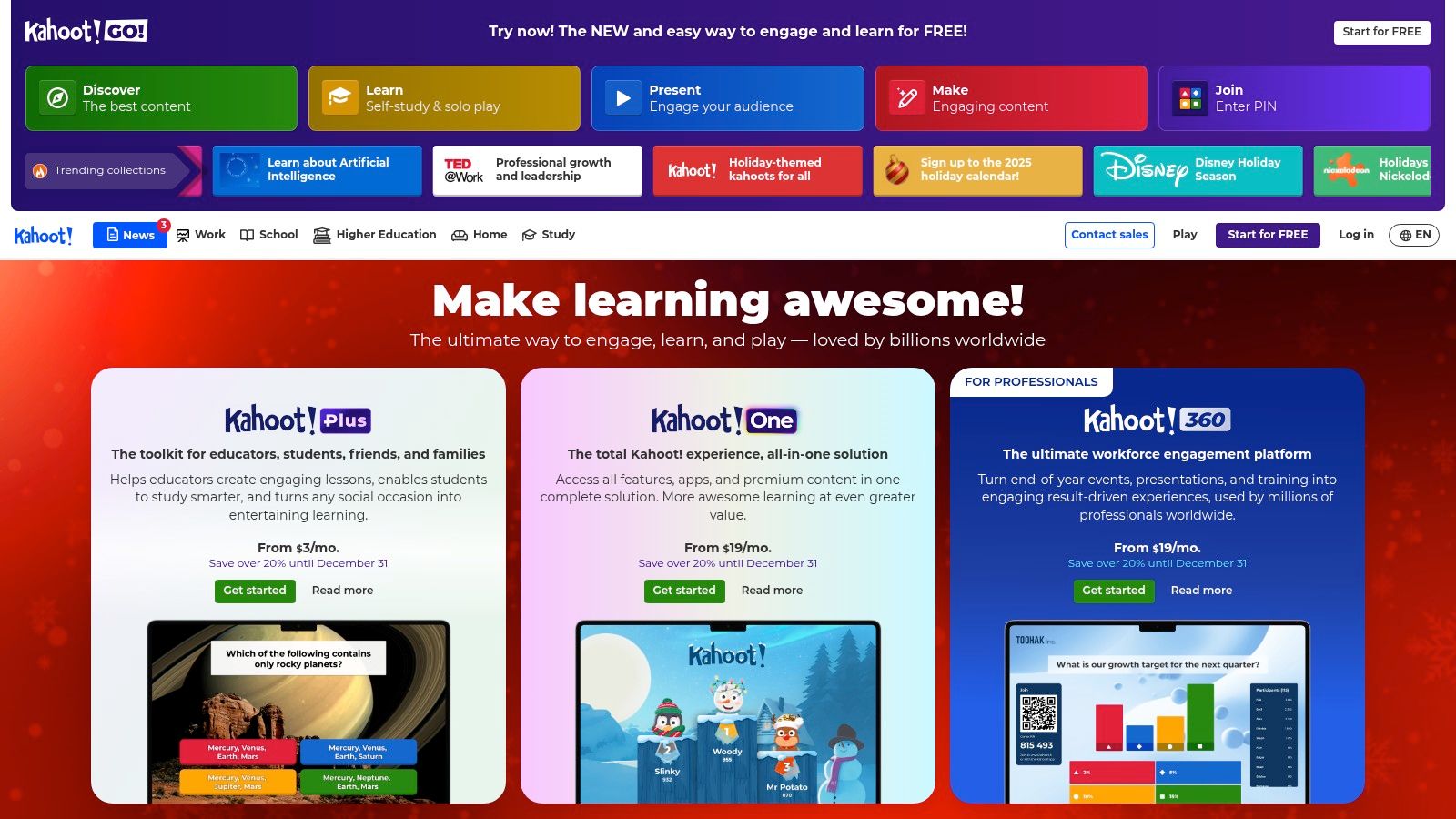
What makes Kahoot! stand out is its simplicity and massive scale. The user experience is incredibly intuitive, requiring almost no onboarding for participants. This makes it perfect for large all-hands meetings or events where you need a reliable tool that just works. The platform’s extensive library of pre-made quizzes means facilitators can find a relevant game in minutes, saving significant preparation time. For more specific needs, the custom quiz creator is straightforward and robust.
Key Features & User Experience
Kahoot! is less of an open-ended whiteboard and more of a structured game show environment. It works flawlessly when projected onto a physical interactive whiteboard or shared via screen during a virtual meeting.
- Game Modes: Choose between live games for real-time engagement or self-paced challenges that team members can complete on their own schedule.
- Massive Library: Access millions of ready-to-play quizzes on topics ranging from general trivia to niche industry knowledge.
- Analytics: Business plans provide detailed reports on participation, question-level performance, and overall engagement, offering valuable insights after a session.
- Scalability: Higher-tier plans can support up to 2,000 participants simultaneously, making it a go-to for large corporate events.
Pros and Cons
| Pros | Cons |
|---|---|
| Familiar & Easy to Use: Most people have used it, minimizing setup friction. | Quiz-Centric: Limited options for creative, open-ended collaboration. |
| Excellent for Scale: Reliable for large groups, all-hands, and conferences. | Paid Tiers Required: The best features and participant limits are not free. |
| Saves Time: The public library of games is a huge time-saver for facilitators. | Less "Whiteboardy": It's a game on a whiteboard, not a game using a whiteboard. |
Best For: Fast-paced icebreakers, knowledge checks after a training session, and large-scale team events where speed and reliability are key. Kahoot! also serves as one of many excellent virtual team icebreakers from RemoteSparks.
Website: https://kahoot.com
2. Nearpod
Nearpod transforms standard presentations into engaging group experiences, making it an excellent platform for highly interactive, lesson-style interactive whiteboard games. It shines by allowing facilitators to embed over 20 different gamified activities and assessments directly into their presentations, such as quizzes, polls, matching pairs, and collaborative boards. The host controls the pace on the main screen (the whiteboard), while participants engage in real-time on their own devices.
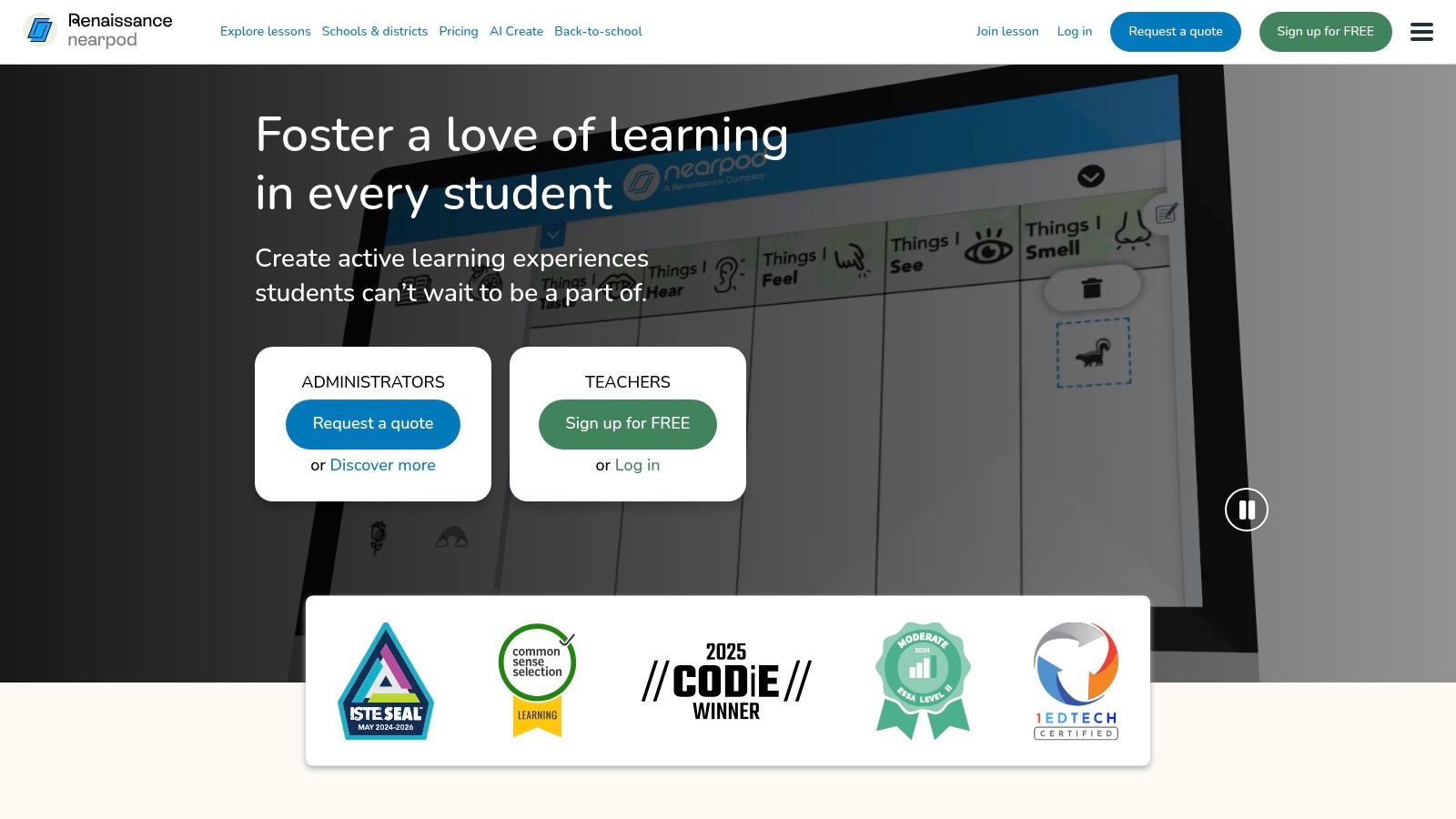
What makes Nearpod unique is its deep integration of content and activity. It isn't just a game; it's a full-fledged interactive lesson tool. This makes it perfect for structured training, onboarding sessions, or workshops where the goal is both engagement and information retention. The platform's massive library of pre-made lessons and interactive videos saves facilitators hours of prep time, while the real-time insights dashboard allows them to see participant responses and comprehension levels on the fly.
Key Features & User Experience
Nearpod’s strength is in its structured, facilitator-led environment that keeps the entire team in sync, whether they are in the same room or participating remotely. It’s a powerful tool for anyone wondering how to make an interactive presentation.
- Gamified Activities: Features like "Time to Climb," a competitive quiz game, along with polls, "Draw-It" boards, and collaborative short-answer sessions, keep energy high.
- Extensive Content Library: Access thousands of ready-to-use interactive lessons, videos, and activities across a wide range of subjects.
- Real-Time Facilitator Insights: A teacher/facilitator dashboard shows live progress and responses, allowing for immediate feedback and session adjustments.
- Flexible Delivery: Sessions can be run live for synchronous participation or assigned as self-paced activities for asynchronous learning.
Pros and Cons
| Pros | Cons |
|---|---|
| Rich, Ready-to-Use Content: Reduces preparation time significantly. | Participant Caps: Free and lower-tier plans have strict user limits. |
| Strong Assessment Capability: Excellent for tracking understanding. | Paid Tiers Required: Full capabilities and features require a subscription. |
| Flexible for Hybrid Teams: Works seamlessly for in-person and remote users. | Can Feel Overly Structured: Less room for spontaneous, free-form play. |
Best For: In-depth training sessions, new-hire onboarding, educational workshops, and any scenario where learning objectives are as important as pure fun.
Website: https://nearpod.com
3. SMART Exchange / Lumio Library (SMART Technologies)
Originally known as SMART Exchange, the Lumio Library is a massive resource hub primarily built for the education sector but perfectly adaptable for corporate training and team engagement. It serves as a searchable library of ready-made interactive whiteboard games, lessons, and activities. While designed for SMART Boards, the web-based Lumio platform makes these resources accessible on any interactive display or shared screen during a virtual meeting.
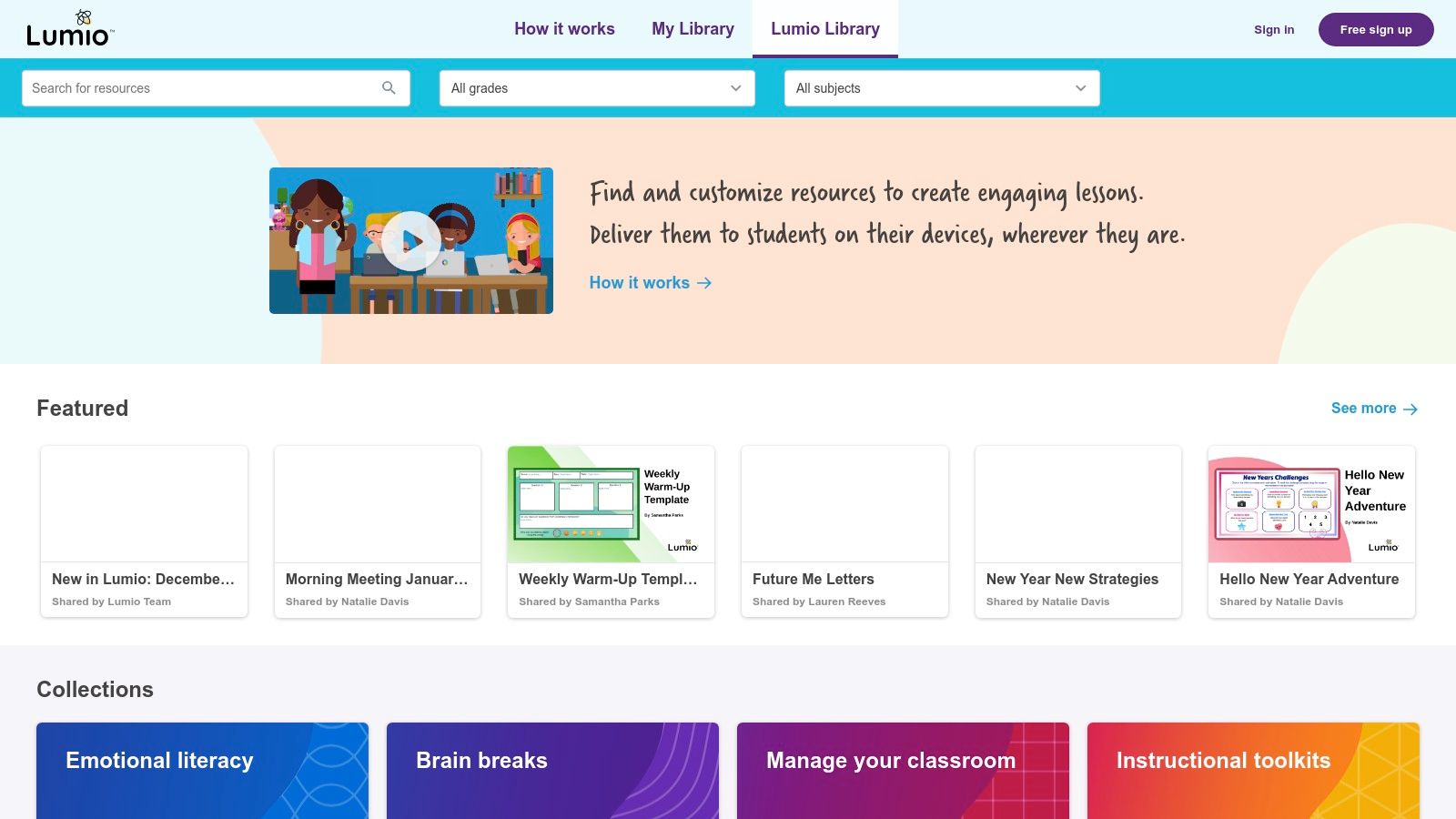
What makes the Lumio Library stand out is its deep collection of high-quality, professionally designed content. Facilitators can find everything from quick "Match 'Em Up" and "Super Sort" games to more complex, multi-stage collaborative lessons. This saves immense preparation time, as you can filter by topic or activity type and deploy a game in minutes. For teams looking for a robust platform beyond simple brainstorming, it offers a structured yet engaging experience.
Key Features & User Experience
Lumio operates as a web-based environment where facilitators present activities and participants interact from their own devices, making it ideal for hybrid teams. It's a great choice when looking for feature-rich alternatives to Jamboard from RemoteSparks that offer more structured game mechanics.
- Game-Based Activities: Includes built-in templates like quizzes, sorting games, matching activities, and fill-in-the-blanks that can be customized with your content.
- Massive Resource Library: Access a huge ecosystem of free and paid resources created by educators and publishers, easily adaptable for corporate icebreakers or training reviews.
- Web-Based & Device Agnostic: Runs entirely in a web browser, allowing team members to join and participate from any laptop, tablet, or smartphone.
- Collaborative Workspaces: Beyond games, it offers shared workspaces where teams can brainstorm, add notes, and work together on a shared digital canvas.
Pros and Cons
| Pros | Cons |
|---|---|
| Deep Library of Ready-to-Run Games: Thousands of free activities are available. | Education-Focused: Some content may feel too K-12 and require adaptation. |
| Supports Student Device Interaction: Excellent for hybrid team participation. | Best in SMART Ecosystem: The experience is most seamless with SMART hardware/software. |
| Highly Interactive Templates: Game templates are engaging and easy to customize. | Sign-In Required: Accessing or saving resources requires creating an account. |
Best For: Structured training sessions, workshop icebreakers, and knowledge reinforcement where pre-built, high-quality game templates are more valuable than a completely open canvas.
Website: https://exchange.smarttech.com
4. Promethean Resource Library (ActivInspire/ActivPanel)
For teams and educators already integrated into the Promethean ecosystem, the Resource Library is a treasure trove of interactive whiteboard games and activities. It offers thousands of pre-made "flipcharts" designed specifically for ActivInspire software and ActivPanel interactive displays. This makes it an incredibly efficient way to deploy engaging, curriculum-aligned games or corporate training exercises with minimal setup.
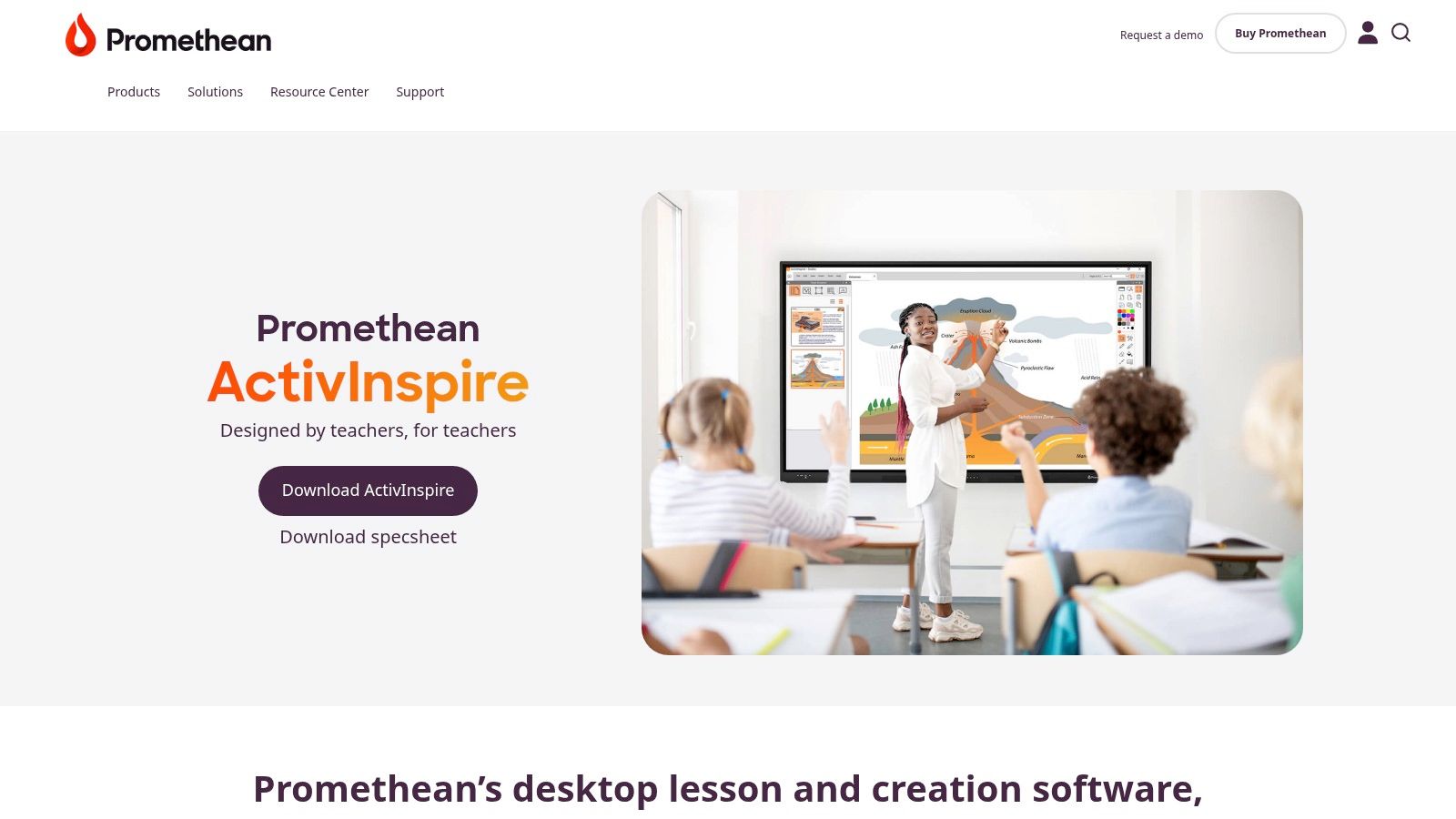
What makes the Promethean offering unique is its deep integration with its own hardware and software, creating a seamless front-of-room experience. Unlike purely web-based tools, ActivInspire resources can be downloaded and used offline, providing reliability in any environment. The platform supports classic whiteboard mechanics like drag-and-drop, timers, and object reveals, turning the whiteboard itself into the core game board rather than just a projection screen.
Key Features & User Experience
Promethean's resources are built for direct interaction, making them perfect for in-person or hybrid sessions where a central interactive display is the focal point. The flipcharts feel less like a quiz and more like a tactile, hands-on activity.
- Massive Library: Access a vast collection of free, user-generated, and Promethean-created flipcharts, including games, lesson plans, and activity templates.
- Classic Whiteboard Mechanics: Activities are designed with true whiteboard functionality in mind, using features like drag-and-drop, magic ink reveals, and interactive timers.
- Import Capabilities: Users can import existing PDF, PowerPoint, or even SMART Notebook files and enhance them with ActivInspire’s interactive tools. This makes it a great way to gamify existing materials for tools that are also great for brainstorming online with your team.
- Offline Access: Once a flipchart is downloaded, it can be used without an internet connection, ensuring a smooth session regardless of network stability.
Pros and Cons
| Pros | Cons |
|---|---|
| Seamless for Promethean Users: A fast, integrated way to add games to a session. | Ecosystem Dependent: Best suited if you already use Promethean hardware/software. |
| Works Offline: Downloaded resources provide reliability and are great for travel. | Interface Can Be Dated: The ActivInspire software is powerful but may feel less modern. |
| Many Free Resources: A large portion of the library is free with a myPromethean account. | Navigation Required: Finding the perfect resource can require searching the portal. |
Best For: Educators, corporate trainers, and facilitators who use Promethean ActivPanels or ActivInspire software and need ready-to-go, tactile games for in-person or hybrid classroom-style settings.
Website: https://www.prometheanworld.com/products/software/activinspire/
5. Baamboozle
Baamboozle has carved out a niche as a go-to platform for simple, team-based interactive whiteboard games that require almost zero setup. It is essentially a massive, searchable library of ready-to-play games that work perfectly when displayed on a shared screen. The core concept involves teams choosing numbered tiles from a grid, revealing questions or challenges underneath, and earning points for correct answers.
What makes Baamboozle so effective for teams is its speed and simplicity. A facilitator can find a relevant trivia game, icebreaker, or knowledge quiz and launch it in under a minute. The straightforward, pick-a-tile format encourages lively participation and friendly competition without the need for complex rules or individual player devices. It's a fantastic tool for quick energizers, meeting warm-ups, or light-hearted review sessions.
Key Features & User Experience
Baamboozle’s interface is clean and built for display on a large screen or virtual whiteboard. The host controls the game, clicks the tiles, and assigns points, keeping the focus on group interaction rather than individual tech.
- Massive Game Library: The platform's strength is its extensive collection of community-created games on virtually any topic, from general knowledge to specific industry jargon.
- Multiple Game Modes: Play in "Classic" team mode, use "Quiz" mode for more formal assessments, or leverage "Study" mode to review material like flashcards.
- Simple Game Creation: Building your own custom game is incredibly fast and intuitive, allowing you to tailor content to your team's specific needs.
- Easy Sharing: Games can be shared with a simple link or Class PIN, making it easy for others to host the same game without needing full access.
Pros and Cons
| Pros | Cons |
|---|---|
| Extremely Low Prep Time: Launch a game in seconds from the public library. | Content Quality Varies: Games are user-generated, so quality can be inconsistent. |
| Engaging Team-Play Mechanic: The team-based format fosters collaboration. | Advanced Features are Paid: The best options require a Baamboozle+ subscription. |
| Very Simple to Facilitate: No complex software or participant onboarding needed. | Less Visually Polished: The interface is functional but less slick than competitors. |
Best For: Quick five-minute energizers, meeting icebreakers, and informal knowledge reviews where speed and ease of use are more important than advanced features or polished graphics.
Website: https://www.baamboozle.com
6. Topmarks
Topmarks is a long-standing hub for free, browser-based interactive whiteboard games, originally designed for the classroom but perfectly suited for quick, no-fuss team warm-ups or lighthearted competitions. Its strength lies in its simplicity and directness. The platform offers a vast catalogue of activities, from mental math challenges like "Daily 10" to fast-paced reflex games, that run instantly on any shared screen or interactive whiteboard without requiring logins or complex setup.
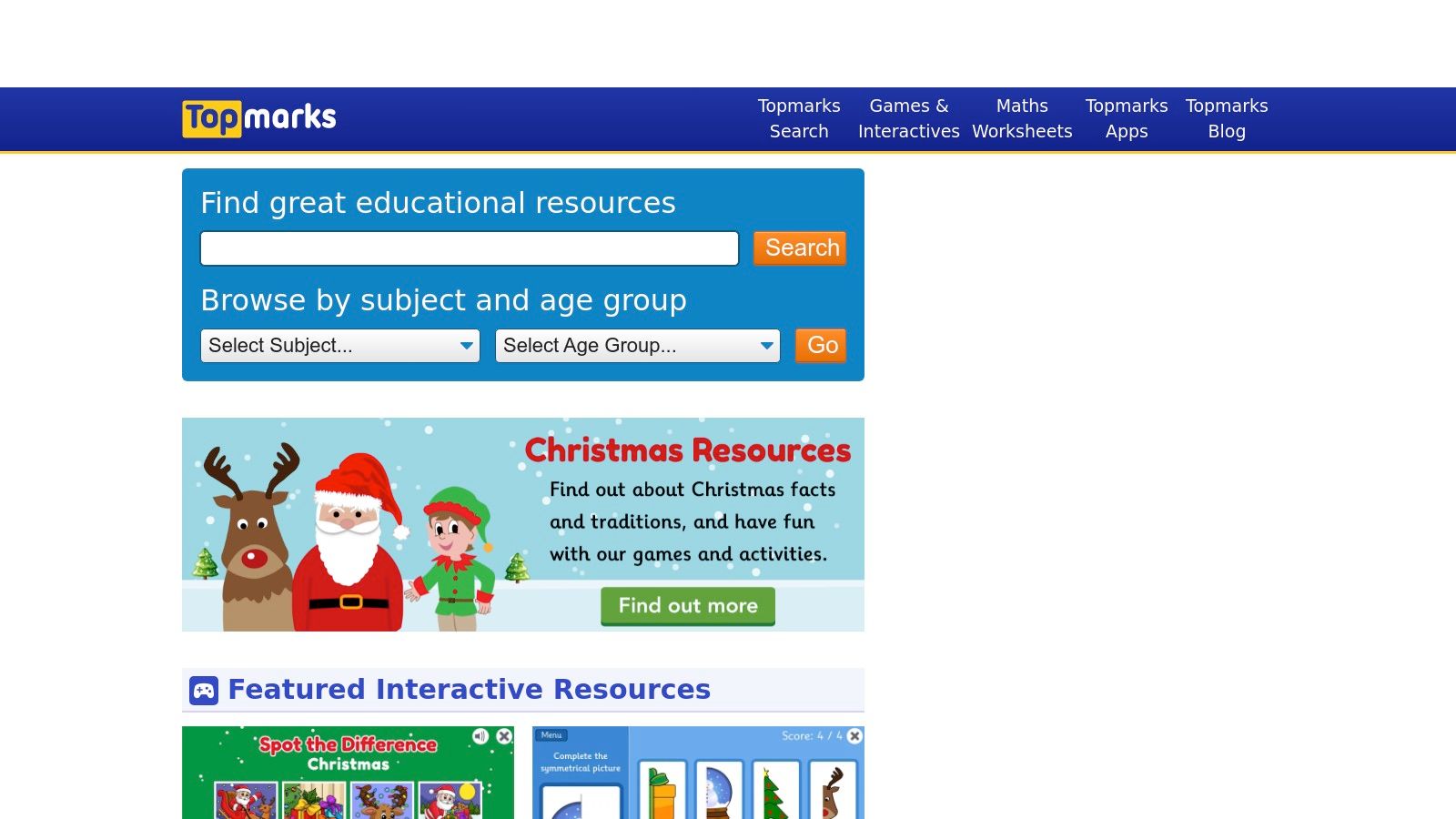
What makes Topmarks a hidden gem for corporate teams is its zero-friction access. Facilitators can pull up a game in seconds for an impromptu brain break or to kick off a meeting with a simple, engaging challenge. While the design is geared toward K-12 education, the underlying mechanics of many games are universally appealing and serve as excellent mental refreshers. It’s a reliable, no-cost resource for injecting a moment of fun and focus into a packed agenda.
Key Features & User Experience
Topmarks is less of a platform and more of a curated library of individual, single-purpose games. The user experience is straightforward: find a game, click play, and share your screen.
- No Registration Required: Most games are immediately accessible without needing an account, making it ideal for spontaneous use.
- Skill-Based Categories: Games are neatly organized by subject (like math or literacy) and skill level, allowing facilitators to quickly find an appropriate challenge.
- Fast Loading: The games are lightweight and designed to run smoothly on any browser, minimizing technical delays during a meeting or workshop.
- Whole-Group Focus: Activities are built for a shared screen experience, where one person controls the game while the team participates verbally or by taking turns.
Pros and Cons
| Pros | Cons |
|---|---|
| Completely Free: The vast majority of content requires no payment. | K-12 Focus: The aesthetic and themes may not suit all corporate cultures. |
| Zero-Friction Access: No logins or software downloads are needed. | Contains Ads: The free model is supported by on-site advertisements. |
| Designed for IWBs: Games are built for large-screen interaction. | Limited Corporate Features: Lacks analytics, user management, or branding. |
Best For: Quick 5-minute warm-ups, brain breaks between intense workshop sessions, and simple, no-stakes competitive games that require zero preparation time from the facilitator.
Website: https://www.topmarks.co.uk
7. Teachers Pay Teachers (TPT)
While not a game platform itself, Teachers Pay Teachers (TPT) is an essential marketplace for sourcing high-quality, ready-made interactive whiteboard games. It offers a massive library of downloadable files created by educators, specifically designed for platforms like SMART Notebook, Promethean, PowerPoint, and Google Slides. This makes it an invaluable resource when you need a themed game for a holiday event, a specific training topic, or a quick icebreaker without building it from scratch.
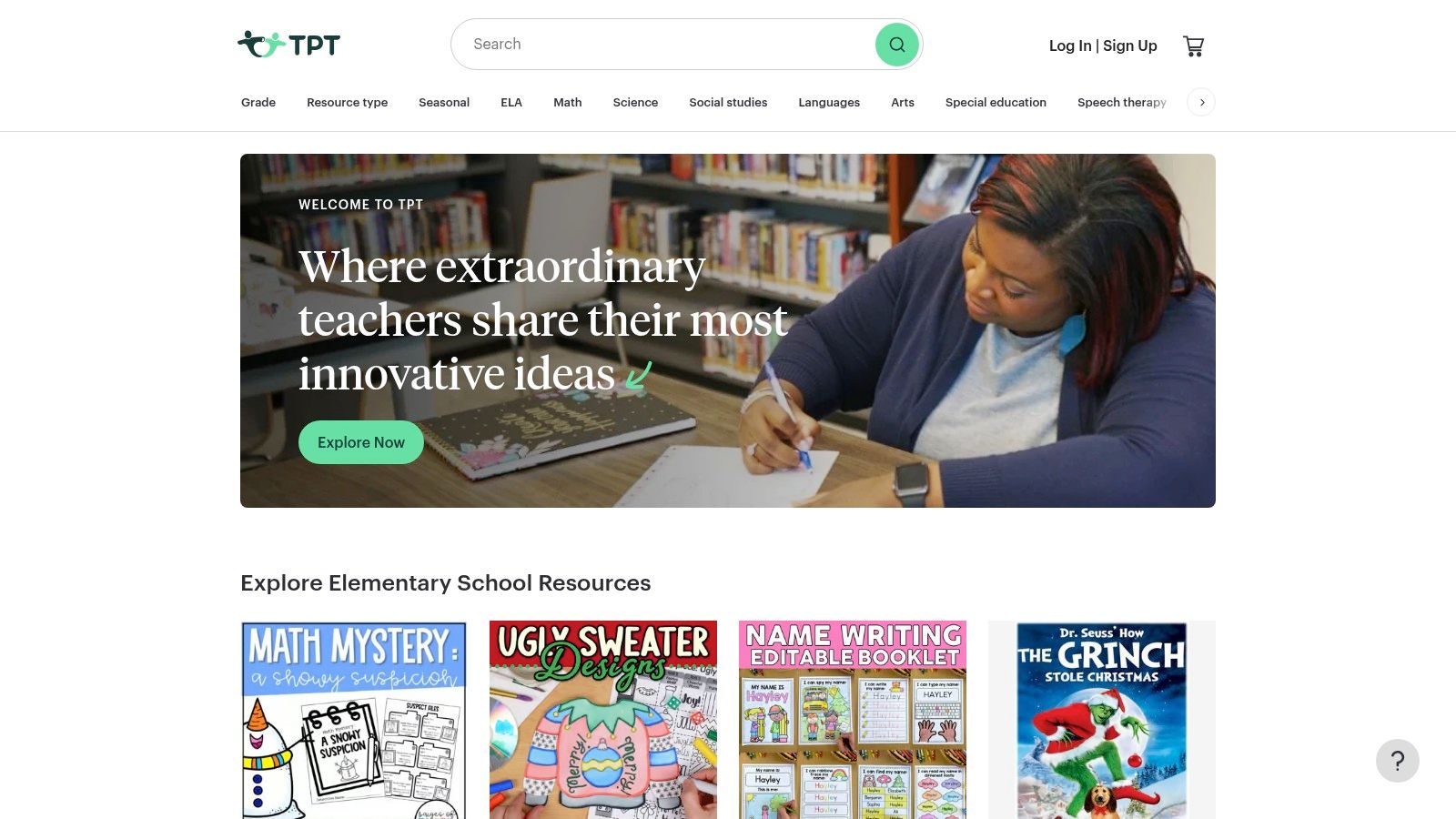
What makes TPT unique is the sheer specificity of its content. Instead of generic templates, you can find professionally designed jeopardy-style games, interactive puzzles, and collaborative challenges on virtually any subject. Facilitators can purchase, download, and immediately run these games on their interactive whiteboard or via screen share, saving hours of development time. The community-driven model with ratings and reviews helps ensure you're getting a quality product before you buy.
Key Features & User Experience
TPT acts as a digital storefront where you purchase files to use with your existing whiteboard software. The user experience is focused on search and discovery, allowing you to filter by file type, subject, and price to find the perfect game.
- Vast Niche Selection: Find games on topics from cybersecurity principles to historical trivia, often in engaging, themed formats.
- Multiple File Formats: Resources are available for SMART Notebook, Promethean ActivInspire, PowerPoint, and Google Slides, ensuring compatibility.
- Instant Digital Delivery: All purchases are available for immediate download, making it perfect for last-minute session planning.
- Ratings and Previews: Vet the quality of a resource through user reviews and detailed previews provided by the seller before purchasing.
Pros and Cons
| Pros | Cons |
|---|---|
| Highly Specific Content: Find pre-made games on almost any topic. | Quality Varies: Content quality is seller-dependent; checking reviews is crucial. |
| Saves Significant Time: No need to design games from the ground up. | Requires Other Software: You need the appropriate software (e.g., PowerPoint) to run the files. |
| Very Affordable: Most resources are low-cost, with many free options. | Licensing: Licenses are often per-user, which may require management for larger teams. |
Best For: Teams and facilitators who need a specific, themed game on short notice and want a polished, ready-to-play resource without the hassle of creation. It's also a great source of inspiration for new activity formats and idea generation techniques.
Website: https://www.teacherspayteachers.com
Top 7 Interactive Whiteboard Games Comparison
| Product | Implementation complexity 🔄 | Resource requirements 💡 | Expected outcomes 📊 ⭐ | Ideal use cases | Key advantages ⚡ |
|---|---|---|---|---|---|
| Kahoot! | Low — quick setup for host-led or self-paced sessions 🔄 | Participant devices; free tier OK; paid for higher participant caps 💡 | High engagement & rapid recall; analytics on paid plans ⭐⭐⭐⭐ 📊 | Workshops, icebreakers, training, large live or self-paced events | Familiar UX; huge ready-made library; reliable at scale ⚡ |
| Nearpod | Medium — assemble lessons with embedded activities; facilitator view 🔄 | Participant device sync for hybrid use; paid tiers unlock full library/features 💡 | Strong formative assessment and real-time insights; interactive learning outcomes ⭐⭐⭐⭐ 📊 | Interactive lessons, hybrid classrooms/sessions, formative checks | Rich content library; real-time facilitator insights; flexible delivery ⚡ |
| SMART Exchange / Lumio Library | Medium — use Lumio/SMART Notebook; sign-in to access resources 🔄 | Best with SMART ecosystem but web playback works; many free assets; paid storage/workflow tiers 💡 | Broad K–12 curriculum-aligned resources; adaptable lesson outcomes ⭐⭐⭐ 📊 | K–12 classrooms using SMART Boards or web playback; curriculum lessons | Deep K–12 ecosystem; many free, ready-to-run IWB lessons ⚡ |
| Promethean Resource Library | Medium — download/import flipcharts; optimized for ActivInspire/ActivPanel 🔄 | Promethean software/hardware preferred; offline use after download; free account needed 💡 | Fast front-of-room interactivity; teacher-ready activities and templates ⭐⭐⭐ 📊 | Classroom whiteboard gameplay; offline or low-connectivity sessions | Large library of free flipcharts; classic IWB mechanics; offline-ready ⚡ |
| Baamboozle | Low — instant-play with minimal setup; quick tile-based games 🔄 | Big screen for display; optional participant devices; free community library with paid features 💡 | Lively team play and energizers; very low prep yields immediate engagement ⭐⭐⭐ 📊 | Quick energizers, team games, short lively lessons or meetings | Extremely low prep time; simple team mechanics; large community library ⚡ |
| Topmarks | Very low — browser-based; many games require no login 🔄 | Only a display/browser required; largely free content; site contains ads 💡 | Fast starters and whole-class warm-ups; limited analytics and corporate features ⭐⭐ 📊 | Whole-class warm-ups, quick fillers, K–12 routine practice | Zero-friction access; teacher-tested free games for K–12 ⚡ |
| Teachers Pay Teachers (TPT) | Low–Medium — purchase and download files; integrate into IWB software 🔄 | Downloads across file types (SMART/PPT/Slides); many paid items and some free; manage licensing for teams 💡 | Highly specific topic or themed packs ready to run; quality varies by seller ⭐⭐⭐ 📊 | When you need niche, themed, or ready-made game packs quickly | Vast selection; previews and ratings to vet quality; instant digital delivery ⚡ |
Choosing the Right Game for Your Team's Next Big Idea
You've explored a powerful lineup of platforms, from the fast-paced quizzes of Kahoot! and Baamboozle to the comprehensive lesson libraries of Lumio and Promethean. The key takeaway is clear: the right interactive whiteboard games are more than just fun diversions. They are strategic tools that can break down virtual barriers, spark creative thinking, and foster a more connected and engaged team culture.
Moving from theory to practice means matching the game to your goal. Is your team feeling drained after a long sprint? A quick, competitive game from Baamboozle can inject a much-needed burst of energy. Are you onboarding new members or introducing a new concept? A structured, interactive lesson from Nearpod can ensure the information sticks. The secret is to think of these games not as isolated activities, but as integral components of your team’s communication and collaboration toolkit.
How to Select the Perfect Whiteboard Activity
Making the right choice requires a bit of strategic thinking. Before you launch your next session, consider these crucial factors to ensure your activity lands with maximum impact:
- Define Your Objective: What is the primary goal? Is it team bonding, creative brainstorming, skill reinforcement, or simply a fun break? A game designed for icebreaking, like a simple "Two Truths and a Lie" on a blank whiteboard, serves a very different purpose than a complex problem-solving exercise. Clarity on your "why" will guide you to the right "what."
- Assess Your Team's Tech Comfort: While platforms like Kahoot! are incredibly intuitive, others might have a slightly steeper learning curve. Consider your team's familiarity with virtual tools. Always opt for a platform that minimizes friction and allows the focus to remain on the interaction, not on troubleshooting technical issues.
- Consider the Context: Think about the timing and energy of your meeting. A high-energy, competitive game might be perfect for a Friday afternoon wind-down but could be jarring at the start of a serious strategy session. Align the tone of the game with the overall purpose of the gathering.
Beyond the Game: Fostering True Innovation
While the tools we've covered are excellent for engagement and learning, they often focus on pre-made content. They are the perfect warm-up, the ideal way to get your team's creative gears turning. But what happens when you need to move from playing a game to creating something genuinely new?
This is where the next evolution of virtual collaboration comes in. The true power of an interactive whiteboard is unlocked when it becomes a canvas for structured, goal-oriented innovation. The playful energy cultivated through interactive whiteboard games can be channeled into a focused process that solves real business problems. By combining the engagement of a game with the rigor of a research-backed framework, you can guide your team from lighthearted fun to breakthrough ideas. This transition is essential for teams that want to turn collaborative energy into tangible, actionable outcomes.
Ready to transform your team's playful energy into powerful, innovative ideas? Bulby takes the engagement of an interactive game and applies it to structured, AI-guided brainstorming and problem-solving. Go beyond pre-made quizzes and guide your team through a process that unlocks their collective creativity. Explore how you can turn your next virtual session into an innovation powerhouse at Bulby.