

In a remote or hybrid work environment, the right digital tools are the bedrock of a productive, connected, and innovative team. With countless platforms vying for your attention, selecting the best virtual team communication tools can feel overwhelming. This guide cuts through the noise to provide a clear, practical analysis of the top options available today.
We will explore 12 leading solutions, from all-in-one suites like Microsoft Teams and Google Workspace to specialized platforms like Bulby and Mattermost. This is not just a list of features; it's a definitive roundup designed to help you make an informed decision. For each tool, we break down its core strengths, ideal use cases, and practical limitations you need to know about before committing. We also provide screenshots and direct links to help you evaluate each platform firsthand.
Whether your goal is to streamline daily asynchronous chats, facilitate more engaging virtual meetings, or connect a global workforce, this resource will help you find the perfect fit. Our goal is to empower your team's success in 2025 and beyond by matching your unique needs, budget, and workflow to the right technology. While this article focuses specifically on communication platforms, you can also explore a broader list of other top remote team collaboration tools that cover project management, whiteboarding, and more. This comprehensive guide will give you the clarity needed to build a seamless and effective virtual workspace.
1. Bulby
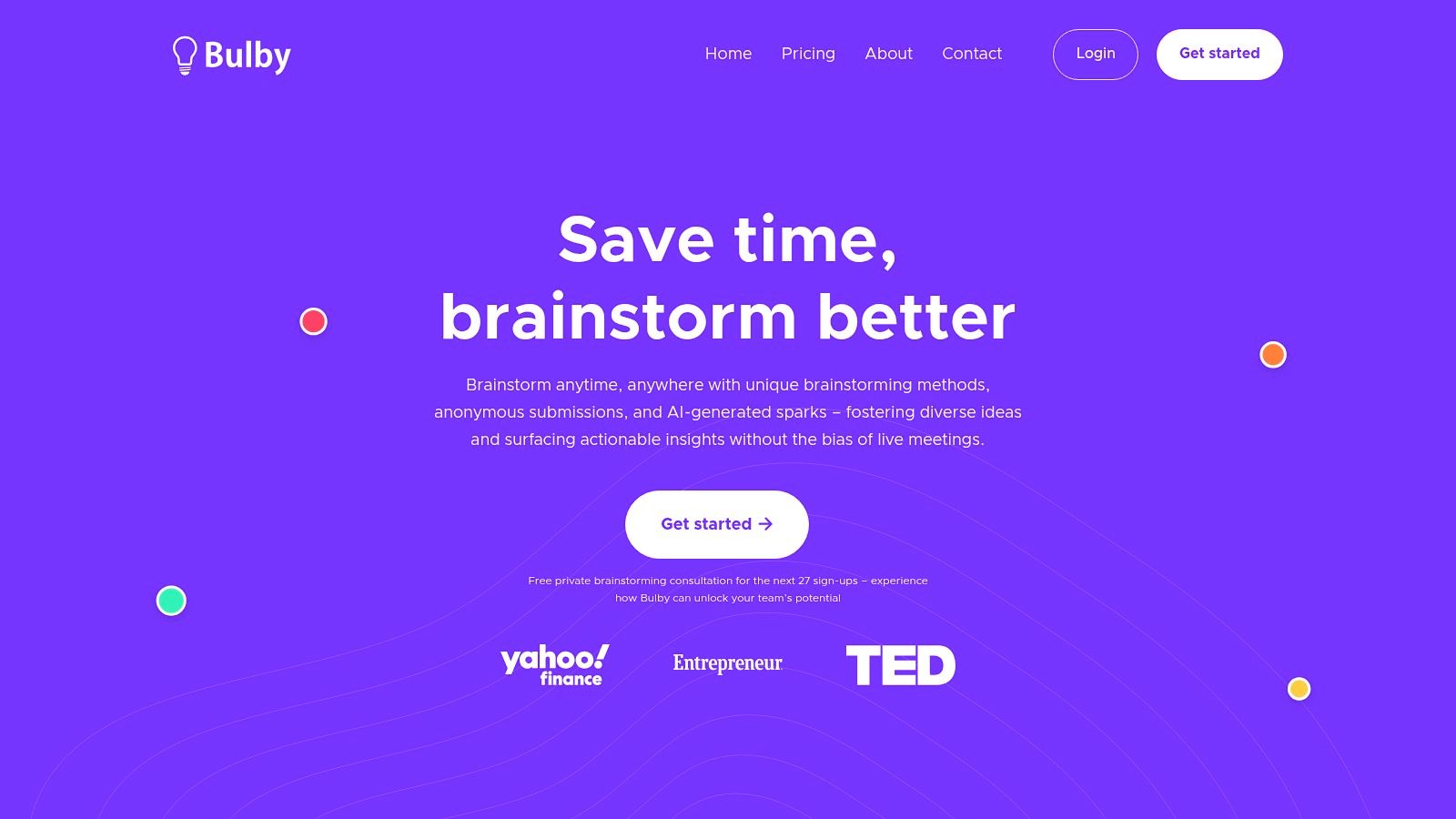
Bulby is an intelligent brainstorming platform that transforms unstructured ideation into a focused, productive process. Unlike general-purpose virtual team communication tools that rely on open-ended video calls, Bulby provides a structured, six-step framework designed to guide creative thinking. It excels at eliminating common remote brainstorming pitfalls, such as groupthink and dominant voices, by leveraging AI and anonymity to ensure all ideas are heard and considered equally.
This platform is a standout choice for teams that need to generate high-quality, innovative ideas without the chaos of a traditional free-for-all. Its guided workflow makes it particularly effective for product development, marketing campaigns, and strategic planning sessions where deep, unbiased thinking is crucial.
Core Features & Strengths
Bulby’s strength lies in its structured methodology, which systematically moves a team from initial problem framing to actionable solutions. This structured approach makes it one of the most effective virtual team communication tools for targeted creative work.
- AI-Powered Prompts: The platform uses AI to generate thought-provoking questions and "How Might We" statements, helping teams break through creative blocks and explore problems from new angles. This feature ensures sessions remain dynamic and productive.
- Anonymous Contributions: All ideas are submitted anonymously during the ideation phase. This psychological safety net encourages participation from quieter team members and removes the bias associated with seniority or personality, leading to a more diverse pool of ideas.
- Structured Six-Step Process: Bulby guides users through a clear workflow: Define, Ideate, Clarify, Group, Vote, and Action. This ensures that every session has a clear beginning, middle, and end, culminating in a concrete action plan.
- Measurable Outcomes: Instead of ending with a vague collection of notes, a Bulby session produces a prioritized list of ideas and clear next steps. This transforms brainstorming from a conversational exercise into a measurable, results-driven activity.
Ideal Use Cases
Bulby is best suited for focused, outcome-driven ideation sessions rather than daily, informal communication. It is an indispensable tool for:
- Product Teams: Developing new features, solving complex user problems, and mapping out product roadmaps.
- Creative Agencies: Brainstorming campaign concepts, brand strategies, and innovative client solutions.
- Facilitators and Workshop Leaders: Running engaging, structured workshops that guarantee high participation and clear, actionable outputs.
Practical Implementation
To get the most out of Bulby, facilitators should prepare a clear problem statement or challenge before the session begins. Encourage the team to trust the structured process, especially the anonymous ideation stage, to foster an environment of open creativity.
Pricing: Bulby offers a tiered pricing model, including a free plan for small teams, a Pro plan for growing businesses, and custom Enterprise solutions.
Visit Website: bulby.io
2. Microsoft Teams
For organizations already embedded in the Microsoft 365 ecosystem, Microsoft Teams is a natural and powerful extension for virtual team communication. It serves as a central hub, unifying chat, video meetings, file storage, and application integration into a single interface. Its primary strength lies in its seamless integration with apps like Word, Excel, PowerPoint, and SharePoint, allowing teams to co-author documents and collaborate on files in real-time without ever leaving the Teams environment. This deep connection makes it one of the most cohesive virtual team communication tools for businesses reliant on Microsoft's productivity suite.

Teams excels in structured, channel-based conversations that keep projects organized and information accessible. Its video conferencing is robust, featuring live captions, transcripts, and background effects, while its enterprise-grade security and governance controls are a major draw for larger companies with strict compliance requirements.
Key Considerations
- Ideal For: Companies heavily invested in Microsoft 365 seeking a unified platform with strong security.
- Standout Feature: The native, real-time collaboration on Office documents directly within chats and meetings.
- Pricing: A basic version is free. Paid plans are typically bundled with Microsoft 365 Business subscriptions, starting around $6 per user/month, with more advanced features in higher-tier enterprise plans.
- Limitation: The user experience can feel busy, and its full potential is only unlocked when your team fully adopts the wider Microsoft 365 suite. To get the most out of the platform, it is helpful to follow best practices for team collaboration in Microsoft Teams.
Website: https://www.microsoft.com/en-us/microsoft-teams
3. Zoom Workplace
Initially known for its world-class video conferencing, Zoom has evolved into Zoom Workplace, a unified platform designed to support the full spectrum of virtual team communication. It consolidates its renowned HD video meetings with persistent team chat, a digital whiteboard, and asynchronous tools like Clips and Notes. This transformation makes it a powerful contender for teams that prioritize a video-first user experience but also require a suite of integrated tools to reduce context switching and keep conversations flowing before, during, and after meetings.
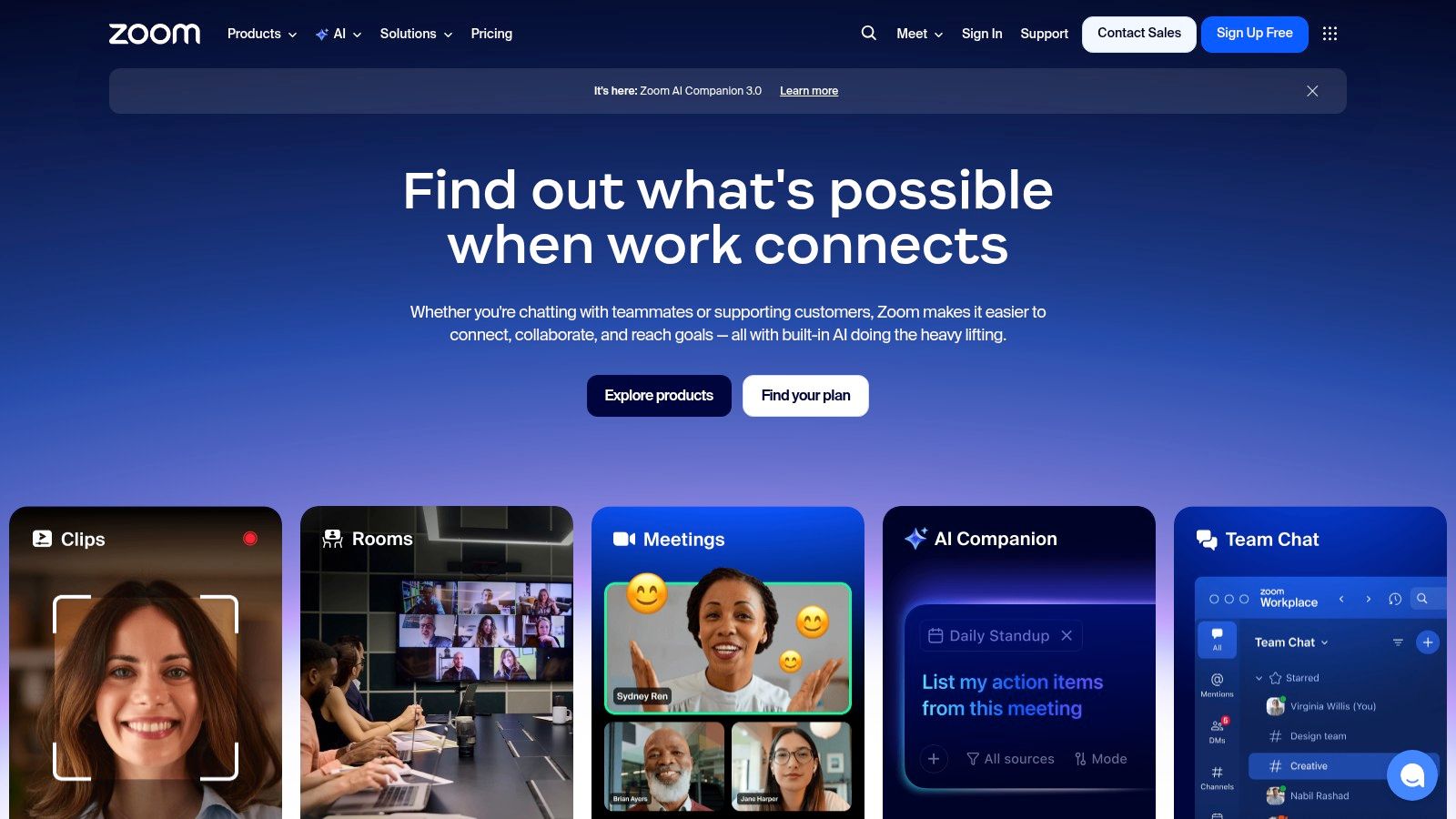
Zoom’s strength lies in its familiar, easy-to-use interface that requires minimal onboarding for new team members. The platform now includes the AI Companion on all paid tiers at no additional cost, offering powerful features like meeting summaries, next-step generation, and content creation prompts across the suite. With a large marketplace for integrations and optional add-ons for Phone, Rooms, and Webinars, Zoom provides a scalable solution that can grow with a team’s needs, solidifying its place among the most versatile virtual team communication tools available.
Key Considerations
- Ideal For: Video-centric teams looking for a familiar UX combined with an expanding suite of AI-powered collaboration tools.
- Standout Feature: The AI Companion, which provides intelligent summaries, task identification, and writing assistance across meetings, chat, and whiteboard at no extra cost for paid users.
- Pricing: A robust free plan is available. Paid plans start at $149.90 per user/year, with Business and Enterprise tiers offering more features and administrative controls.
- Limitation: While the core platform is comprehensive, accessing advanced functionalities like a dedicated phone system or webinar hosting requires purchasing separate add-on plans.
Website: https://www.zoom.com
4. Slack
Often credited with pioneering the modern channel-based messaging category, Slack remains a dominant force among virtual team communication tools. It excels at creating a digital headquarters where conversations are organized, searchable, and accessible. Its core strength is a user-friendly interface that masterfully balances asynchronous communication through channels with real-time collaboration via "Huddles" for spontaneous audio or video chats. The platform's design makes it incredibly intuitive for teams to create dedicated spaces for projects, departments, or social topics, keeping discussions focused and transparent.
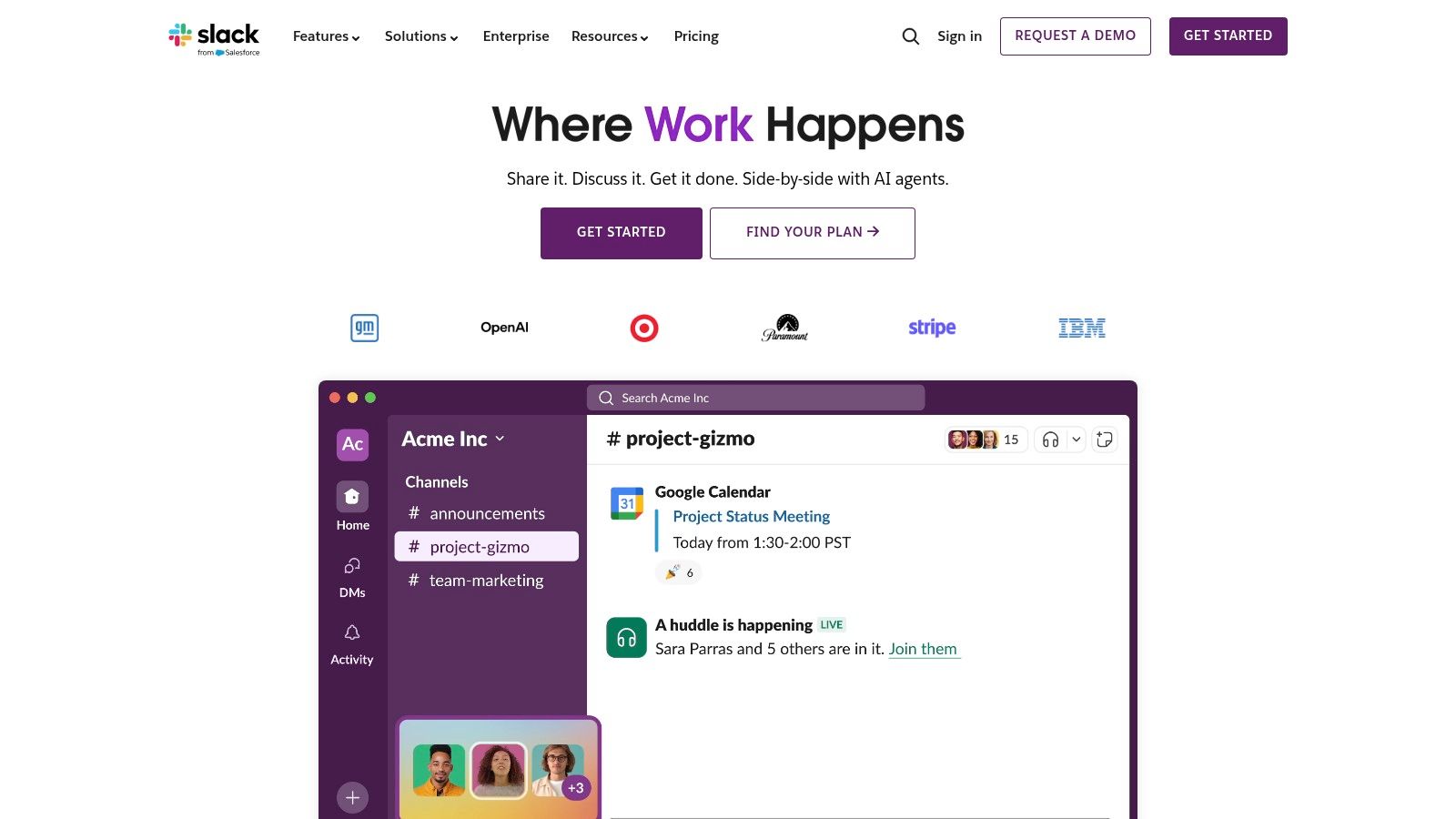
Slack's power is amplified by its massive app directory and robust workflow automation capabilities. Teams can integrate thousands of third-party tools, bringing notifications and actions from apps like Jira, Google Drive, and Asana directly into their chat interface. Features like Slack Connect also simplify collaboration with external partners and clients by extending a secure channel to them. Recently added AI features further enhance productivity by summarizing long threads and improving search, making it easier to catch up and find information quickly.
Key Considerations
- Ideal For: Tech-forward companies, startups, and agile teams that prioritize a best-in-class messaging experience and deep integrations.
- Standout Feature: Its extensive app ecosystem (2,600+ integrations) and powerful workflow builder that centralizes notifications and automates routine tasks.
- Pricing: A generous free plan is available with limitations on message history. Paid plans start at $7.25 per user/month (billed annually), unlocking unlimited history, more integrations, and features like Huddles with screen sharing.
- Limitation: Without proper governance and clear guidelines, the platform can suffer from "channel sprawl," leading to notification fatigue and disorganized communication. The per-user cost can also become significant for very large teams.
Website: https://slack.com
5. Google Workspace (Meet & Chat)
For teams deeply integrated into Google's ecosystem, Google Workspace offers a highly cohesive and intuitive suite of virtual team communication tools. It seamlessly combines Gmail, Drive, Docs, Sheets, and Slides with Google Chat for messaging and Google Meet for video conferencing. The platform's core advantage is the frictionless, real-time collaboration it enables; team members can co-edit documents, launch a video call from a chat thread, or share Drive files with intelligent permissions, all within a unified environment. This interconnectivity makes it a top choice for organizations that prioritize speed and simplicity.

Google Meet provides reliable video meetings with features like noise cancellation and, on certain plans, recording and transcription. Chat is organized into "Spaces," which function as dedicated project hubs with file sharing and task management. The recent integration of Gemini AI across the suite adds intelligent assistance to tasks like drafting emails, summarizing meeting notes, and analyzing data, further enhancing team productivity. To ensure meetings are as effective as possible, it is wise to follow established virtual meeting best practices.
Key Considerations
- Ideal For: Businesses of all sizes standardized on Google's productivity suite seeking a simple, integrated communication and collaboration solution.
- Standout Feature: The unparalleled real-time, simultaneous collaboration within Google Docs, Sheets, and Slides, directly linked to Chat and Meet.
- Pricing: Starts with Business Starter at $6 per user/month, with more storage, advanced security, and larger meeting capacities in higher-tier plans like Business Standard ($12/user/month).
- Limitation: The experience is most powerful when a team fully commits to the Google ecosystem; integrating with external tools can be less seamless than on other platforms.
Website: https://workspace.google.com
6. Cisco Webex Suite
Cisco Webex has evolved from a pioneering video conferencing tool into a comprehensive suite designed for secure, enterprise-grade collaboration. It integrates high-quality meetings, persistent messaging, calling, and digital whiteboarding into a single platform. Its primary strength is its legacy of reliability and security, making it a trusted choice for organizations in highly regulated industries or those requiring robust, scalable solutions for large-scale virtual events and meetings.
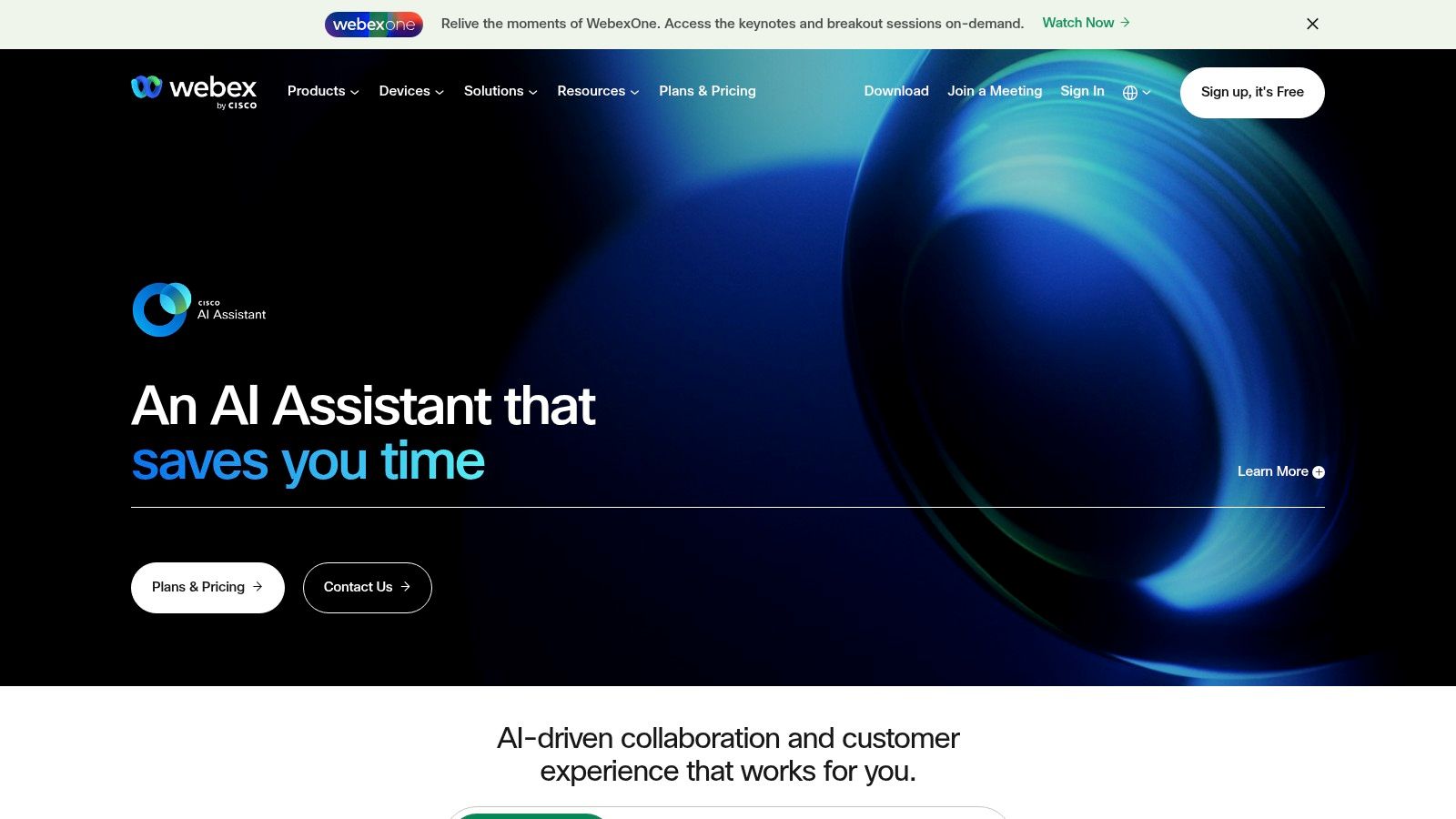
Webex excels with its powerful hardware ecosystem, offering seamless integration with dedicated room systems and devices that enhance the hybrid work experience. Features like real-time translation, advanced noise removal, and AI-powered meeting assistants further distinguish it as a premium choice among virtual team communication tools. For teams looking to formalize their remote work infrastructure, it provides the tools needed to improve team communication.
Key Considerations
- Ideal For: Large enterprises, government agencies, and organizations prioritizing security, compliance, and hardware integration.
- Standout Feature: The tight integration with a wide range of dedicated Cisco hardware for conference rooms and personal desks.
- Pricing: A basic free plan is available. Paid plans for the Webex Suite start at $15 per license/month, with custom enterprise pricing for advanced security and administrative features.
- Limitation: The user experience may feel less modern to teams accustomed to newer, chat-first platforms, and its enterprise-focused pricing can be complex for smaller businesses.
Website: https://www.webex.com
7. RingCentral
RingCentral stands out by merging team messaging, video conferencing, and a full-featured enterprise phone system into one unified platform. It's built for businesses where traditional telephony, such as VoIP numbers, call routing, and even faxing, is just as critical as modern chat and video meetings. This all-in-one approach eliminates the need for separate tools, making it one of the most comprehensive virtual team communication tools for companies wanting to streamline their entire communication stack, from internal collaboration to external customer calls.
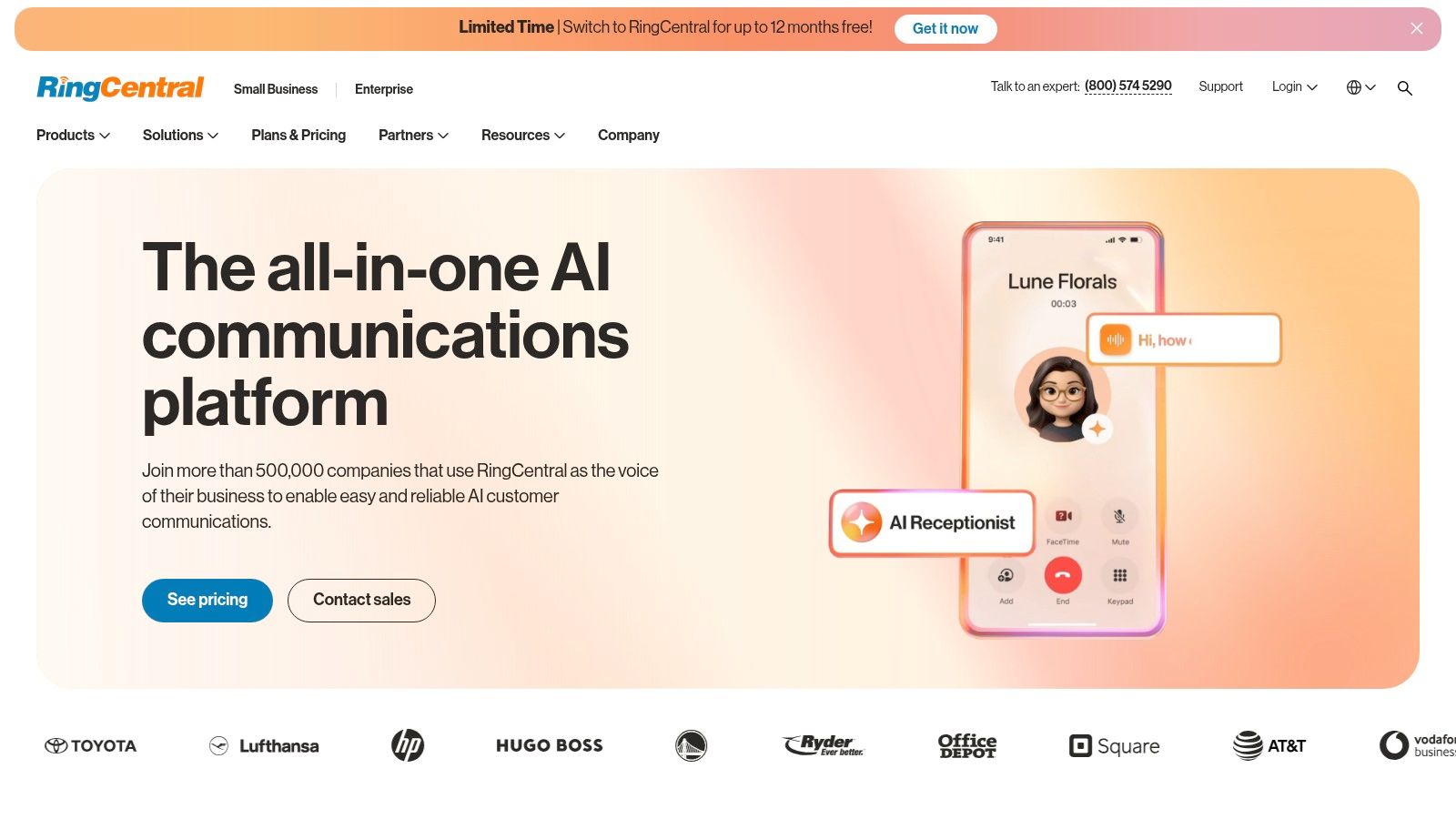
The platform offers organized, topic-based team conversations similar to other chat apps but integrates them deeply with its powerful cloud phone system. A user can start a call from a chat, flip it to their desk phone, and then switch to a video meeting on their mobile device without interruption. With strong analytics, call recording, and integrations with key business apps like Microsoft 365 and Google Workspace, it provides a robust hub for all business interactions. RingCentral is an excellent choice among other collaboration tools for remote teams.
Key Considerations
- Ideal For: Businesses needing a unified solution for internal chat, video, and a robust external-facing VoIP phone system.
- Standout Feature: The seamless integration of a powerful, enterprise-grade cloud phone system directly with team messaging and video meetings.
- Pricing: Plans start around $20 per user/month, with costs varying based on the number of users, features, and contract length. Higher tiers unlock advanced call center features and analytics.
- Limitation: The pricing structure can be complex, and the most powerful telephony features are often reserved for more expensive, upper-tier plans, which might be overkill for teams that only need basic chat and video.
Website: https://www.ringcentral.com
8. 8×8
For organizations where voice communication is as critical as messaging and video, 8×8 offers a powerful, integrated Unified Communications as a Service (UCaaS) platform. It uniquely combines team messaging, video meetings, and a robust global cloud phone system into one application. This makes it an excellent choice for businesses that need to manage internal collaboration and external customer calls with the same level of quality and control, positioning it as a specialized tool among virtual team communication tools.
The platform's strength lies in its telephony and contact center DNA, providing reliable global calling capabilities that many chat-first tools lack. Furthermore, its Communications Platform as a Service (CPaaS) offerings, like programmable video and messaging APIs, allow businesses to embed communication features directly into their own applications and workflows for a truly customized experience. This blend of off-the-shelf unity and custom potential sets it apart.
Key Considerations
- Ideal For: Global businesses needing a single platform for internal collaboration, external phone calls, and optional contact center functionality.
- Standout Feature: The tight integration of enterprise-grade global telephony with standard team chat and video meeting features.
- Pricing: Standard plans require a sales quote. However, CPaaS components like Jitsi-as-a-Service offer transparent, usage-based pricing for developers.
- Limitation: The sheer number of options across its UC, contact center, and CPaaS products can feel complex for teams seeking a simple chat and meeting solution. The core pricing is also less transparent than some competitors.
Website: https://www.8×8.com
9. Mattermost
Mattermost is an open-source collaboration platform designed for technical and operational teams that prioritize data control, security, and customization. As a self-hostable or cloud-based solution, it offers a secure alternative to SaaS-only tools, making it one of the most trusted virtual team communication tools for organizations in regulated industries like government, defense, and finance. It provides complete ownership over data, ensuring that sensitive conversations and files remain within a company's private infrastructure.

The platform is more than just a messaging app; it integrates project management with Channels (for messaging), Boards (for kanban-style task tracking), and Playbooks (for repeatable workflow automation). This combination is particularly powerful for DevOps and incident response teams, allowing them to coordinate complex processes from a single, extensible hub. Its robust API and extensive integrations allow teams to build a command center tailored to their specific operational needs. To get the most from the platform, teams should follow asynchronous communication best practices.
Key Considerations
- Ideal For: DevOps, security, and incident response teams, as well as regulated industries needing full data sovereignty and on-premise control.
- Standout Feature: The ability to self-host for complete data control, combined with integrated Playbooks for automating complex, repeatable workflows.
- Pricing: A free self-hosted version is available for small teams. Paid Professional plans start at $10 per user/month for advanced features, with Enterprise plans offering more robust security and compliance.
- Limitation: Self-hosting requires significant internal IT resources and technical expertise to deploy, maintain, and scale effectively.
Website: https://mattermost.com
10. Rocket.Chat
For organizations where data sovereignty, security, and customization are non-negotiable, Rocket.Chat offers a powerful open-source alternative. As a self-managed or premium hosted platform, it gives teams complete control over their communication environment. This is especially critical for government, defense, and high-compliance sectors that may require air-gapped deployments or specific security protocols that most SaaS-based virtual team communication tools cannot provide. Its strength lies in its flexibility, allowing deep customization and secure federation with other communication networks.
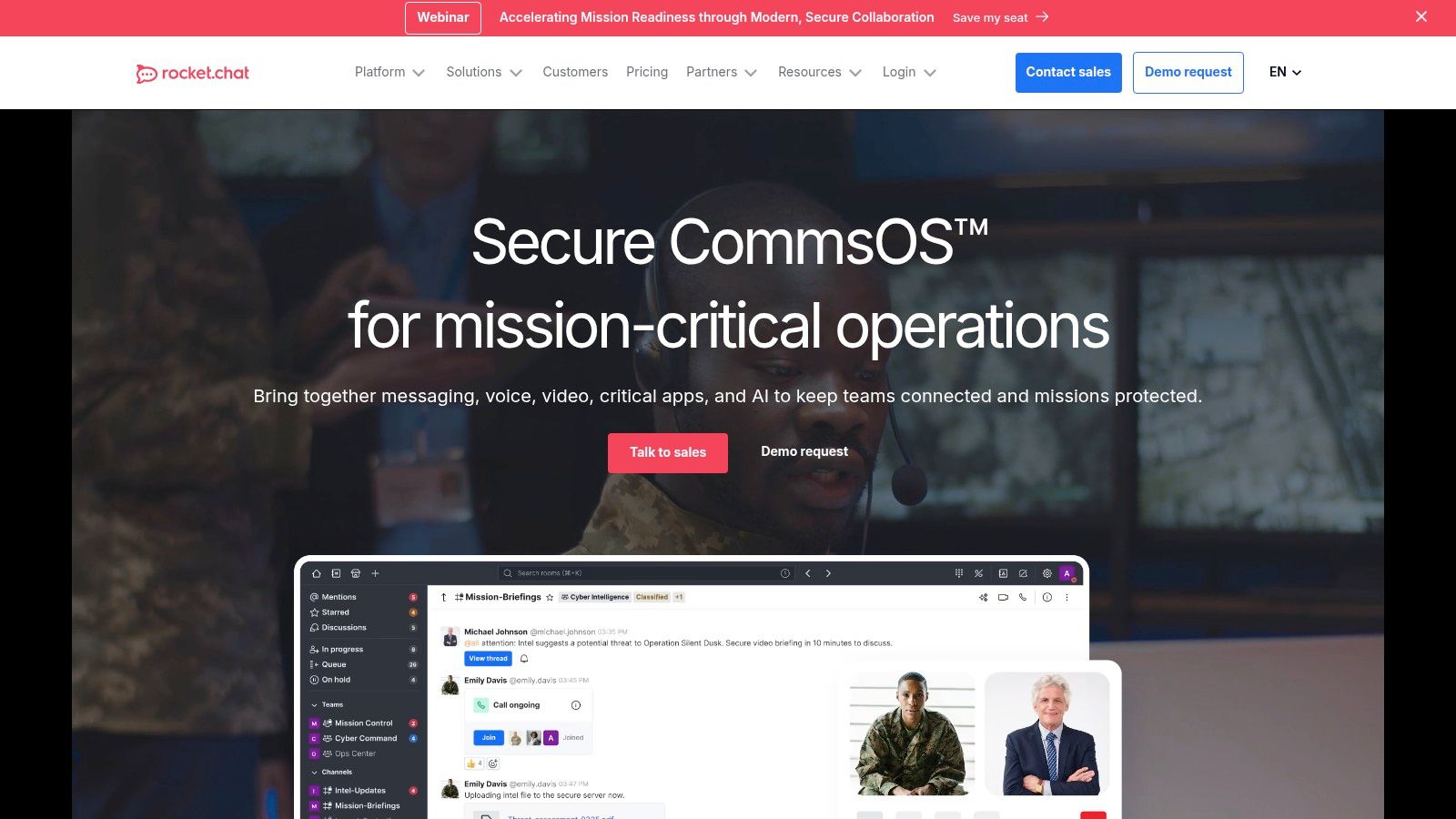
Rocket.Chat provides all the core features expected of modern chat platforms, including channels, direct messages, and video call integrations. However, it distinguishes itself with advanced features like role-based access controls, extensive white-labeling options, and a robust API for building custom integrations. The platform is designed to scale from small teams piloting a free self-managed server to large enterprises requiring 24/7 dedicated support and high-availability infrastructure.
Key Considerations
- Ideal For: Organizations with strict data privacy and security requirements, such as government, finance, and healthcare.
- Standout Feature: The ability to deploy on-premise or in a private cloud, including air-gapped networks, for complete data control.
- Pricing: A free "Starter" plan is available for self-managed deployments. Paid cloud and enterprise plans offer more features, scalability, and support, with custom pricing for enterprise needs.
- Limitation: The self-hosted version requires technical expertise to deploy, maintain, and secure properly, which can be a barrier for teams without dedicated IT resources.
Website: https://www.rocket.chat
11. Workvivo
Workvivo takes a different approach to virtual team communication, focusing less on project-based chat and more on organization-wide employee engagement. It functions as a modern social intranet, creating a central hub for company news, culture-building activities, and employee recognition. Its design mirrors a familiar social media feed, making it intuitive for employees to share updates, celebrate wins, and participate in company-wide conversations through posts, articles, and live video streams. This makes it a powerful tool for connecting distributed teams and fostering a sense of community across the entire organization.
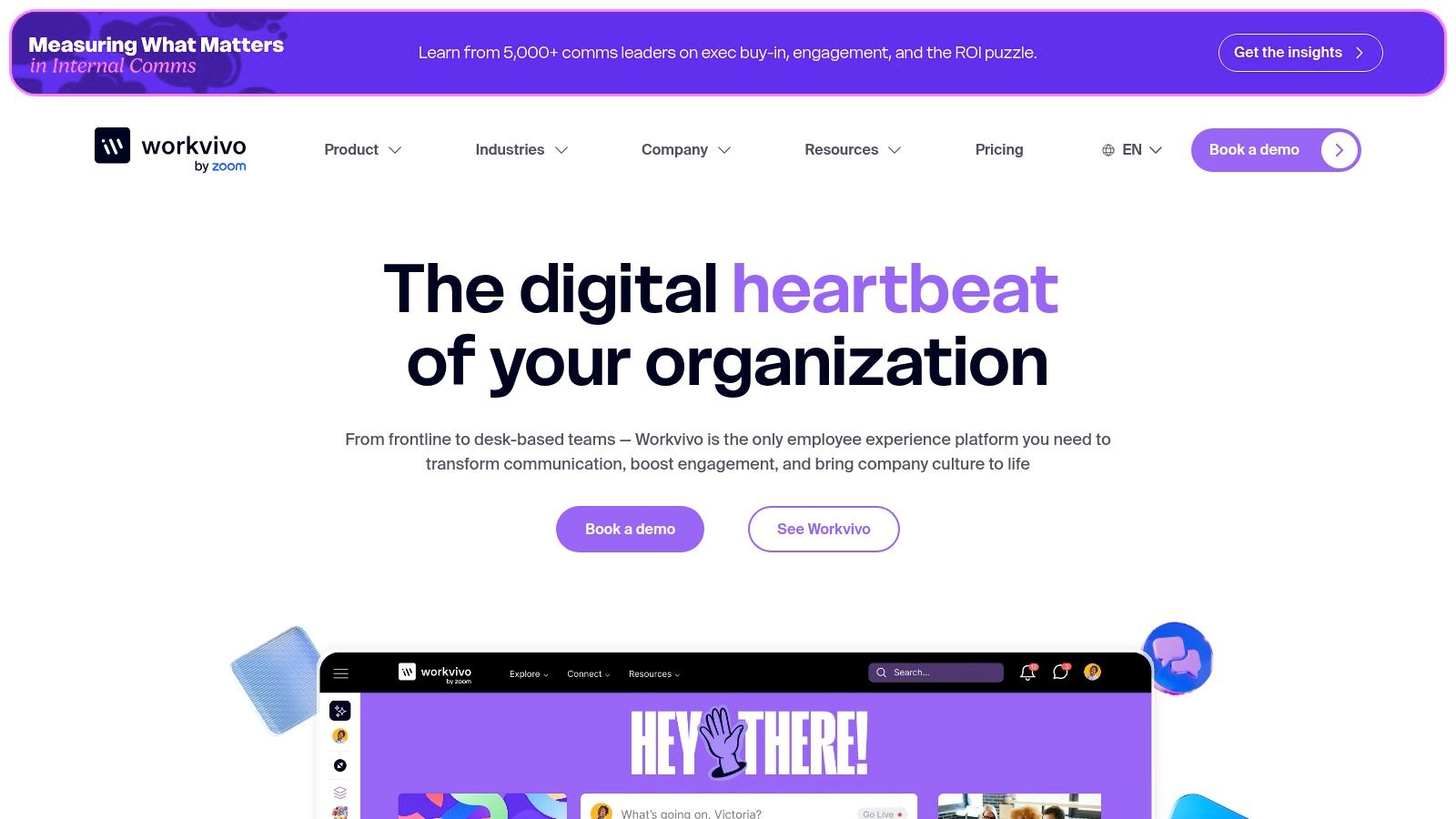
The platform, which is now part of Zoom, excels at top-down and cross-departmental communication. Leadership can easily share key messages, and built-in pulse surveys and analytics provide valuable insights into employee sentiment. For companies looking to migrate from tools like Meta Workplace or replace an outdated intranet, Workvivo offers a purpose-built solution designed to drive engagement and align everyone with the company's mission and values, making it one of the more unique virtual team communication tools available.
Key Considerations
- Ideal For: Medium to large enterprises focused on improving corporate culture, employee engagement, and internal communications.
- Standout Feature: The social intranet-style feed combined with robust analytics for measuring employee engagement and communication effectiveness.
- Pricing: Pricing is available by quote only. It is an enterprise-focused product that requires implementation and is not self-serve.
- Limitation: It is not a replacement for project-focused chat tools like Slack or Teams, although a chat add-on is available. Its value depends on active participation and a strategic approach to internal communications.
Website: https://www.workvivo.com
12. G2 – Team Collaboration/Communication Category
Rather than being a singular tool, G2's category for team collaboration serves as a crucial research hub for any team evaluating their options. It is a comprehensive software marketplace and review platform where you can compare dozens of virtual team communication tools based on verified user feedback, feature grids, and satisfaction scores. Its primary value is in the discovery and validation phase, allowing you to filter solutions by company size, user ratings, and specific features to create a data-driven shortlist before committing to demos or trials. This meta-level approach provides a powerful starting point for navigating the crowded software landscape.
G2 excels at aggregating real-world user experiences, offering honest insights into a tool's strengths and weaknesses that you won't find on a vendor's marketing page. The platform's Grid reports and "Best of" lists are particularly useful for identifying market leaders, high performers, and emerging contenders, helping you make a more informed and confident purchasing decision.
Key Considerations
- Ideal For: Teams at the beginning of their research process, looking to compare vendors and validate choices with real user reviews.
- Standout Feature: The comprehensive, side-by-side comparison grids and verified user reviews that provide unfiltered product insights.
- Pricing: Access to the platform for research and reviews is free for users. Vendors pay for premium listing and marketing features.
- Limitation: Sponsored listings can sometimes influence the initial order of products shown. Additionally, pricing details and feature lists may occasionally lag behind the official vendor websites.
Website: https://www.g2.com/categories/team-collaboration
Virtual Team Communication — Top 12 Tools Comparison
| Tool | Key features | UX & Rating | Value & Price | 👥 Target audience | ✨ Unique selling point |
|---|---|---|---|---|---|
| Bulby 🏆 | Research‑backed six‑step brainwriting, AI sparks & report | ★★★★☆ — Guided, high participation | 💰14‑day free trial; demo + limited free consult; enterprise via contact | 👥 Product teams, startups, facilitators, creative agencies | ✨Anonymous submissions + AI‑generated summaries |
| Microsoft Teams | Chat, channels, meetings, deep Office integration | ★★★★☆ — Enterprise familiarity & controls | 💰Included in M365 bundles; licensing complex | 👥 Enterprises & Microsoft 365 shops | ✨Deep Office app & compliance integration |
| Zoom Workplace | HD meetings, chat, whiteboard, AI Companion | ★★★★☆ — Video‑first, easy to adopt | 💰Paid tiers; AI features and add‑ons on higher plans | 👥 Remote teams prioritizing video UX | ✨AI meeting summarization, Clips & Notes |
| Slack | Channels, Huddles, rich app ecosystem (2,600+) | ★★★★☆ — Excellent async & real‑time UX | 💰Free + tiered paid plans; costs scale with users | 👥 Cross‑functional teams, startups | ✨Workflows & large integration marketplace |
| Google Workspace (Meet & Chat) | Meet, Chat, Drive & Docs with Gemini AI | ★★★★☆ — Seamless co‑editing & search | 💰Competitive tiers; best value within Google ecosystem | 👥 Teams standardized on Google tools | ✨Real‑time Docs/Slides co‑editing + Gemini AI |
| Cisco Webex Suite | Meetings, messaging, whiteboard, device ecosystem | ★★★☆☆ — Enterprise/security focused | 💰Enterprise pricing; hardware add‑ons | 👥 Regulated, large enterprises & room deployments | ✨Hardware + FedRAMP/strong compliance options |
| RingCentral | Team chat, video, VoIP business phone, analytics | ★★★☆☆ — Strong telephony UX | 💰Tiered plans; phone bundles for US/CA markets | 👥 Businesses needing integrated telephony | ✨Built‑in business calling & local/toll‑free numbers |
| 8×8 | Messaging, meetings, global calling, CPaaS APIs | ★★★☆☆ — Calling & programmable communications | 💰Quote‑based UC pricing; transparent CPaaS options | 👥 Organizations needing global calling & APIs | ✨CPaaS + contact center integrations |
| Mattermost | Channels, boards, playbooks; self‑host or cloud | ★★★★☆ — Secure, extensible, self‑hostable | 💰Open‑source starter; paid enterprise tiers | 👥 DevOps, regulated industries, on‑prem teams | ✨Data sovereignty & granular control |
| Rocket.Chat | Channels, federation (Matrix), air‑gapped deploys | ★★★★☆ — Highly customizable & secure | 💰Zero‑cost self‑host starter; paid enterprise | 👥 Government, defense, high‑compliance orgs | ✨Air‑gapped deployments & federation |
| Workvivo | Company feed, live streams, recognition, analytics | ★★★☆☆ — Employee engagement focus | 💰Quote‑based enterprise pricing | 👥 Internal comms, HR & large orgs | ✨Purpose‑built employee engagement analytics |
| G2 – Team Collaboration | Category reviews, comparison grids, verified scores | ★★★★☆ — Useful for shortlisting vendors | 💰Free to browse; sponsored listings may appear | 👥 Buyers, procurement, IT evaluators | ✨Verified user reviews + category leaderboards |
Building Your Digital Headquarters: The Path Forward
Navigating the expansive landscape of virtual team communication tools can feel overwhelming. Throughout this guide, we've explored a wide array of options, from comprehensive suites like Microsoft Teams and Zoom Workplace to specialized, open-source platforms like Mattermost. The core lesson is clear: there is no universal "best" solution. The most effective tool is the one that seamlessly integrates into your team’s unique workflow, culture, and project demands.
Your digital headquarters is more than just a collection of software; it's the central nervous system of your remote or hybrid operation. A poorly chosen tool creates friction, adds cognitive load, and hinders productivity. Conversely, the right stack empowers your team, making collaboration feel intuitive and natural, almost as if the technology itself has disappeared. The goal is to build a communication ecosystem where work flows freely, not one that requires constant troubleshooting and workarounds.
Key Takeaways and Actionable Next Steps
To move from analysis to action, it’s crucial to distill the information into a clear decision-making framework. Reflect on the platforms we've covered, from the enterprise-grade security of Cisco Webex to the community-focused feel of Workvivo, and consider these final points.
1. Define Your Core Communication Needs First
Before you get captivated by feature lists, ground your search in your team's reality.
- Synchronous vs. Asynchronous: Does your team thrive on real-time brainstorming sessions, or is deep, focused work supported by asynchronous updates more critical? Tools like Slack and Teams excel at the former, while platforms with strong project management integrations better support the latter.
- Internal vs. External: Do you primarily communicate within your team, or is seamless collaboration with clients, partners, and vendors a daily necessity? Solutions like RingCentral and 8×8 often provide robust external communication features, such as integrated business phone systems.
- Innovation vs. Operation: Is your primary goal to streamline routine operational tasks, or is it to foster a culture of creative problem-solving and innovation? While most tools support operations, specialized platforms like Bulby are purpose-built to facilitate structured ideation and collaborative innovation.
2. Create a Shortlist and Run Pilot Tests
Resist the urge to make a top-down decision based solely on this article. The most successful implementations are team-driven.
- Select 2-3 Contenders: Based on your needs assessment, choose a few top virtual team communication tools from our list that appear to be the best fit.
- Engage a Pilot Group: Form a small, diverse group of team members to test each platform in a real-world scenario. Let them use the free trials to run a small project or manage their daily tasks for a week.
- Gather Structured Feedback: Don't just ask, "Did you like it?" Ask specific questions: How did it impact your focus? Was it easy to find information? Did it reduce the number of emails you sent? This qualitative data is invaluable.
3. Prioritize Integration and Scalability
A communication tool doesn't exist in a vacuum. Its true power is unlocked when it connects with the other software your team relies on daily. Before committing, verify its ability to integrate with your existing project management, CRM, and file storage systems. Furthermore, consider your future growth. Will the pricing model and feature set of your chosen tool scale with your team, or will you be forced to migrate again in a year?
Choosing the right set of virtual team communication tools is a strategic investment in your company's culture and long-term success. It’s about consciously designing a digital environment that nurtures connection, clarity, and collaboration. By taking a thoughtful, user-centric approach, you are not just selecting software; you are building a resilient foundation for your distributed team to achieve its greatest work, no matter where they are.
Ready to move beyond basic chat and video to foster genuine innovation within your remote team? While many tools help you talk, Bulby is designed to help you think together. See how our structured ideation platform can transform your brainstorming sessions into actionable outcomes by visiting Bulby.